
Wizora - Your AI Assistant in Planogramming

Instant Analysis
No need to jump between tabs or dig through multiple analytics reports in PlanoHero. Save hours on analysis. Just ask Wizora, and AI brings the right data to you.

Trained on Retail Data
Wizora is trained on retail data and understands your merchandising workflows, sales performance, planograms, store layouts, and fixtures to provide actionable insights for smarter business decisions.

Personalized Insights
Every insight from Wizora is based exclusively on your stores’ real performance data. The AI analyzes it in the context of each planogram or store plan to show what works, what needs improvement, and why. Identify underperforming products, detect sales losses, and receive real-time recommendations to improve results.

AI that Acts Like an Analyst
Wizora doesn’t just give you answers, it shows how it got there. Get step-by-step logic, clear explanations, and full transparency behind every insight, so you can trust the data, validate decisions, or dive deeper when needed.

Natural Conversations
Chat with Wizora like you would with an analyst. Ask follow-ups, change the topic, dig deeper, request details — all in natural language. Don’t understand data? Just ask Wizora to explain, so you can act fast and confidently.

Faster Decision-Making
Wizora aggregates data and delivers insights in seconds, helping you act quicker with confidence. Make decisions faster, reduce errors, and focus on what truly drives retail success.
What is Wizora in PlanoHero?
Your built-in AI assistant uses real-time retail data to help you understand what’s happening on the shelves, track product sales, stock, and planogram execution in your stores. Just type your question or use smart templates.
-
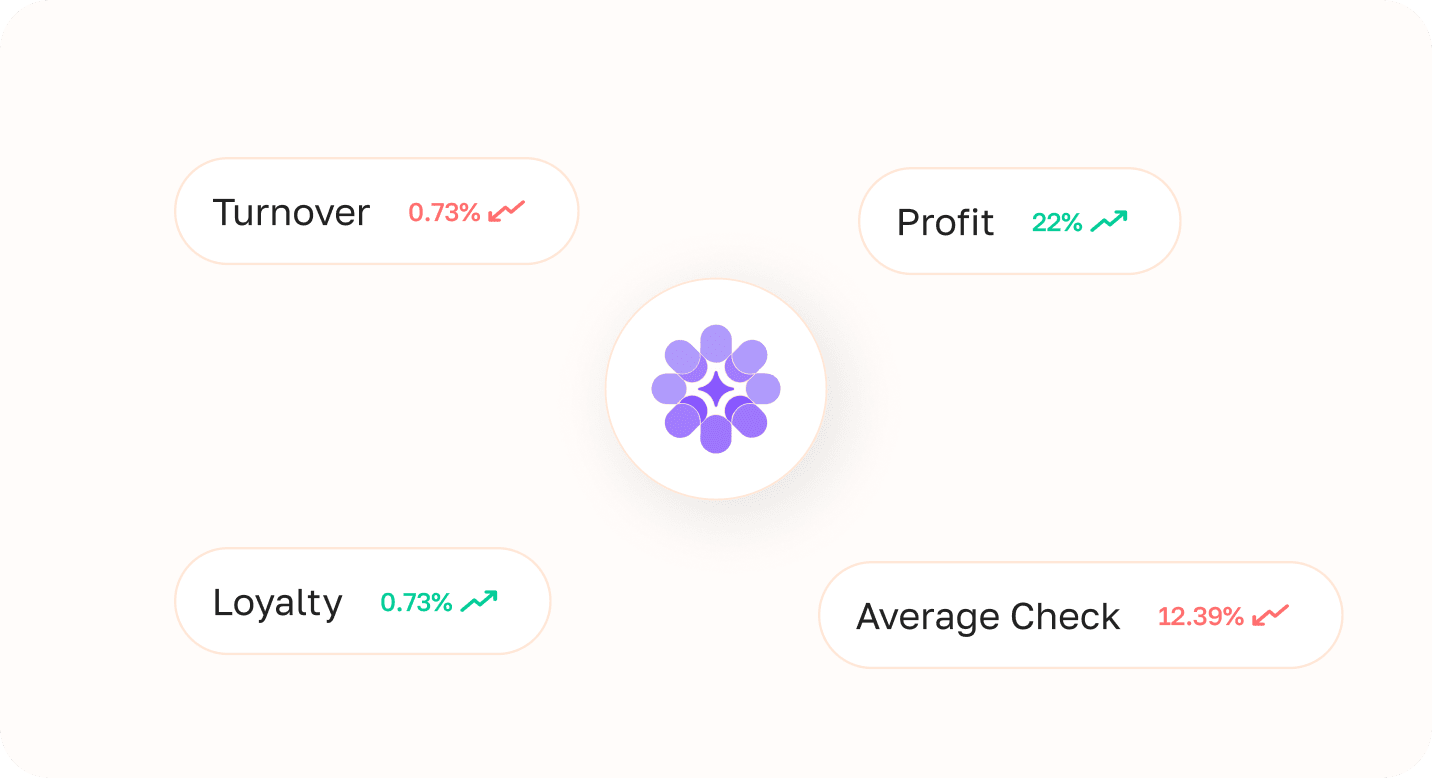
Analyze Performance
Wizora helps you understand what works and what doesn’t. Analyze the performance of products, categories, plans, and planograms using real data. Identify high-performing categories and weak spots in your shelf strategy to quickly optimize your assortment, adjust layouts, and drive more sales.
-
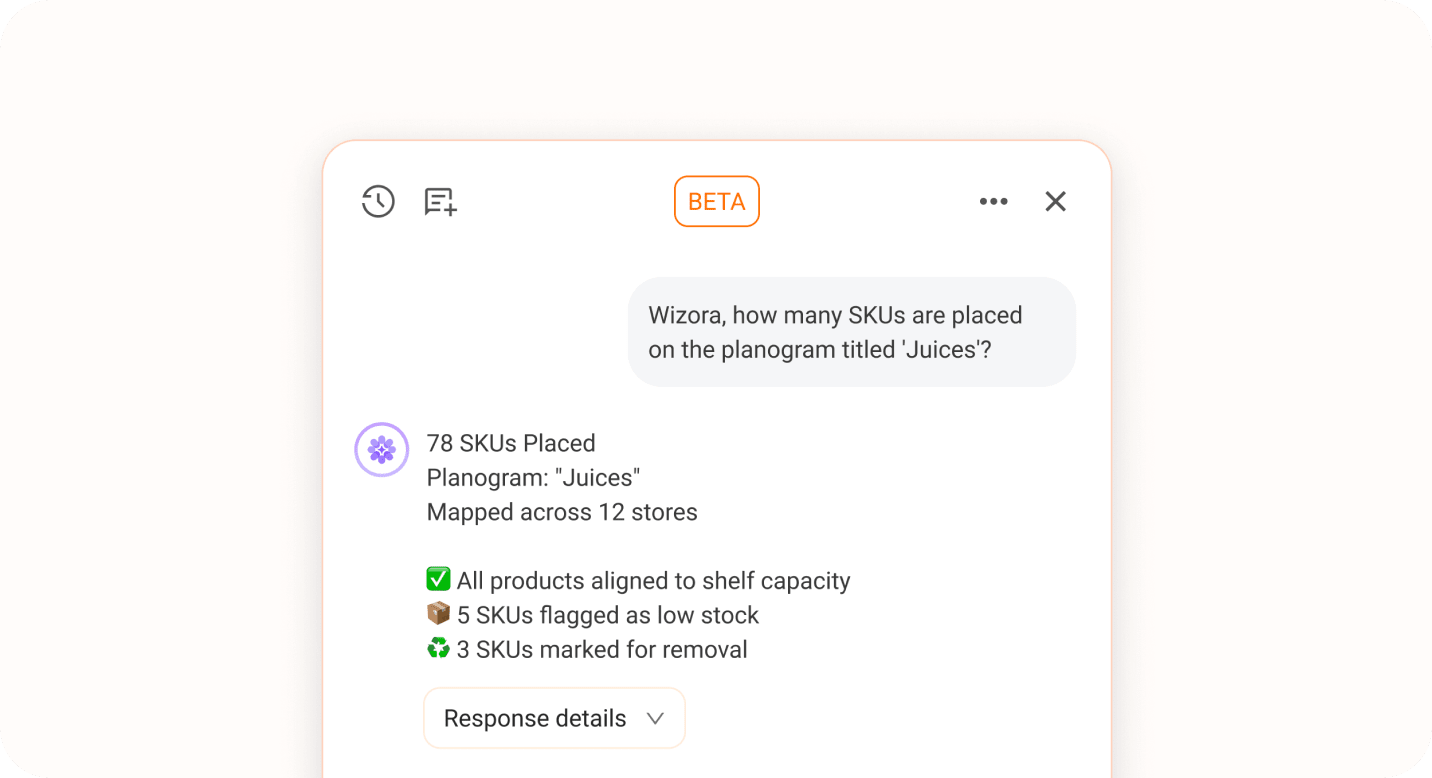
Get Key Product Placement Stats
Ask Wizora for the number of products on planograms and which stores still don’t have floor plans or planograms. Instantly identify display gaps, out-of-stock items, and products marked for removal. Use these insights to restock shelves on time, prevent lost sales, and take full control over shelf execution.
-
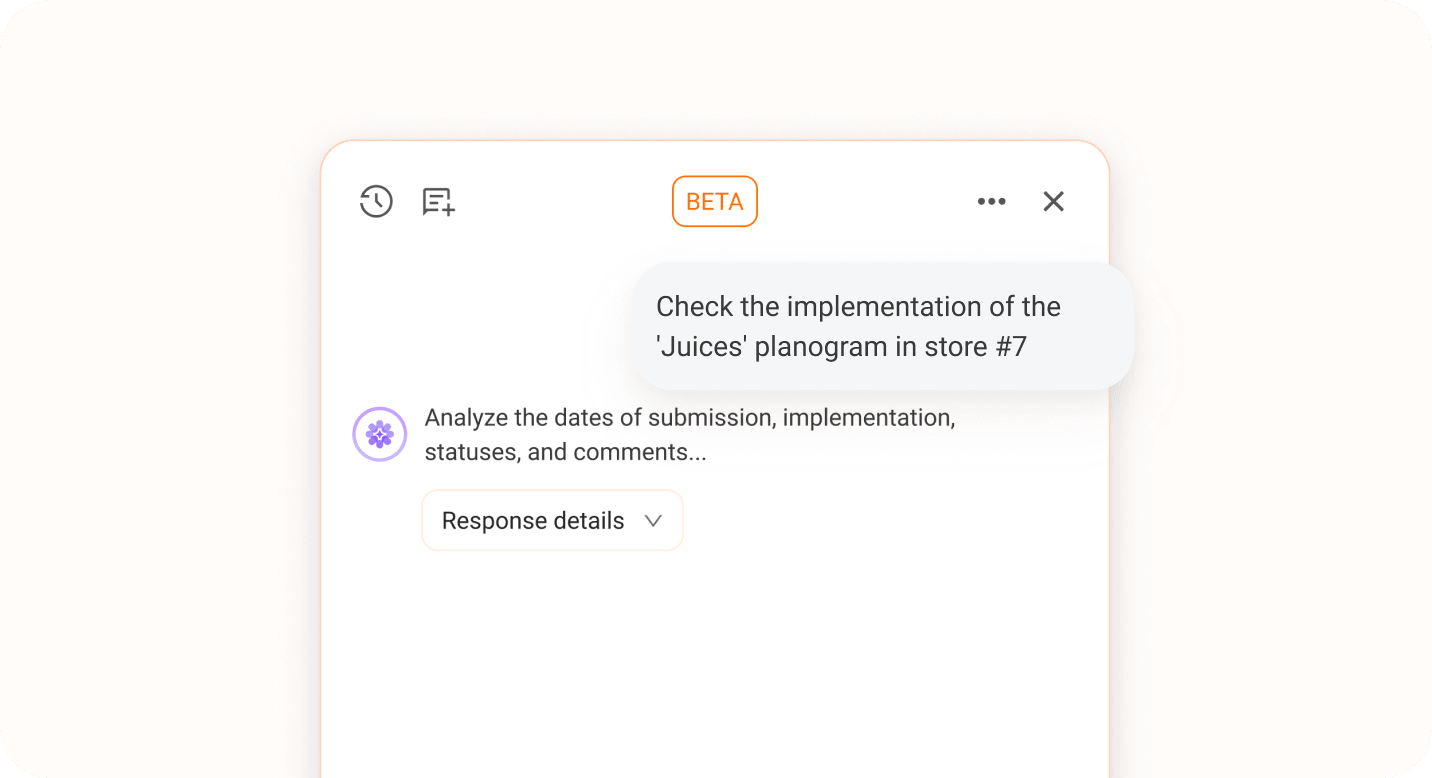
Planogram Execution Control
Track how well your planograms are being followed across stores. Ask Wizora about details on execution status, completion and submission dates, photo reports, comments, and whether deadlines were met. Quickly identify issues, prevent shelf chaos so your merchandising strategy is implemented exactly as planned, and delivers results, store by store.
-
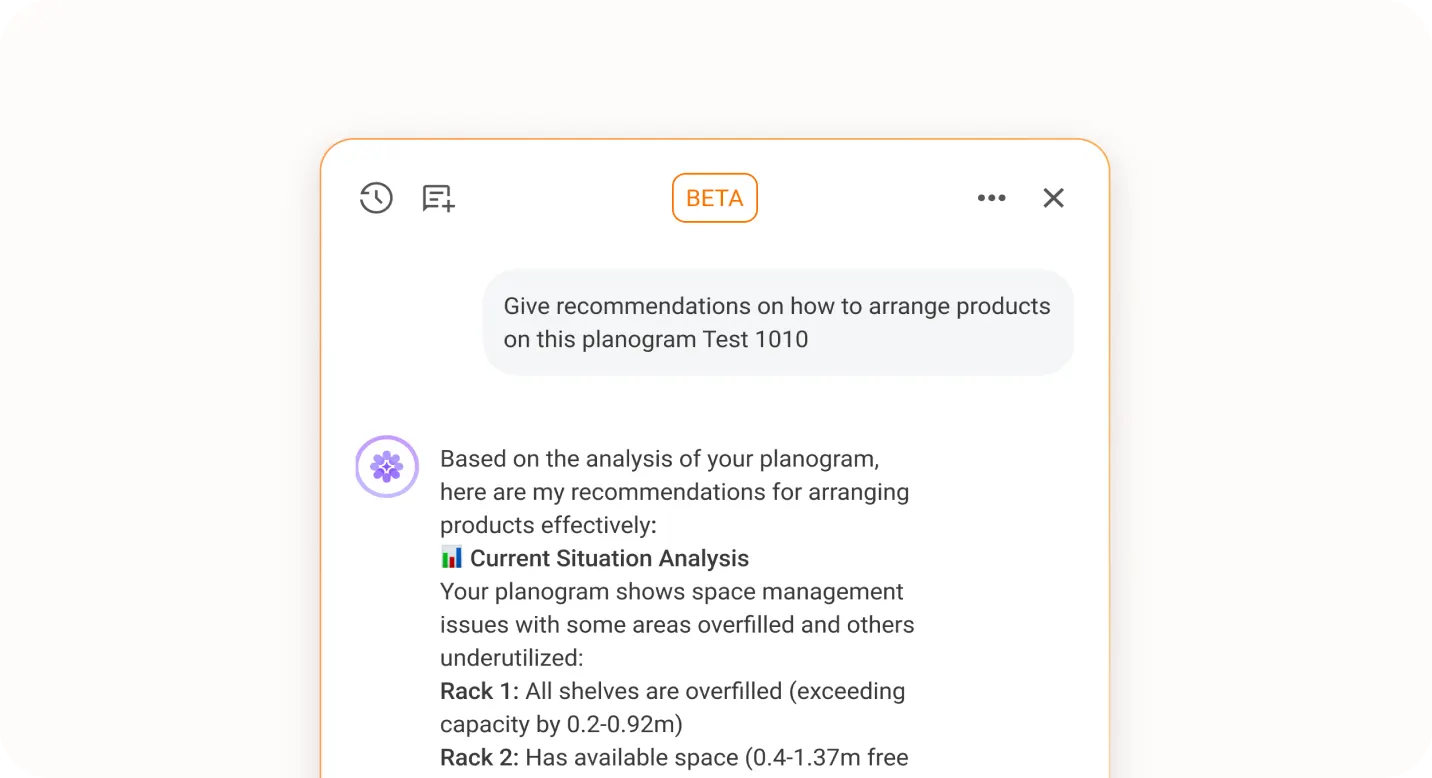
AI-Driven Planogram Recommendations
Wizora goes beyond data - it turns insights into action. The AI evaluates planogram and product performance, uncovers weak points in your displays, and delivers clear, profit-driven recommendations. Find out exactly which products to move, where to optimize facings, and how to rebalance shelf space to maximize sales.
-
Wizora Context Intelligence
Wizora knows exactly where you’re working - a store plan or a planogram - and analyzes the data in that context.
The AI takes previous queries into account, deepens the analysis, and delivers actionable insights. Ask Wizora, and it will explain why sales are low and recommend how to adjust your displays for maximum results.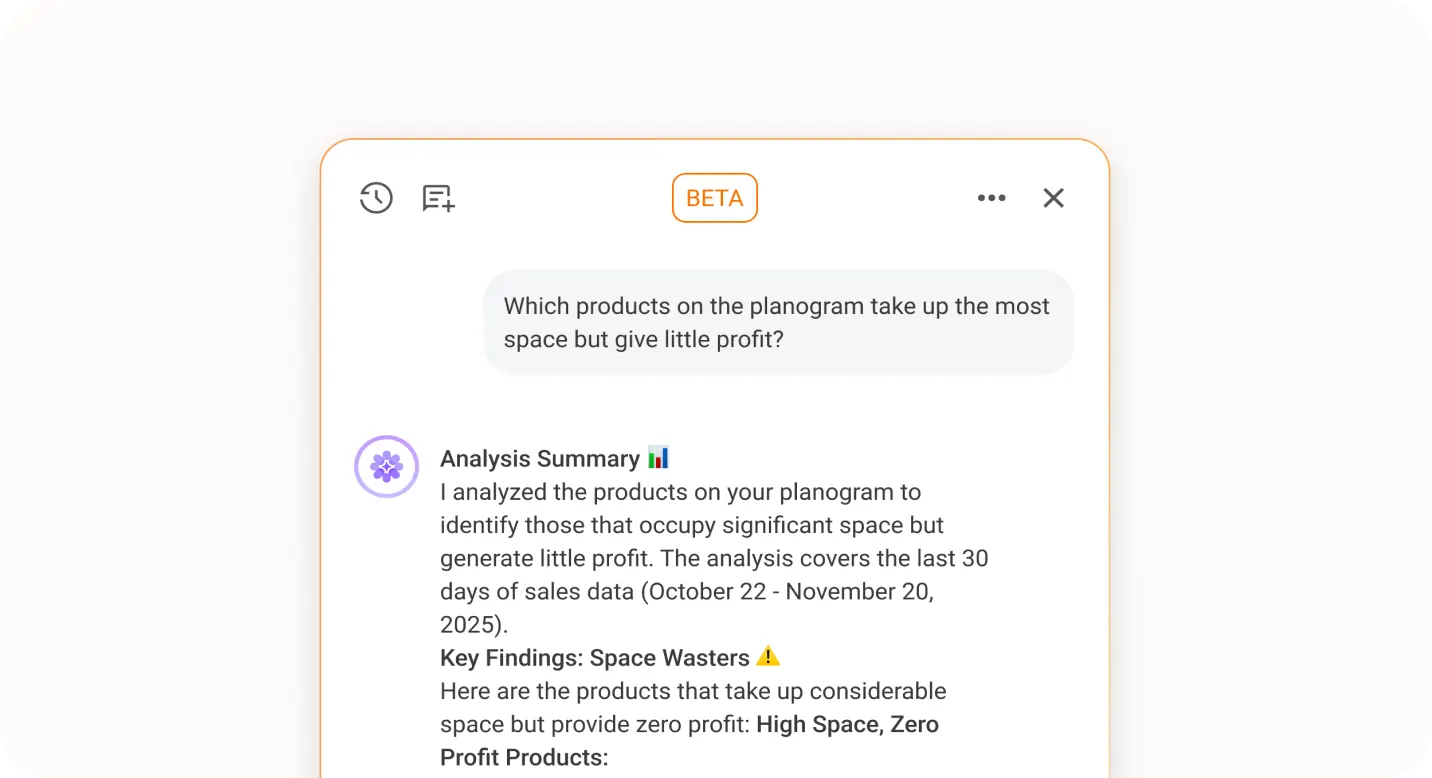
How Different Retail Teams Use Wizora
Wizora learns from your layouts, product data, and sales performance to help every team member make smarter shelf decisions.
How to identify underperforming brands in a retail category
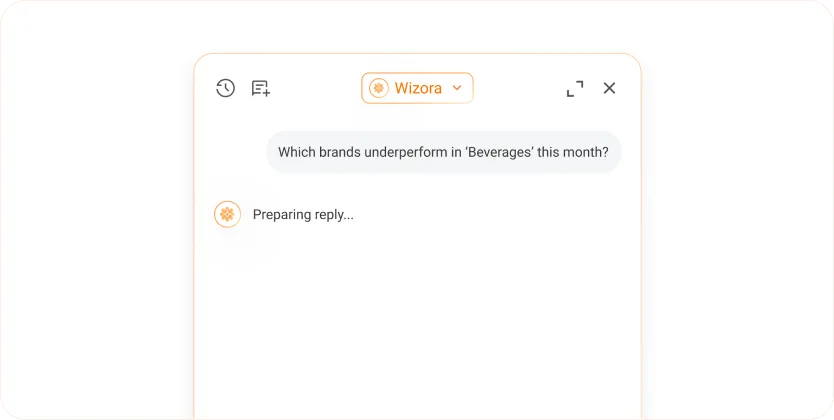
Ask Wizora:"Which brands underperform in Beverages this month?"
Wizora compares sales by brand within the selected category against the chain average for the period. It surfaces brands performing below baseline, shows the likely cause - reduced facings, out-of-stock events, or layout changes and suggests which planogram adjustments would recover sales.
How to track planogram compliance across multiple stores
Ask Wizora: "Which stores are missing up-to-date planograms?"
Wizora scans execution status across all store locations and returns a list of stores without a current planogram, including the date of the last update and whether a floor plan exists. You can act on the gaps directly, assign planograms or flag stores for follow-up without leaving the platform.
How to analyze planogram profitability by category
Ask Wizora: "Which category on planograms brought the highest profit in the last 30 days?"
Wizora pulls sales and margin data by category across all planograms in the selected period, ranks them by profit contribution, and shows the top performers alongside the weakest. You can drill into any category to see which SKUs or shelf positions drive the result and which planogram layout correlates with higher sales. From there, you can ask Wizora to suggest which layout changes would improve performance in the weakest categories.
How to find best-performing planograms in a retail chain
Ask Wizora: "Top 5 planograms by turnover in June?"
Wizora ranks planograms by revenue for the selected month and shows the top performers with store location, category, and turnover data. You can immediately see which layouts drive the most sales and use those as templates for new store openings or underperforming locations.Ask Wizora to compare those top planogram against underperforming stores to identify what needs to change.
How to get a real-time overview of merchandising performance across all stores
Ask Wizora: "What is the current planogram execution status across all regions?"
Wizora aggregates execution data from all store locations - completion rates, overdue submissions, stores with rejected photo reports, and locations without an active planogram. The summary updates in real time, so you always see the current state of your entire chain without pulling separate reports.
Wizora - Analytics, Insights,
and Recommendations in PlanoHero

Quickly identify issues and optimize team efforts.

Gain actionable insights and uncover new growth opportunities.

Make smarter, faster decisions with AI-driven recommendations.
FAQ
Wizora is an AI merchandising assistant built into the PlanoHero platform. It analyzes your stores' real-time sales data, planogram performance, and execution status, answers questions about your retail operations in natural language. Instead of navigating reports manually, you ask Wizora directly and get actionable insights in seconds.
Wizora connects to your PlanoHero data — planograms, store plans, product catalog, sales figures, and execution reports. When you ask a question, Wizora analyzes the relevant data in context, explains its reasoning step by step, and delivers a specific recommendation or finding. It retains context across follow-up questions within the same session.
You can ask about sales performance by product, category, brand, store, or planogram; execution status and compliance across locations; products with low facings or out-of-stock risk; which layouts drive the most revenue; and which categories need assortment or placement adjustments. Wizora also accepts follow-up questions to go deeper into any finding.
Wizora works exclusively with your stores' data inside PlanoHero — including planogram structure and product placement, sales and turnover metrics, planogram execution status and photo reports, stock levels, and store floor plan information. It does not use external benchmarks or generic retail data.
AI Layout Rules helps to generate automated layout rules for planograms based on conditions you define - it handles product placement logic. Wizora is a conversational assistant that analyzes performance data and answers questions about what is happening in your stores and why. AI PlanoHero automates the doing; Wizora helps with the understanding and decision-making.
Wizora is designed for everyone involved in retail merchandising decisions — category managers, merchandisers, analysts, regional managers, merchandising directors, etc. Each role can ask questions relevant to their function: category managers analyze brand performance, merchandisers check execution gaps, analysts compare planogram ROI, regional managers track top-performing layouts across the chain.
Yes. Wizora shows the reasoning behind every insight - which data was used, how it was compared, and what drove the conclusion. This transparency lets you validate findings, challenge assumptions, or drill deeper into specific metrics before acting on a recommendation.
For details please leave a request on Wizora for a demo that includes the full feature walkthrough.