
Last updated: August 26, 2026
How products are displayed on shelves affects how easily customers find them and whether they make a purchase. Shelf layouts, fixture placement, and product grouping are not just design elements—they directly influence sales performance and store efficiency. 3D planogram software helps retailers manage this process clearly and accurately, replacing guesswork with real visualization and measurable results.
Done right, 3D planning can reduce layout work, improve visualization, and help retailers make more informed merchandising decisions before changes reach the store floor.
What Is a Planogram?
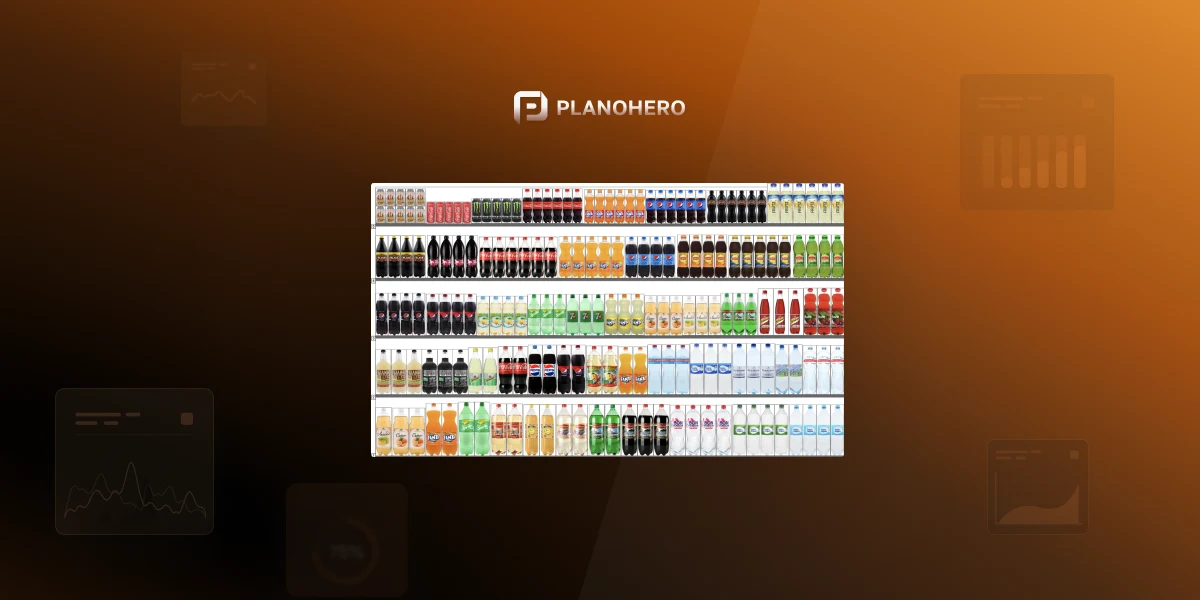
A planogram (POG) is a diagram that shows exactly how and where products should be placed on shelves, fixtures, or displays — including facings, spacing, and sequencing. Retailers use planograms to keep layouts consistent across stores, make the best use of shelf space, and guide purchasing decisions at the point of sale.
What Is 3D Planogram Software?
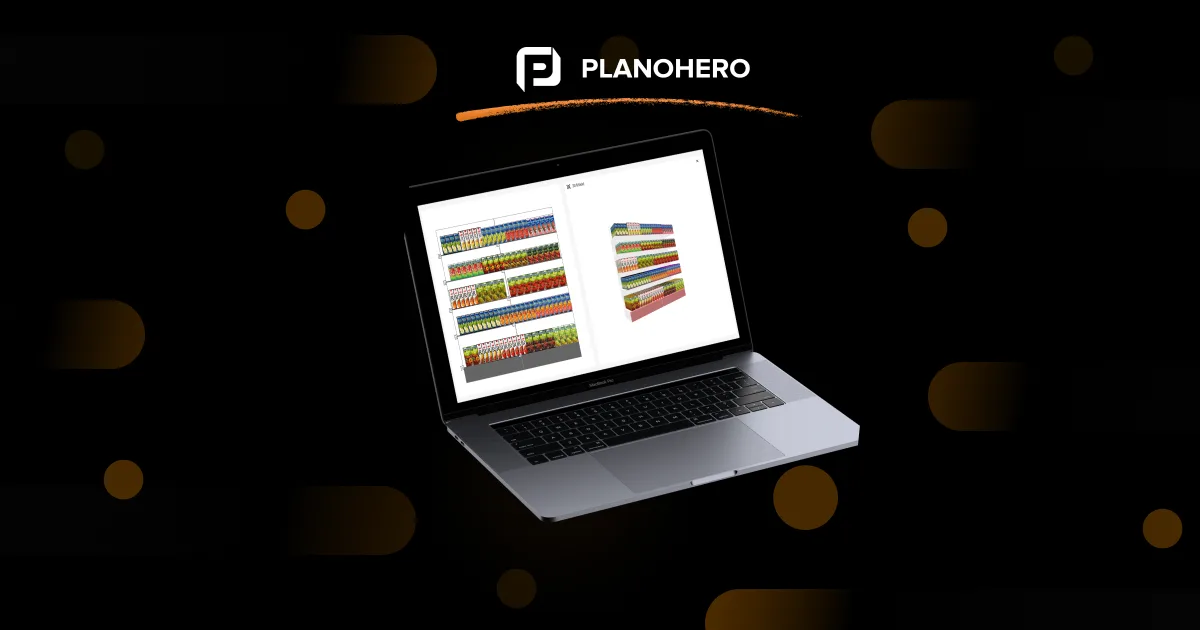
3D planogram software is a digital solution that allows retailers and merchandisers to design, visualize, and test store layouts in a fully interactive three-dimensional environment. Unlike static 2D layouts, a 3D planogram provides a lifelike representation of shelves, aisles, and fixtures—showing exactly how a store will look and function before any physical setup takes place.
These virtual layouts are more than just visual aids; they're decision-making tools. Retailers can analyze product placement, test visibility from different shopper viewpoints, and ensure compliance with brand and category guidelines. By doing so, they minimize costly layout errors, reduce setup time, and improve sales performance through smarter merchandising strategies.
3D Visualization in Store Layout Planning
One of the biggest challenges in retail planning is predicting how customers will experience the space. Traditional methods rely on imagination and flat diagrams, leaving room for misunderstanding or misalignment between teams.
3D visuals of shelves, aisles, and fixtures let teams evaluate layouts from a shopper's point of view rather than guessing from a flat drawing. Use 3D planograms to check sightlines for promotional products, confirm that key items sit within optimal visual zones, and compare multiple layout versions side by side before approving a design. Testing these factors digitally before making physical changes can save hours of labor and significantly reduce in-store disruptions.
2D vs 3D Planogram Software: What's the Difference?
Modern retail teams often start with 2D layouts for quick sketching and move to 3D for detailed visualization. Both run on standard computers and export to common file formats (2D: JPEG, PNG, SVG, PDF; 3D adds 3D/VR-compatible formats for immersive review) — the real difference is in what each one is for.
When Should You Use 3D Instead of 2D Planograms?
| Use case | 2D | 3D |
|---|---|---|
| Quick shelf reset | ✅ Best | Optional |
| Standard shelf planogram | ✅ Best | Optional |
| Check shopper sightlines | Limited | ✅ Best |
| Review full fixture appearance | Limited | ✅ Best |
| New store layout | Limited | ✅ Best |
| Stakeholder presentations | Good | ✅ Better |
| Test product visibility | Limited | ✅ Best |
| Simple recurring updates | ✅ Faster | Optional |
3D isn't automatically better for every merchandising task. It's most valuable when visual context, fixture relationships, or stakeholder approval matter.
In practice, most teams can use both: 2D for fast layout creation and updates, and 3D for detailed visual review, approval, and shopper-eye-view checks. This keeps routine planning fast without giving up the benefits of realistic visualization.
Practical Benefits of 3D Planogram Software
Retailers using 3D planograms experience several key advantages that go beyond visualization:
- Faster planning and approvals – 3D visualization eliminates ambiguity, allowing managers and stakeholders to provide instant feedback and speed up decision-making.
- Better team alignment – When everyone—from category managers to store staff—can see the same 3D layout, the entire team works toward one merchandising vision.
- Optimized product visibility – By testing different shelf configurations virtually, retailers can identify the most effective setups for shopper engagement.
- Enhanced accuracy and fewer errors – Traditional merchandising often involves trial and error, leading to wasted time and materials. With 3D software, every adjustment is tested digitally, ensuring perfect product placement and reducing costly setup mistakes.
- Improved shopper experience – Simulating customer movement and sightlines helps teams identify bottlenecks or underperforming zones in advance, ensuring smooth navigation and visually appealing displays.
What to Look for When Choosing 3D Planogram Software
Before comparing specific tools, it helps to know which capabilities actually matter for day-to-day merchandising work:
- Combined 2D/3D workflow – the ability to sketch fast in 2D and switch to 3D for review, without rebuilding the layout from scratch.
- A flexible fixture builder – so you can model your own shelving, racks, and refrigeration units instead of being limited to generic templates.
- Data-driven placement – support for importing sales and assortment data so shelf layouts reflect actual product performance, not just guesswork.
- Multi-store distribution and compliance tracking – the ability to send approved planograms to stores and verify execution against the plan.
- No special hardware requirements – solid 3D visualization should run on a standard computer; VR should be an optional add-on, not a requirement.
This is also where the choice of platform matters — see how Planogram creation, Fixture builder, and Store floor plan tools work together in PlanoHero.
Why Choose PlanoHero for Your 3D Planograms
PlanoHero transforms the way retailers plan and visualize their stores. Instead of working with static 2D layouts, teams can explore 3D models that bring every shelf and display to life.
With the 3D planogram builder, retailers can rotate, zoom, and view layouts from multiple angles, making it easy to check how products appear from a shopper's perspective. This realistic visualization helps teams confirm that displays are not only well-organized but also visually appealing and accessible — spotting issues such as blocked sightlines or crowded spaces and fixing them before the planogram goes live in-store.
One of the platform's most practical advantages is its flexible fixture builder. Users can design and edit any retail equipment — from shelving and racks to refrigeration units — directly inside the tool, using ready-made templates or building custom fixtures from scratch, then organizing them by category, product type, or brand. The result is a realistic, perfectly scaled store layout tailored to your assortment and retail space.
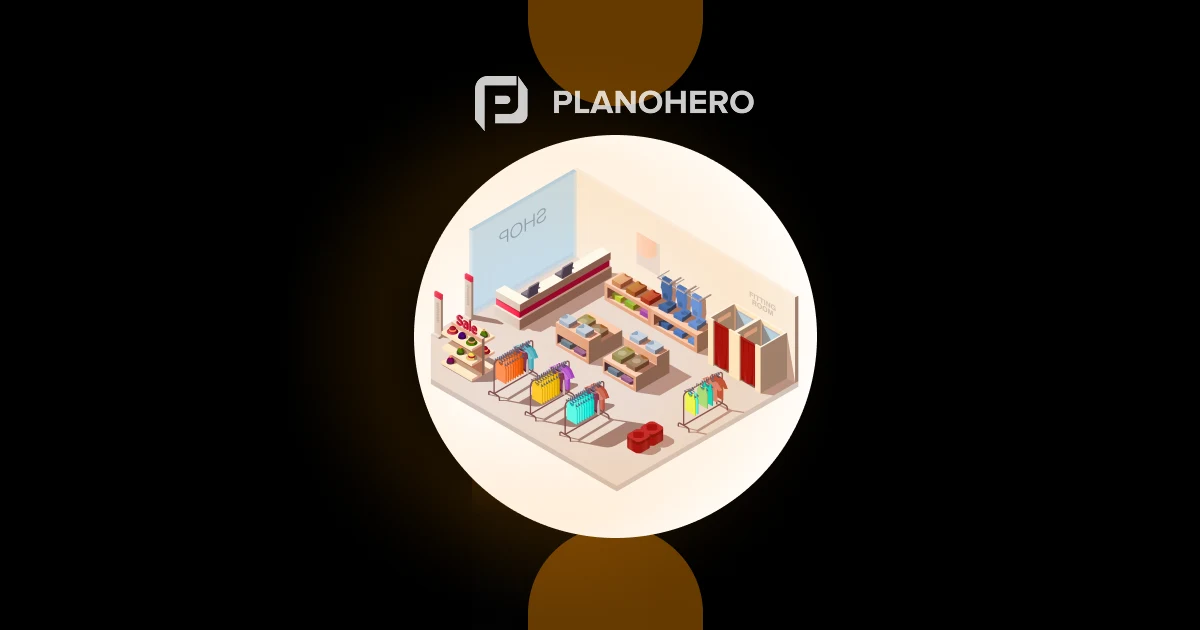
For teams planning full remodels or wider space optimization, it's worth pairing this with Retail Space Planning Software to manage the layout at the store level, not just shelf by shelf.
FAQ
What's the difference between 2D and 3D planogram software?
2D software gives a fast, flat, top-down view of shelf layouts and is best for quick drafts and standard resets. 3D software adds a realistic, navigable view of the same layout, letting teams check shopper sightlines and approve designs with more confidence before execution.
Do I need VR hardware to use 3D planogram software?
No. Most 3D planogram software, including PlanoHero, runs on a standard computer with no special headset required. VR is an optional add-on for more immersive walkthroughs, not a requirement.
Can I use 2D and 3D planograms together?
Yes — most retail teams sketch layouts in 2D first, then switch to 3D to review and approve them. This combination keeps planning fast while still giving stakeholders a realistic preview before rollout.
Is 3D planogram software only for large retail chains?
No. Retailers of any size can use 3D planograms to reduce layout errors and speed up approvals — the main requirement is a product and fixture database, not store count.
Looking for a service to create planograms?
Try a free demo version of PlanoHero