Last updated: September 18, 2026
The way products are arranged directly impacts sales, brand visibility, and customer satisfaction. According to NIQ, shoppers make 60% of their purchase decisions right at the shelf. If a customer can't find what they're looking for, 21% will buy it somewhere else, and 37% will stay in the store but switch to a different brand. That single moment at the shelf decides where the sale goes.
Yet many retailers still plan shelves manually, in spreadsheets or on paper, with no shared system between the merchandising department and the stores. Planogram software closes that gap by turning shelf planning into a connected, data-driven process.
What Manual Planogramming Actually Costs Retailers
Before looking at what software solves, it's worth understanding what happens without it.
1. Lost Sales at the Shelf
Products placed in the wrong position, or missing from the shelf, mean customers leave empty-handed. Studies show poor planogram execution can cost retailers up to 8% of sales.
- Out-of-stock visibility: even if stock is in the backroom, without the right shelf planogram, customers never see it.
- Suboptimal placement: eye-level products sell faster. Misplaced high-margin items lower category performance.
- Impulse purchase loss: weak shelf displays reduce cross-selling opportunities.
2. Hours Lost to Manual Layout Work
Building planograms in spreadsheets or generic design tools means merchandisers redo the same work for every store format, every new SKU, and every seasonal reset. Without a shared system, updates don't reach stores consistently, and errors multiply with every chain of hand-offs.
3. Weaker Supplier and Brand Relationships
- Brands lose confidence when paid shelf space isn't honored.
- Supplier negotiations weaken without reliable planogram compliance.
- Customer trust erodes when promotions don't match store execution.
Summary impact: manual planogramming means lost revenue, wasted labor, weaker partnerships, and unhappy customers. For multi-store retailers, these hidden costs can equal millions annually.
Why Do Retailers Need Planogram Software?
Building Planograms Faster with Automation
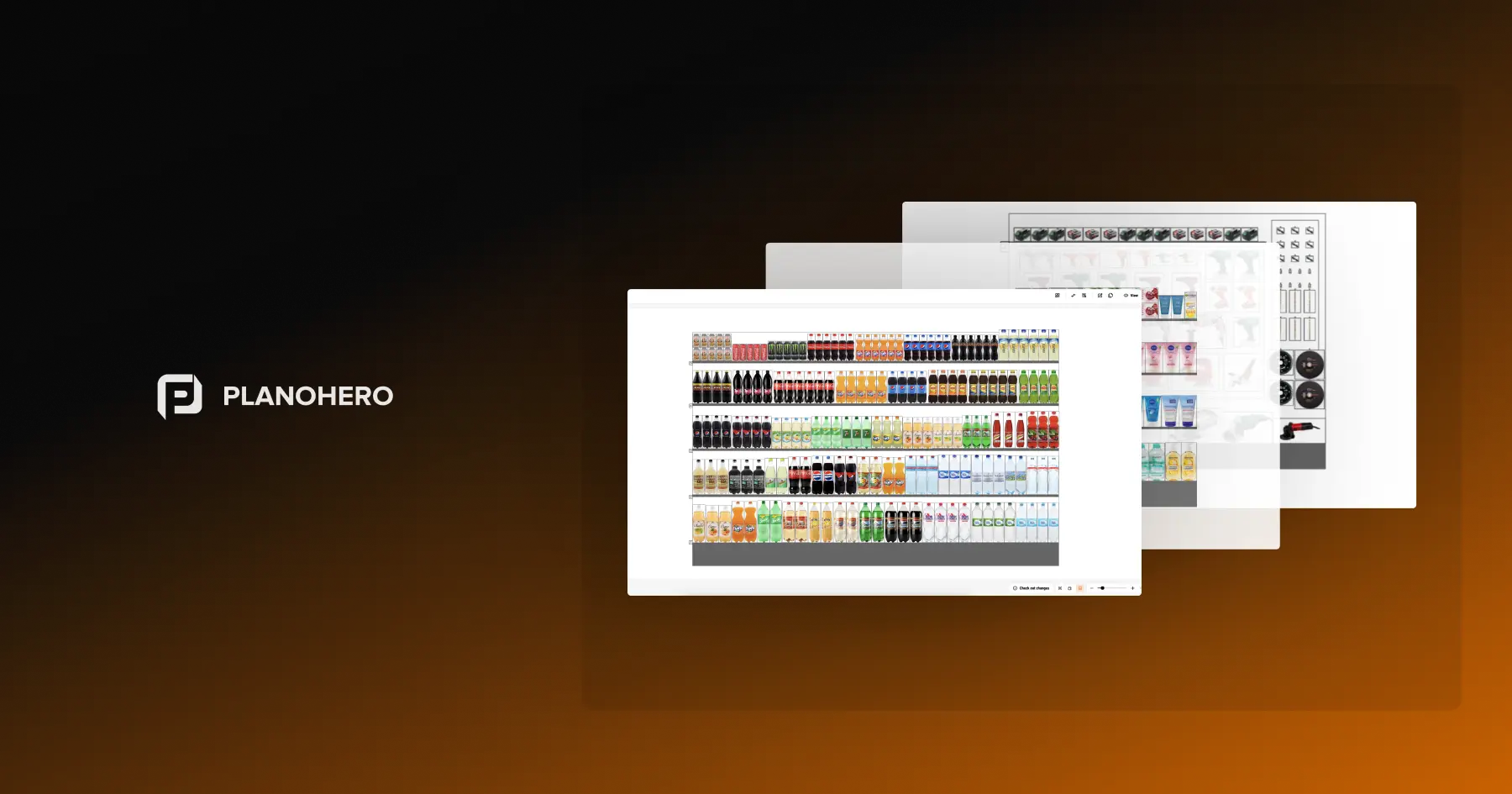
Stop building layouts in spreadsheets. With traditional methods, merchandising teams spend hours designing shelves, creating fixtures, and manually distributing layouts. Planogram software automates the entire process, saving time and ensuring consistency across every store in the chain.
With automation, retailers can:
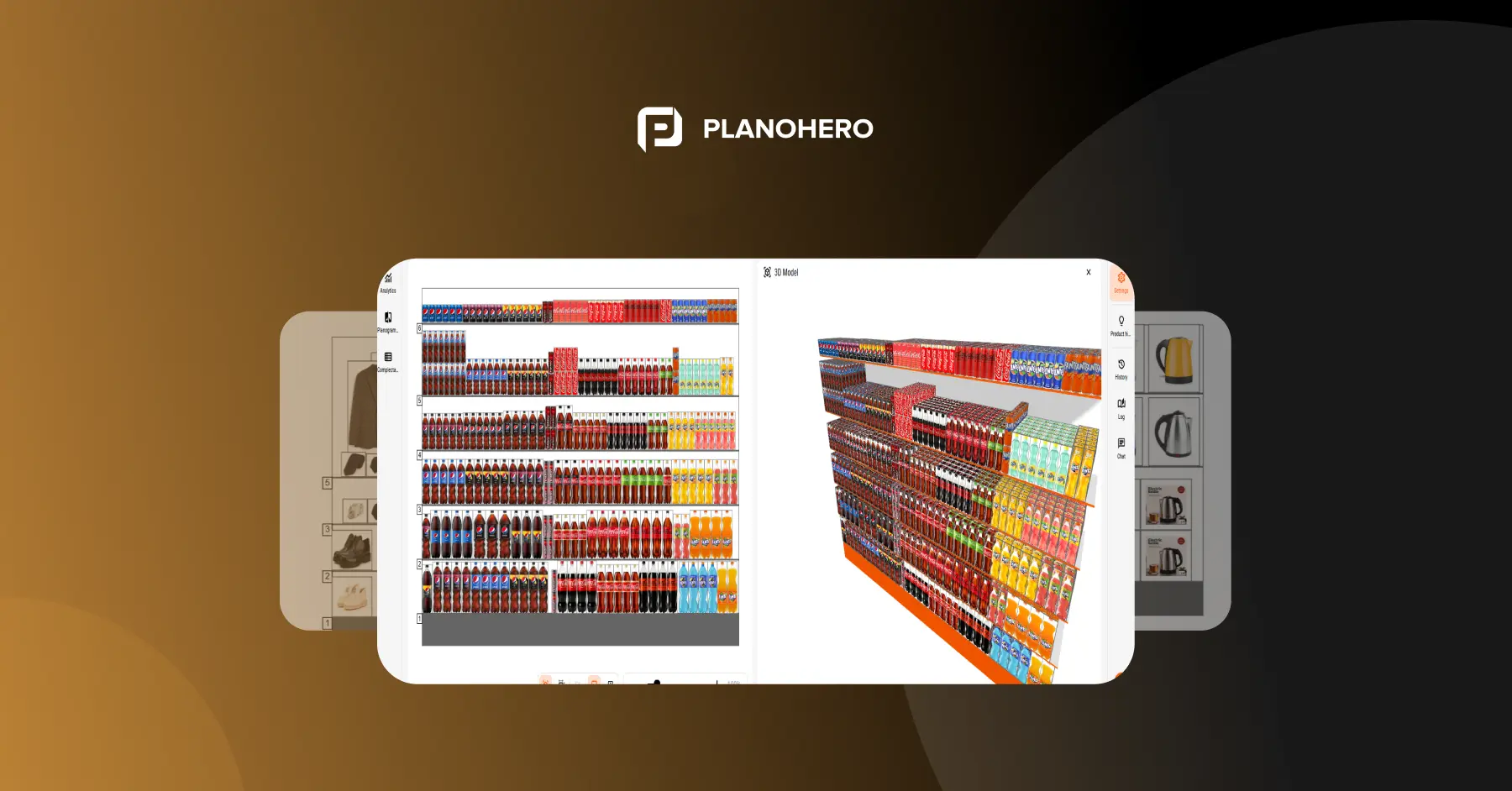
- Build layouts faster: use a drag-and-drop planogram builder or auto-generate layouts based on sales data, promotions, or seasonal trends.
- Reuse fixtures across stores: replicate shelves, gondolas, refrigerators, or pegboards with precision, including non-standard configurations such as extra sections, drawers, or hooks for promotional items.
- Apply layout rules automatically: define rules once for product categories, suppliers, or promotions, and apply them across every planogram in the chain.
Keeping Product Data Accurate Without Manual Entry
A planogram is only as good as the product data behind it. One of the most common causes of shelf planning errors is outdated or missing product dimensions and images.
Planogram software solves this by connecting to product data sources instead of relying on manual entry:
- Synchronization with electronic product catalogs, such as Listex, gives merchandisers a ready-made database of products with images and dimensions.
- Built-in image search closes the gap when a product isn't in any catalog yet, so planograms stay accurate without waiting on manufacturers or suppliers.
This removes one of the biggest bottlenecks in planogram creation: waiting on accurate product specs before a layout can even be built.
Turning Sales Data into Smarter Shelf Decisions
Beyond building layouts, planogram software helps retailers decide what should actually go where.
- Cross-merchandising and category optimization. Placing complementary products near each other encourages impulse purchases and helps shoppers find what they need faster. Retailers can identify main and complementary products across a category, test different combinations, and apply proven cross-merchandising rules across similar store formats.
- Store traffic and shelf performance analysis. Heat map analysis of customer movement shows which zones on the floor plan generate the highest and lowest sales, down to specific days and hours for a given product. This lets retailers place high-margin or promotional products in proven high-traffic zones instead of guessing.
- AI-assisted analytics with Wizora. Modern planogram tools connect layouts to real sales data instead of staying static. Wizora in PlanoHero analyzes sales by product, category, shelf, or store plan, flags high- and low-performing products, and explains how a layout relates to sales, inventory, and compliance, so merchandisers spend less time on routine analysis.
Managing Assortment and Inventory Without Losing Track of SKUs
Shelf space is limited, but assortments change constantly: new products launch, seasonal items rotate in and out, and some SKUs simply stop selling. Without a system to track these changes, merchandisers end up with planograms that don't match what's actually available, or worse, don't know which products need attention until sales already dropped.
Planogram software closes this gap by connecting assortment changes directly to the layout, so retailers can:
- Flag new SKUs that need a spot on the planogram as soon as they're added to the assortment, instead of discovering the gap during a store audit.
- Identify slow-moving and inactive products that are taking up shelf space without generating sales, so that space can go to better-performing items.
- Rotate assortment quickly by swapping items on an existing planogram in a few clicks, rather than rebuilding the entire layout from scratch.
- Forecast demand by shelf position, using historical sales data tied to where a product actually sat, to plan future layouts with more confidence.
In PlanoHero, assortment optimization works alongside the planogram itself: the system tracks which products are active, which are flagged for removal, and how facing count affects sales for each SKU, so retailers can adjust shelf space based on real performance instead of guesswork.
Staying Consistent Across Every Store
For multi-location retailers, consistency is everything. Planogram software gives headquarters control over layouts chain-wide while still allowing local flexibility for store formats or regional preferences.
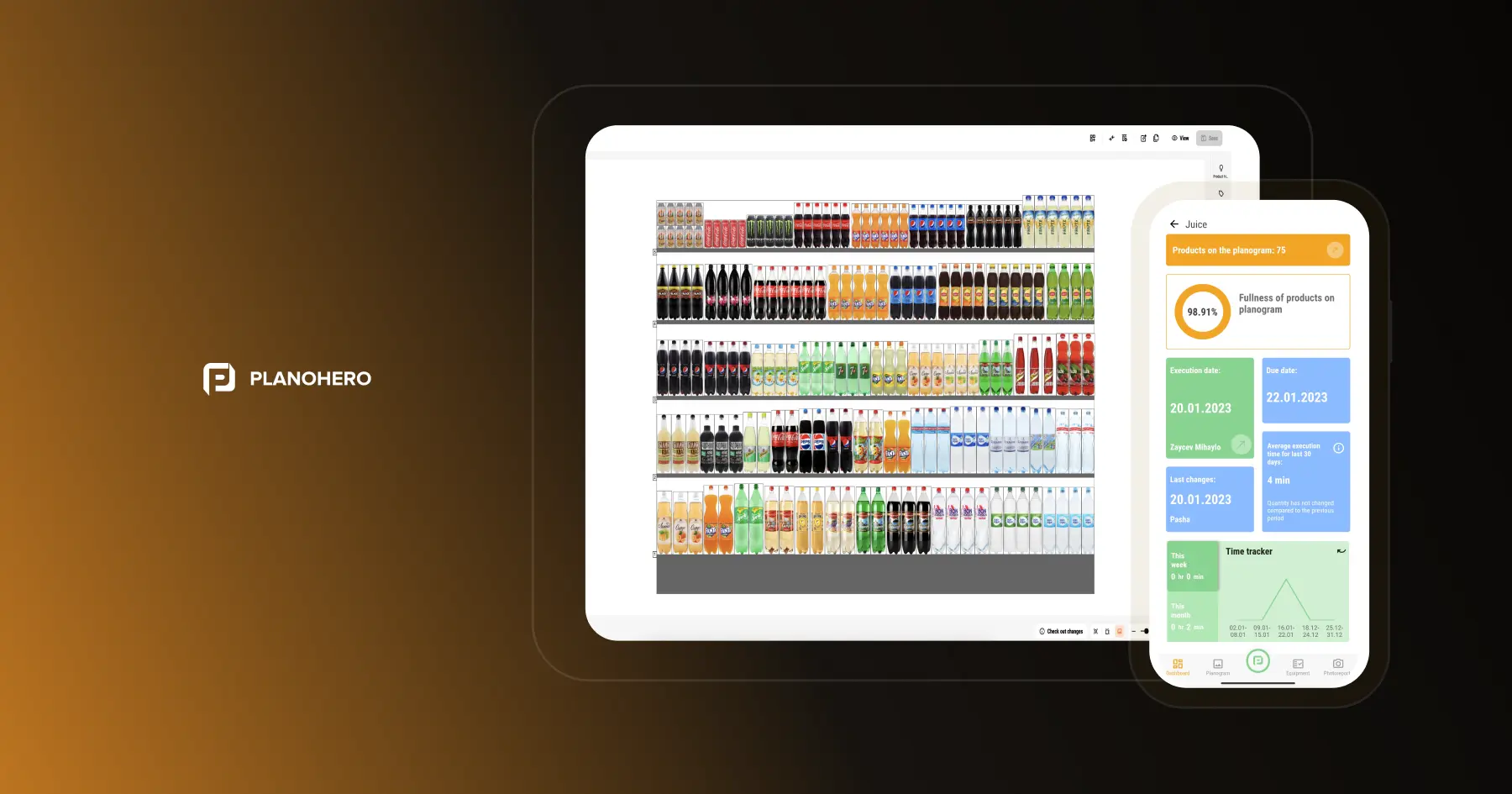
Tracking whether stores actually implement what HQ sends, through compliance dashboards, photo verification, and execution reporting, is a deep topic on its own. See our guide on planogram execution and compliance for how that process works in detail.
What Retailers Actually Get: Business Benefits and ROI
Decision-makers need proof, not just features. With planogram software, retailers typically see:
- Sales lift: better visibility drives higher sales per square foot.
- Labor savings: less manual work, faster resets, and reduced printing costs.
- Cost reduction: retailers using PlanoHero report an average 5% reduction in overall store operating costs after switching from manual planogramming.
- Stronger supplier relationships: consistent execution protects brand partnerships and compliance agreements.
Example: supermarket chain Korzinka improved the process of planogram sending and control, which allowed it to save around $10,000 of the budget after adopting PlanoHero.
How to Choose the Right Planogram Software
Not every planogram tool covers the full process. Some only build layouts and leave printing, distribution, or compliance tracking to other tools or manual work. Before choosing a solution, check whether it covers the entire cycle:
- Full-cycle coverage: does it handle store floor plans, fixture creation, planogram creation, distribution to stores, and execution tracking, or only part of that chain?
- Reporting and analytics: what does the tool report on? Can it track sales dynamics, inventory changes, shelf stock, and sales-space performance, or just show the layout?
- Product data accuracy: does it connect to catalogs or offer built-in tools to source accurate product dimensions and images?
- Flexibility: can it handle non-standard fixtures, custom layout rules, and store-specific adjustments, or only fixed templates?
- Ease of use: can merchandisers without advanced technical skills work in it without heavy training?
- Support and onboarding: does the vendor offer real implementation support, documentation, and training, or just software access?
Full-functionality platforms like PlanoHero cover the entire process end to end: from store floor plan and fixtures to planogram creation, distribution, execution monitoring, and sales analytics on one platform. The right choice depends on which of these gaps are costing your team the most time and money today.
Looking for a service to create planograms?
Try a free demo version of PlanoHero