
Last updated: September 20, 2026
Effective control over the display of goods is one of the main factors affecting sales in stores. According to research, customers make up to 60% of their decisions near the shelf, and it takes them only six seconds to make them. In today's environment, when economic instability and the consequences of a full-scale invasion affect purchasing power, layout control has become an even more important tool for maintaining and growing a business.
Retailers have long relied on in-store visits to verify product displays and evaluate shelf performance. But visits are time-consuming, costly, and often ineffective when a chain has dozens or hundreds of stores. Cloud merchandising platforms like PlanoHero make it possible to control every aspect of shelf management remotely, from planogram creation to execution and performance analysis, without stepping foot in a single store.
Consumers are changing their habits, becoming more sensitive to promotions and discounts, and are more likely to look for the best deals between stores. This requires retail chains to have clear and consistent control over the layout of goods, ensuring customers quickly find the right product and have a positive experience.
How much time is a customer willing to spend searching for the right product? Studies show that if a customer finds it difficult to find a product, 37% will choose an alternative brand, but one in five will simply go to another store. This is confirmed by real data: 20% of shoppers say they will change their shopping destination if a product is unavailable or difficult to find.
Imagine a situation where the lack of display control leads to chaos: incorrect products on the shelves, lack of key items, overcrowded promotional displays, or poor use of space. The result is lost sales and dissatisfied customers.
Effective Layout Management
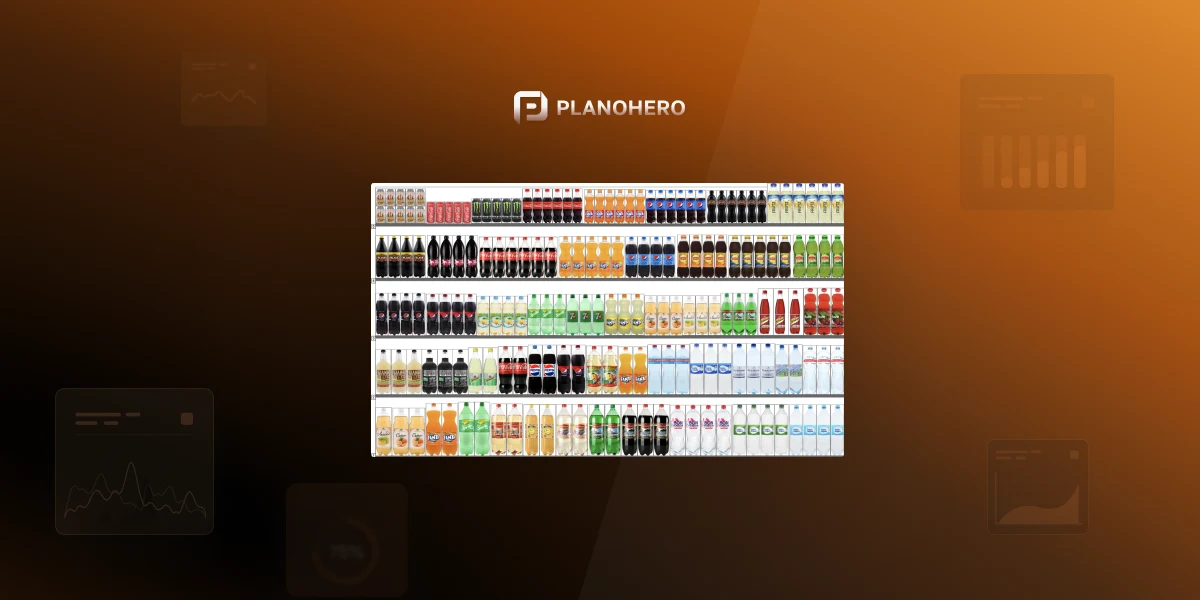
Effective merchandising management is not only a matter of product presentation, but also a strategy for optimal use of retail space. One of the best tools for this is merchandising automation, or as we call it, the process of planogramming, which covers the entire process from creating planograms to controlling the layout in stores and analyzing its effectiveness.
In this article, we discuss why display control is not a project, but a continuous process that ensures stable sales growth and customer retention.
How Product Placement Affects Sales
Product layout is not just a visual design of shelves. It is an important element that shapes the customer experience. According to research, 80% of customers regularly return to their favorite stores. However, if products are difficult to find, even loyal customers can change their habits. Sales losses directly depend on the effectiveness of product layout. The placement of products on the shelves should meet the needs of customers, their habits, and expectations.
Stages of Category Management
Effective layout begins with proper planning. Category management helps retailers create a structure of product categories that meets the real needs of the market.
- Definition of categories. The distribution of products by category should be based on customer convenience. For example, the wine category can be structured by country, color, or flavor.
- Roles of categories. Every store has different types of categories: target (the most popular products with high penetration), regular (products that customers buy all the time), and occasional (impulse purchases that may vary depending on the season).
- Market assessment. Analyzing market data helps determine how well the assortment meets customer needs and category roles.
- Setting goals. What exactly do you want to achieve with each category: attracting new customers, increasing sales in the category, or maximizing profits?
- Strategy development. After setting goals, a strategy is formed: expanding the assortment, introducing additional promotions, or changing the layout.
- Tactical implementation. Layout, prices, and promotions should all be adjusted to the chosen strategy.
- Implementation of changes. New approaches are implemented at the store level with strict adherence to standards.
- Monitoring and adaptation. Continuous monitoring of the display, correction of errors, and analysis of results ensure continuous improvement of the process.
Why Layout Control Is Critical
Poorly organized shelving can lead to a situation where the wrong products occupy important shelves, promotional products overwhelm the space, and key items are in short supply. This results in lost sales and a negative customer experience.
Without proper control:
- The assortment ceases to meet the needs of customers.
- Incorrect layout reduces the effectiveness of categories.
- Promotional items do not have the expected effect.
When there is no control, it is also difficult to evaluate the effectiveness of the changes you implement. Promotional items in the wrong places mean lost sales and weaker promotions. Category conflicts do the same: strange neighborhoods of products, such as stockings next to still water, are lost sales. And if stores decide on their own how to display products, the result is chaos on the shelves, which affects the image of the chain and overall customer satisfaction.
As practice shows, stores that apply a systematic approach to display achieve the following results:
- 10-20% sales growth from optimized product placement.
- Increased customer satisfaction.
- Reduced inventory management costs.
Do you need control in your store? The answer is obvious: without it, even the best strategies lose their effectiveness.
Store Visits vs Remote Shelf Monitoring
Manual control has significant drawbacks. Here is how it compares with remote shelf monitoring:
| Traditional in-store visits | Remote shelf monitoring with PlanoHero | |
|---|---|---|
| Data collection | Manual, time-consuming, inconsistent | Automated and standardized across all stores |
| Visibility | Limited between visits; selective checks can't cover all stores and product categories | Continuous, through dashboards for every store |
| Layout status | Hard to assess in each store | Real-time status of every planogram |
| Photo evidence | Photo reports create extra information that is difficult to verify | Photo reports attached to the planogram and verified in one system |
| Costs | Supervisors, transportation, and inspection time constantly raise operating costs | 100% cloud-based, no travel needed |
| Issue detection | Reactive | Early, through dashboards, notifications, and the AI assistant |
These shortcomings lead to sales losses due to product holes, ineffective promotions, and negative customer experience.
Modern Solutions for Store Display Monitoring
Today, digital technologies allow you to effectively control the layout of products, providing:
- Remote monitoring. Thanks to web and mobile versions, you can track the implementation of tasks in the store.
- Clear planning. Stores receive clear deadlines, detailed instructions, and feedback.
- Photo confirmation. Planogramming tools automate the control process. The manager sends a photo report of the executed layout through the app, and the merchandiser controls the execution of planograms by checking the received photo reports.
- Virtual shelving. AR technologies help to quickly design a shelf with a layout through the app and see what the planogram will look like in reality.
Everything happens within one connected platform: no spreadsheets or emails, no manual follow-ups, no wasted trips to stores. Retail chains can create the store layout, equipment, and planograms in a single system and send them from the central office to stores in just a few clicks. When a planogram is published, store managers instantly receive it on the web or in the mobile app, implement the new display, attach a photo report, and send it back to the head office for verification.
PlanoHero: Automation of Planograms and Layout Control
PlanoHero planogram software offers tools that help you customize processes for each store:
- Equipment and product database. You can create a store layout with unique equipment and access to a database of more than 40,000 products, including dimensions and photos.
- Automated layout rules. The system allows you to set up rules for the formation of the layout on the planogram, taking into account the parameters you need. For example, you can group products by brand, take into account sales, turnover, and product categories, and within each group sort products by any parameters: size, price, and other characteristics.
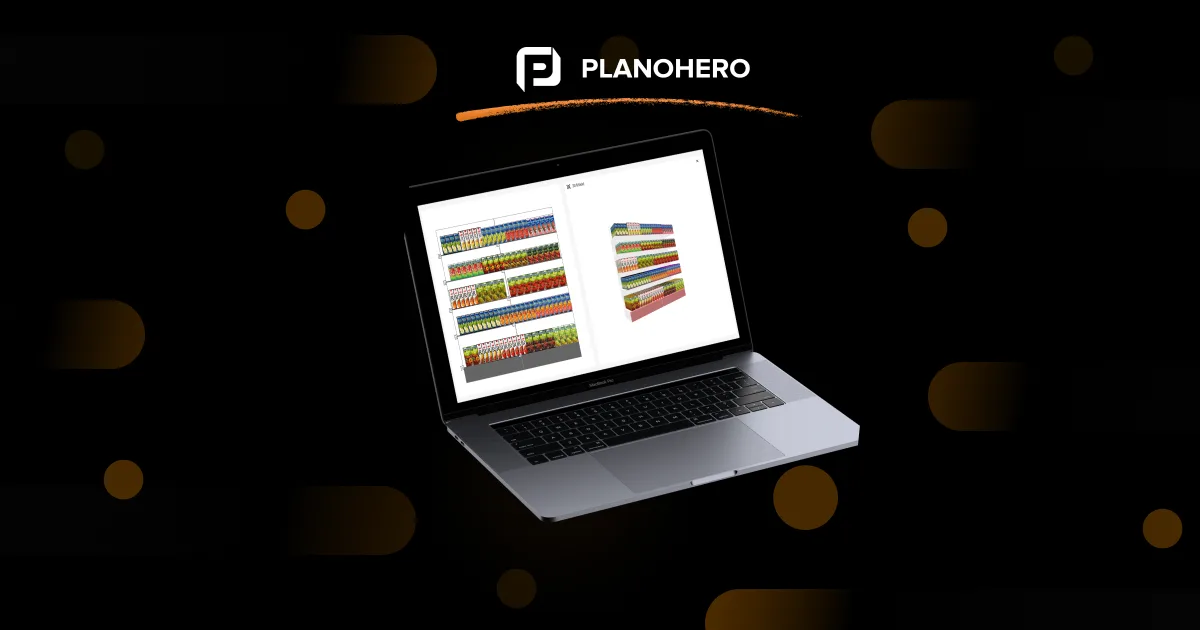
- 3D visualization and AR. You can see how the layout will look from all sides on the equipment, including the possibility of placing goods on top of each other. With the PlanoHero Layout mobile app, store managers and visual merchandisers can also use Augmented Reality (AR) to project the planogram into the real store and see how the display will look on the physical shelf before execution. This helps teams validate whether the planogram fits the real store space, identify visual or layout issues before implementation, and present realistic previews for faster decisions.
- Execution control. Layout tasks can be easily sent to individual stores or the entire chain with fixed deadlines. The time tracker shows how much time is spent on the execution, and centralized management ensures maximum efficiency of the entire process.
Process automation with PlanoHero reduces time and effort, ensures the accuracy of the layout, and provides effective control of its implementation.
Real-Time Control: The Control Dashboard
PlanoHero's Control block gives headquarters full transparency over the entire lifecycle of planograms, from creation to verification. In the Control Dashboard, users can:
- Track planogram status for every store.
- View and verify photo reports submitted by store managers.
- Approve compliant executions or return incorrect ones for rework.
- Filter planograms by store, execution status, or completion progress.
The Control table shows the total number of planograms per store plan and how many are executed, verified, returned for editing, in progress, or pending approval. Each planogram moves through clear, automated statuses:
| Status | Meaning |
|---|---|
| In editing | Not yet sent |
| Scheduled for dispatch | Ready to be sent on a specific date |
| In execution | Being implemented in stores |
| For verification | Awaiting approval from the office |
| Returned for execution | Needs corrections |
| Confirmed | Successfully verified and approved |
From this single dashboard, merchandising managers can oversee the full shelf compliance process without visiting a store. For a closer look at the process, read how to ensure effective planogram execution and compliance.
How Stores Receive and Execute Planograms
PlanoHero provides a convenient process for receiving and executing tasks at the store level. When a store receives a planogram, it looks like this:
- Overview of tasks and planograms. When logged in, the store manager sees the available tasks and the store plan, which makes it easy to plan work and keep track of deadlines. All tasks are marked on the task panel, and the system highlights in red the parts where adjustments have been made so the store can quickly respond to updates.
- Instant updates. When a planogram is modified and sent to all relevant stores, managers receive notifications in real time on their smartphones via the PlanoHero Layout mobile app or in the web interface. Every store always has the latest planogram version, and execution starts immediately.
- Execution in the mobile app. The main screen displays all tasks, their status (completed/overdue), and the time spent on them. Planogram details are available: shelf fullness, product positions, and changes that have been made.
- Execution tools. Employees can use a time tracker to measure the time spent on a task, fix the execution with photo confirmation that is sent for verification immediately, and add comments in case of problems, such as lack of product or limited space.
- Completing the task. When the planogram is completed, the employee completes the task with a real photo that is sent for verification. This ensures that the chain receives a correctly executed planogram.
Thanks to digital tools, retailers reduce staff costs and minimize logistics risks. For example, fewer physical checks mean fewer visits to stores, which is especially important in times of war and instability. The freed-up resources can be allocated to strategic areas, such as improving customer service or expanding the product range.
AI Assistant Wizora
Even advanced analytics tools can feel overwhelming when data is scattered. PlanoHero includes an AI assistant, Wizora, so managing merchandising data is as simple as asking a question:
- "Which planograms are still waiting for verification?"
- "Show me stores where the cereal planogram wasn't executed yet."
- "What's the latest layout for the downtown store?"
Instead of searching through reports and dashboards, the user gets an answer instantly, which saves time and speeds up data-driven decisions.
Layout Analysis (Shelf Space Analysis)
Control shows whether the planogram was executed. Analysis shows whether the layout itself works. After collecting data on planogram execution and sales, PlanoHero helps to:
- Analyze product placement effectiveness and compliance. Evaluate shelf productivity and the performance of each product category, compare planogram execution across stores, and ensure correct product placement.
- Analyze chain sales. The "Network Sales Analysis" report lets you compare sales across stores quickly, in bar charts and pivot tables, and see the link between sales and shelf layouts across the network.
- Track key metrics. Revenue (total income from product sales during the selected period, based on receipt data), profit (revenue minus product cost), units sold, and the number of receipts (sales transactions, excluding returns).
- Assess shelf space. The "Shelf Space Analysis" report shows how many linear meters each product category occupies and how efficiently the shelf space is used.
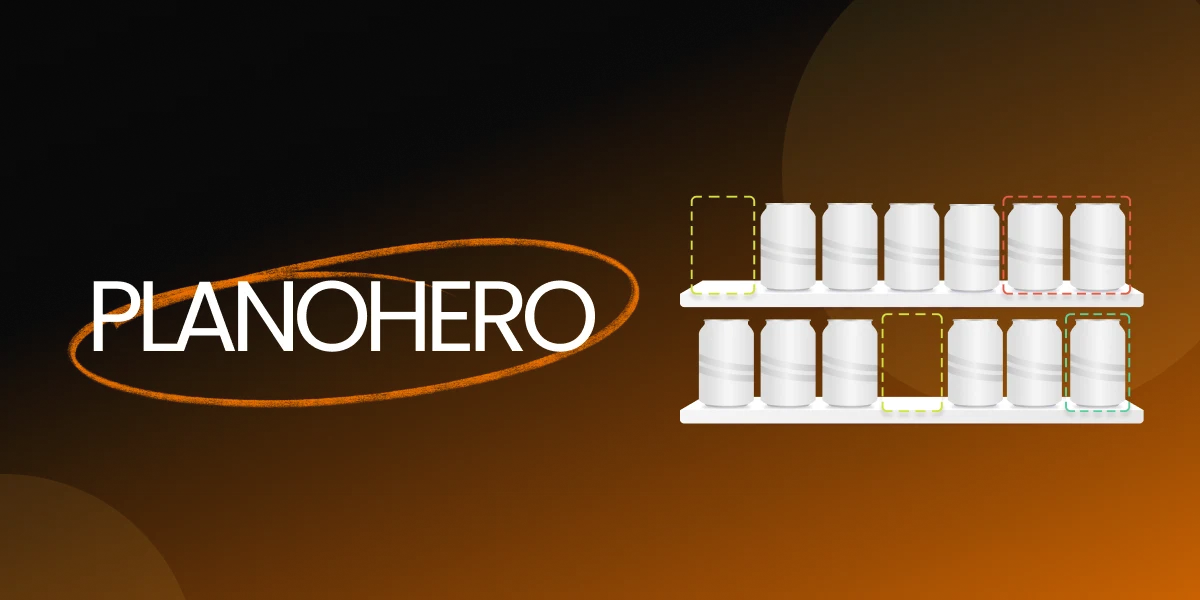
- Find shelf gaps. Out-of-stock analysis identifies gaps that hurt sales and enables timely corrective actions. See also how to reduce out-of-stock with a planogram service.
- Optimize assortment and shelves. Adjust product placement, planograms, and assortment based on actual sales and stock data.
For a broader look at measuring shelf performance, read planogram analytics.
Centralized control of planogram execution combined with analytics gives retailers a complete view of shelf performance, supports informed merchandising decisions, and helps increase sales across the entire network.
FAQ
What is planogram execution control in retail?
Planogram execution control means managing and verifying the implementation of product displays across physical stores in accordance with approved planograms. With PlanoHero, retailers can oversee this entire process digitally, from sending planograms to verifying photo reports.
How does PlanoHero help retailers control shelf execution?
PlanoHero centralizes the entire merchandising process in a single cloud platform. Headquarters can create and send planograms to stores, track their execution status, and check compliance through photo reports without visiting stores in person.
Why replace in-store checks with digital shelf monitoring?
Digital control saves time and resources, ensures consistency across all stores, and provides real-time visibility into execution status and shelf compliance. It is a faster way to manage merchandising operations than manual visits.
Can I preview planograms before execution?
Yes. PlanoHero lets you visualize every planogram in 3D and use Augmented Reality (AR) through the PlanoHero Layout app, so you can see how the display will look in the real store before implementation.
What role does AI play in PlanoHero?
PlanoHero's AI assistant Wizora helps users find and analyze data quickly. You can ask questions like "Which planograms are confirmed?" or "Which stores still need to complete the beverage layout?" and get instant answers.
Looking for a service to create planograms?
Try a free demo version of PlanoHero