
Last updated: September 14, 2026
PlanoHero is a retail planogram software platform that helps retailers create store layouts and shelf plans, distribute them to stores, monitor execution, and analyze layout performance. It is designed primarily for retail chains that need to standardize merchandising across multiple locations.
When choosing planogram software, retail chains typically compare usability, functionality, scalability, implementation requirements, and total cost.
We recommend PlanoHero for store chains looking to set up planogramming, product rotation, and layout standardization in a single system. A consistent planogramming process typically helps reduce lost sales and lower planogram administration costs, with savings coming from fewer printed planograms, fewer store phone calls, and less time spent on manual inspections. Industry-wide, the stakes for this kind of execution discipline are high: fewer than one in four major U.S. retailers reach 80% accuracy on core shelf metrics like planogram compliance, and half report losing sales as a direct result, according to the 2025 Shelf Intelligence Report by IHL Group and Brain Corp. Structured onboarding materials and personal consulting also mean new teams can start working in PlanoHero without a long ramp-up period.
PlanoHero is a planogram builder tool built around the full merchandising process. It covers layout creation, communication with stores, sales analytics, and control over planogram creation and execution.
Here are five key reasons to choose it.
Reason 1: Easy-to-use Planogram Builder Tool
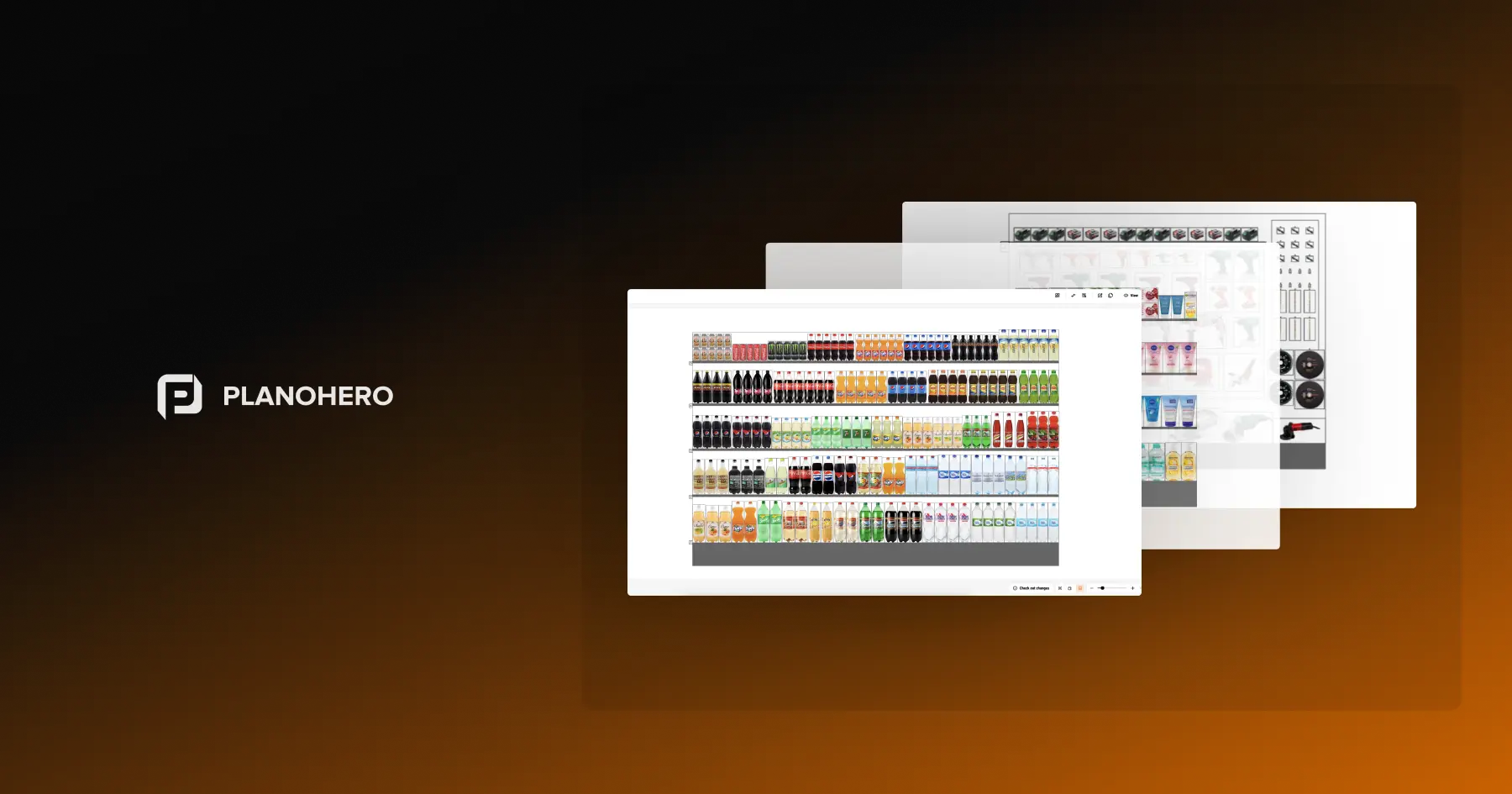
You can start with an existing store layout or build one directly in the PlanoHero creator, then add products from your assortment and place them on shelves using drag-and-drop tools. Existing planograms can be adjusted the same way, without rebuilding the layout from scratch — which shortens the time it takes to create planograms or update them as your assortment changes.
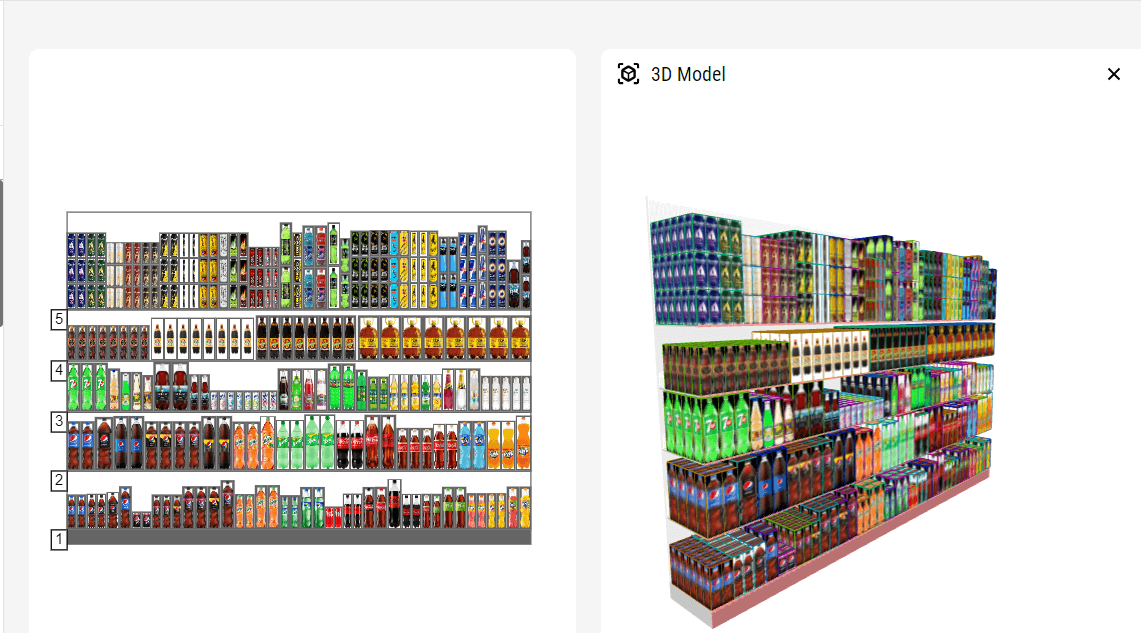
planogram in PlanoHero tool
Reason 2. Extensive Functionality of the Planogram Builder Software
PlanoHero offers a large set of tools for creating detailed planograms and setting up layout parameters. The planogram builder software allows you to plan the layout of goods by placing products according to their actual parameters and grouping items by category, brand, or other criteria that match your merchandising strategy — so placement decisions are based on real product data rather than visual guesswork alone.
Layout rules can also be set up once and applied automatically, so new planograms follow your logic without manual rework each time. The toolset below covers the rest of the workflow, from store setup to distribution and execution tracking.
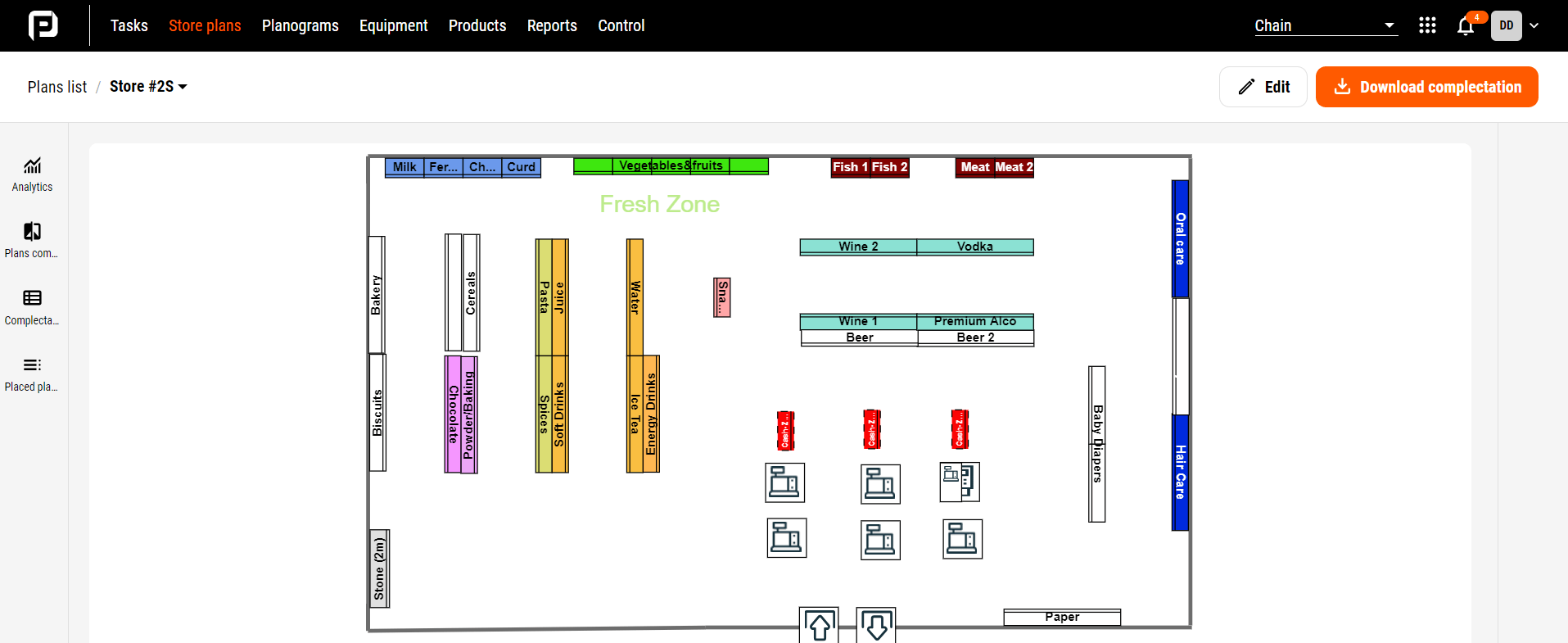
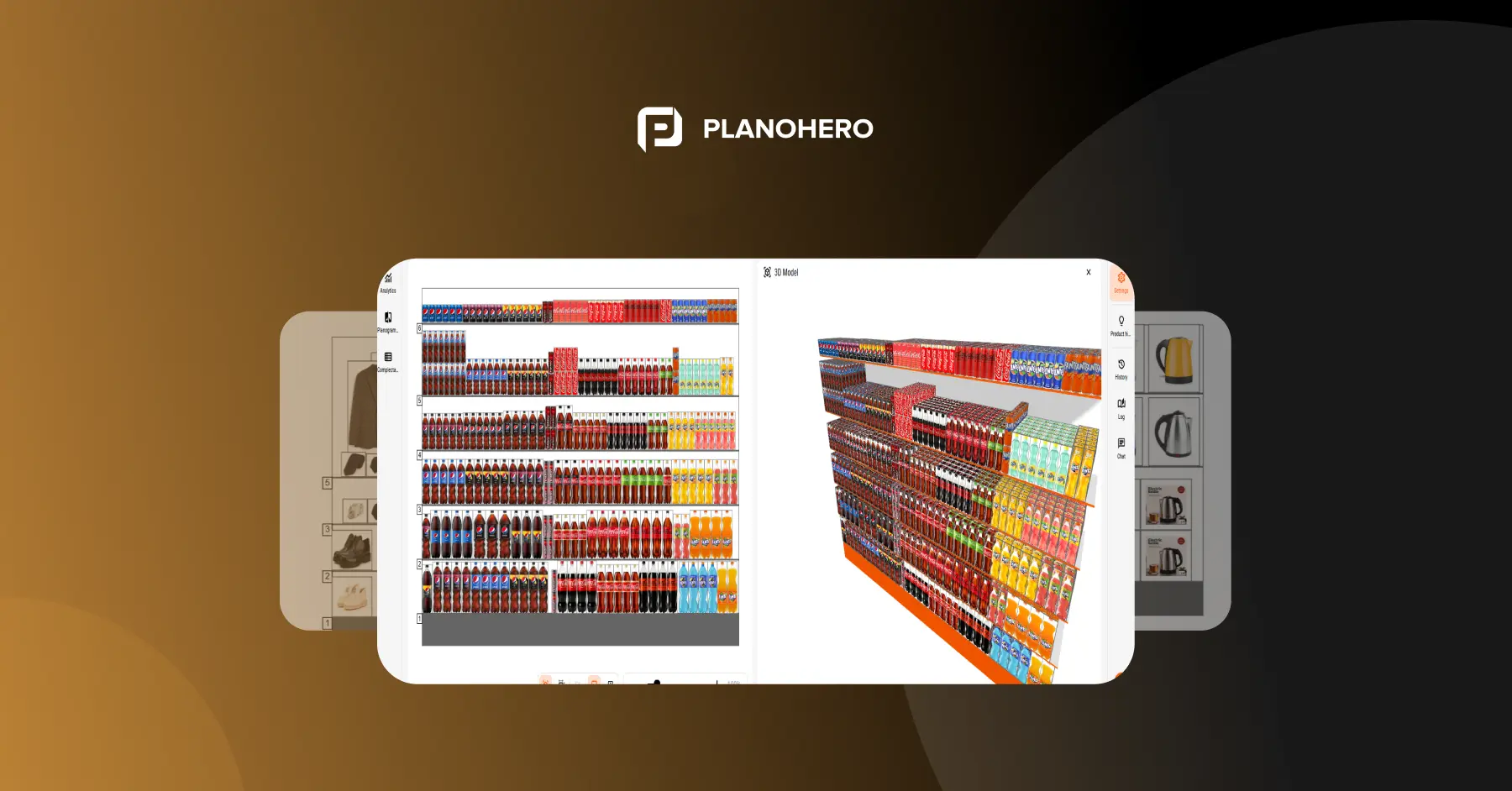
store plan in PlanoHero planogram builder
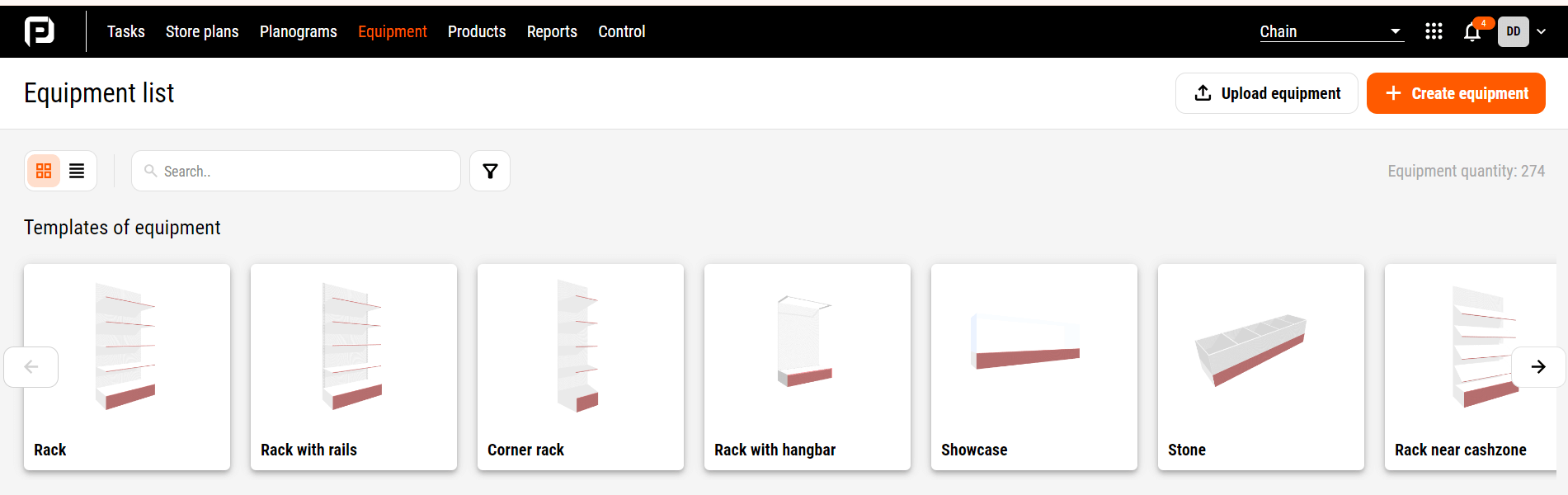
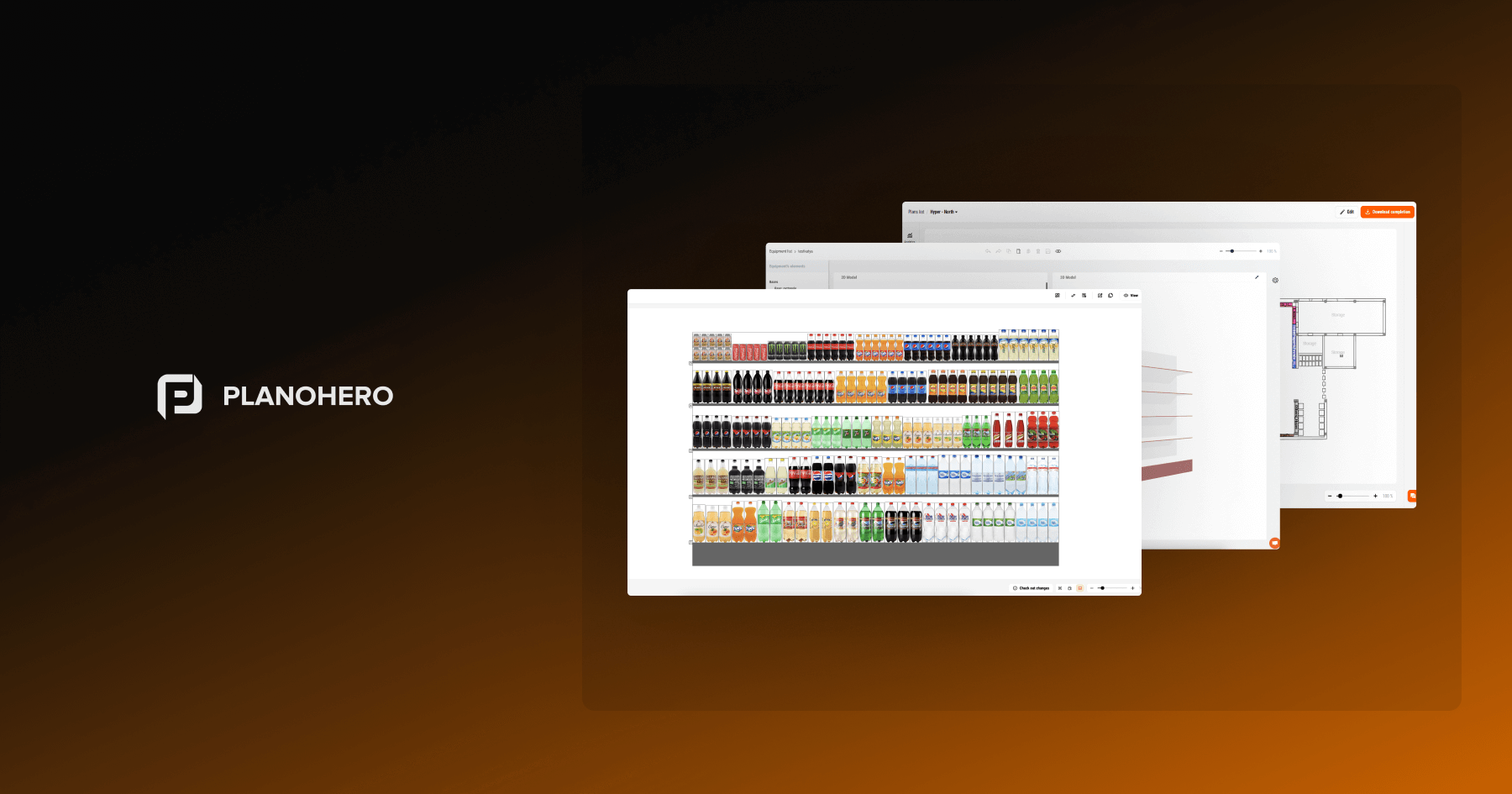
equipment in PlanoHero planogram software
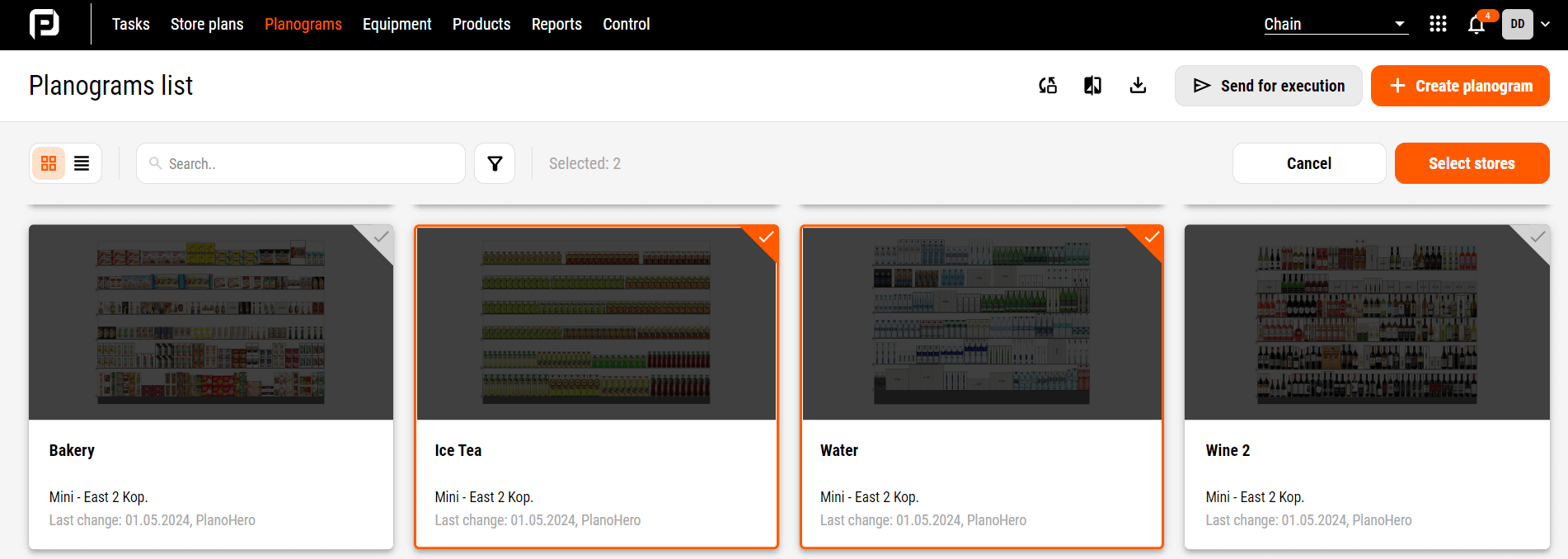
sending planograms in PlanoHero tool
PlanoHero Functionality
- Store plan builder.
- Flexible equipment settings.
- Create a planogram according to the selected parameters.
- Automatic layout rules.
- Sending planograms for execution to the store.
- Monitoring the implementation of planograms using photo reports.
- Module for working with the assortment matrix.
- Mobile application for working with planograms.
- Analysis of the layout efficiency and customer traffic analysis.
Reason 3. Automation and Control of Layout Execution
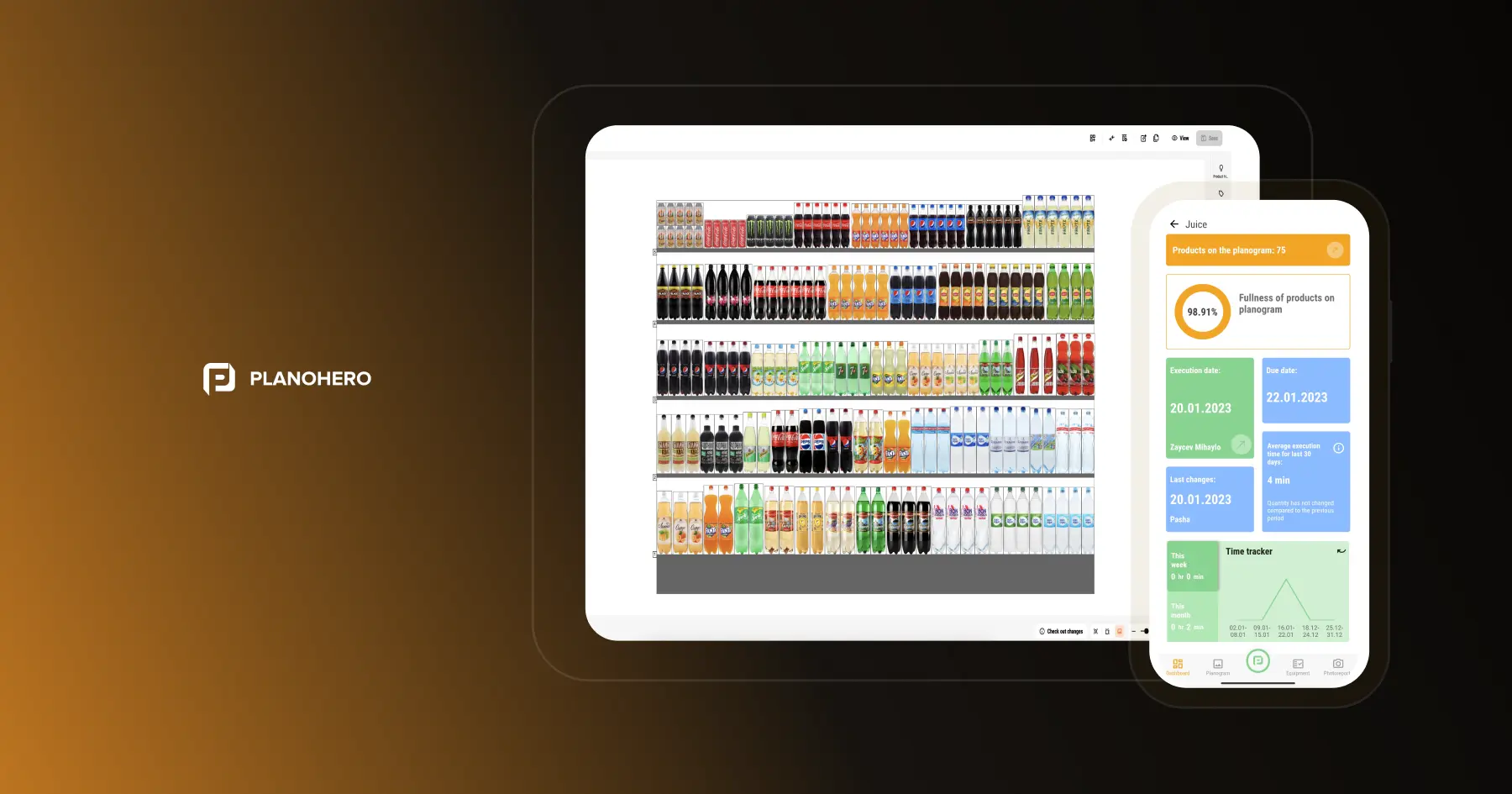
One of the key advantages of PlanoHero is the ability to automate processes and monitor the execution of planograms in real-time. A digitalized planogram allows merchandisers and employees to easily see what should be laid out and how right in the PlanoHero Layout mobile app. This significantly increases the accuracy of the layout and reduces the number of errors, which is especially important for large chains with many points of sale.
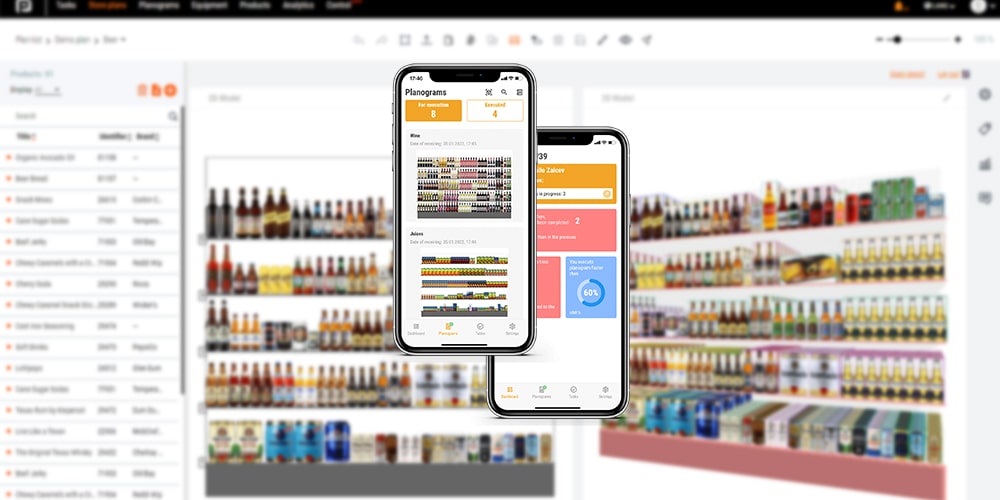
PlanoHero Layout app for planogram
Reason 4. Analytics and Planogram Optimization
PlanoHero helps you build planograms and offers powerful tools for analyzing their effectiveness. You can get detailed analytics on sales, shelf space, and product performance. In addition, PlanoHero has a heat map of visitors, which allows you to identify the highest and lowest sales points in the sales area. With this data, you can continuously optimize the layout of goods and increase the efficiency of the retail space, which leads to increased profits. Industry research backs this up: retailers that correct shelf execution issues — misplacements, gaps, and out-of-planogram items — see a sales lift of about 6%, according to an Acosta study reported by Progressive Grocer.
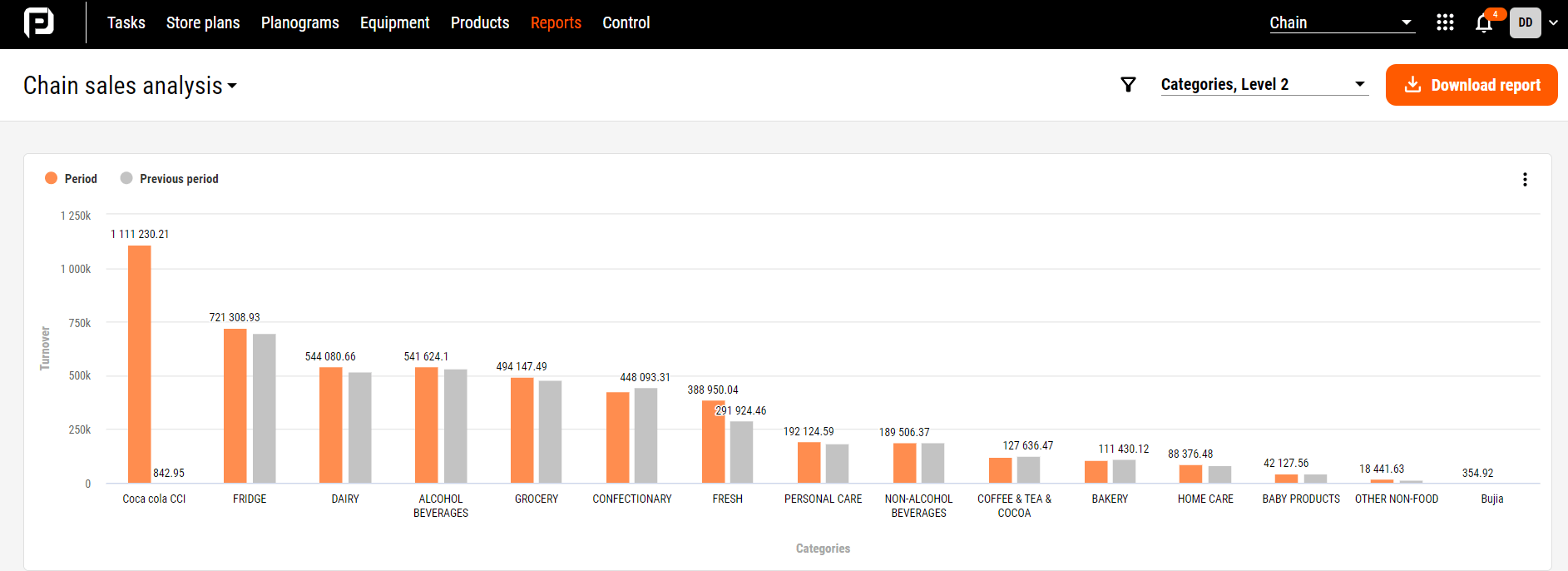
sales analysis in PlanoHero planogram software
Reason 5. Scales Across Store Formats and Retail Chains
PlanoHero is designed to scale from a small number of locations to large retail chains, allowing chains to standardize merchandising processes across stores while still adapting layouts to individual store formats and equipment.
As a chain grows, PlanoHero keeps planogram management centralized — new stores and formats can be added without rebuilding your standardization rules from scratch, and store-specific variations can be applied where local layout or equipment requires it.
Who Is PlanoHero Best For?
PlanoHero is designed for retailers that need to:
- Create and maintain planograms across multiple stores.
- Standardize product layouts and merchandising rules chain-wide.
- Distribute planograms to store teams and track execution through mobile tools and photo reports.
- Analyze the relationship between shelf layouts and sales performance.
It's most relevant for grocery, pharmacy, convenience, DIY, and other multi-location retail chains that are moving away from manual, spreadsheet- or PDF-based planogramming.
Try PlanoHero today and see how it works for you!
FAQ
What is a planogram builder?
A planogram builder is software that lets retailers design, visualize, and update the placement of products on store shelves and fixtures, usually with drag-and-drop tools instead of manual sketches or spreadsheets.
What should I look for in planogram builder software?
Look for an intuitive interface, flexible layout rules, the ability to standardize planograms across multiple stores, execution tracking (so you know layouts are actually followed in-store), and analytics to measure whether a layout is improving sales.
Is PlanoHero a good planogram builder tool for small retail chains?
PlanoHero can be used by smaller retail chains as well as larger multi-store retailers. Smaller teams can focus on planogram creation and standardization, while larger organizations can also take advantage of store distribution, execution monitoring, and analytics features as they grow.
How is PlanoHero's planogram builder different from free tools like Excel or generic diagram templates?
Unlike static spreadsheets or drawing templates, PlanoHero connects planogram building directly to product data, layout rules, distribution to stores, execution monitoring, and sales analytics, so a planogram isn't just a picture, it's tied to real performance data.
Looking for a service to create planograms?
Try a free demo version of PlanoHero