
Short answer: the best retail merchandising software depends on which merchandising job you need to fix. For buying, assortment and allocation, look at Toolio, RELEX or Oracle Retail. For planograms and shelf space, look at PlanoHero or DotActiv. For field teams auditing stores, look at Repsly or GoSpotCheck by FORM. For fashion and apparel, look at Centric Software.
"Retail merchandising software" covers several different product categories that share one name. An ERP that plans what to buy does not build a planogram. A planogram tool does not route field reps. Picking the wrong category is the most common and most expensive mistake buyers make.
This guide compares 9 tools across four categories. For each tool you get who it is best for, starting price, strengths and limits. The list is grouped by category, not ranked from best to worst.
Disclosure: this guide is published by PlanoHero, a planogram and in-store execution platform included in the list. We describe competitors from their public websites and documentation and state PlanoHero's limits as plainly as theirs. Prices were checked in October 2026; confirm current pricing with each vendor.
Which type of retail merchandising software do you need?
Start with the job, not the vendor. Each category below solves a different merchandising problem.
|
Category |
The job it does |
Who owns it |
Tools in this guide |
|---|---|---|---|
|
Merchandise planning and inventory |
Decides what to buy, how much, where to allocate it and when to replenish |
Buyers, planners, finance |
Toolio, RELEX Solutions, Oracle Retail Merchandising, Blue Yonder |
|
Planograms and shelf space (visual merchandising) |
Builds store plans, fixtures and planograms, sends them to stores and checks execution |
Category managers, space planners, store operations |
PlanoHero, DotActiv |
|
Retail execution and field merchandising |
Guides store visits, photo audits and task checklists for reps visiting stores |
CPG brands, distributors, merchandising agencies |
Repsly, GoSpotCheck by FORM |
|
Fashion and product lifecycle |
Manages seasonal collections, product data and assortment from concept to store |
Fashion, footwear and consumer goods brands |
Centric Software |
Many large retailers run two categories side by side. A typical setup is an ERP or planning suite for buying and allocation, connected to a planogram platform that turns the approved assortment into shelf layouts each store can execute.
Best retail merchandising software in 2026: quick comparison
|
Software |
Category |
Best for |
Starting price |
Deployment |
|---|---|---|---|---|
|
PlanoHero |
Planograms and in-store execution |
Grocery, DIY and specialty chains that need planning and execution in one cloud platform |
$199/month (Lite); Enterprise custom; 14-day free trial |
Cloud + mobile apps |
|
DotActiv |
Planograms and category management |
Category-led retailers and suppliers starting on a small budget |
Free (40 SKUs); Lite from $800/year per license |
Windows desktop |
|
RELEX Solutions |
Forecasting, replenishment and space |
Grocery and large chains linking shelf space to supply chain |
Custom quote |
Cloud |
|
Blue Yonder |
Planning and supply chain |
Enterprise retailers tying merchandising to fulfillment |
Custom quote |
Cloud |
|
Toolio |
Merchandise and assortment planning |
Mid-size and DTC brands moving off spreadsheets |
Custom quote |
Cloud |
|
Oracle Retail Merchandising |
Enterprise merchandise management |
Large multi-channel retailers needing a system of record |
Custom quote |
Cloud |
|
Centric Software |
Fashion PLM and assortment |
Fashion, footwear and seasonal consumer goods |
Custom quote |
Cloud |
|
Repsly |
Retail execution |
CPG brands with field reps visiting retail stores |
Plan-based; see vendor |
Cloud + mobile |
|
GoSpotCheck by FORM |
Retail execution and image recognition |
Brands and agencies auditing displays at scale |
Plan-based; free trial |
Cloud + mobile |
The 9 best retail merchandising software tools, by category
Planograms and shelf space
1. PlanoHero
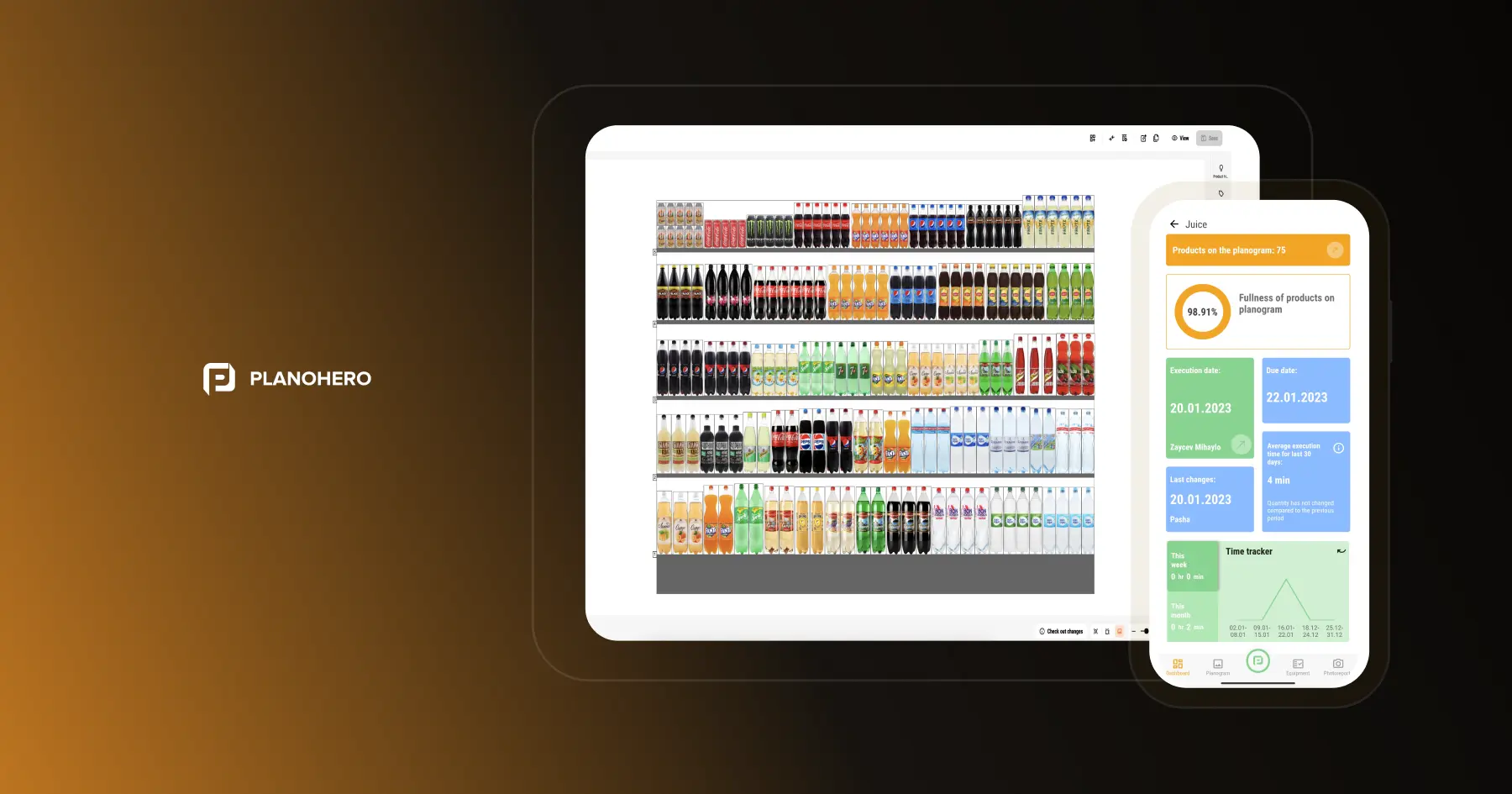
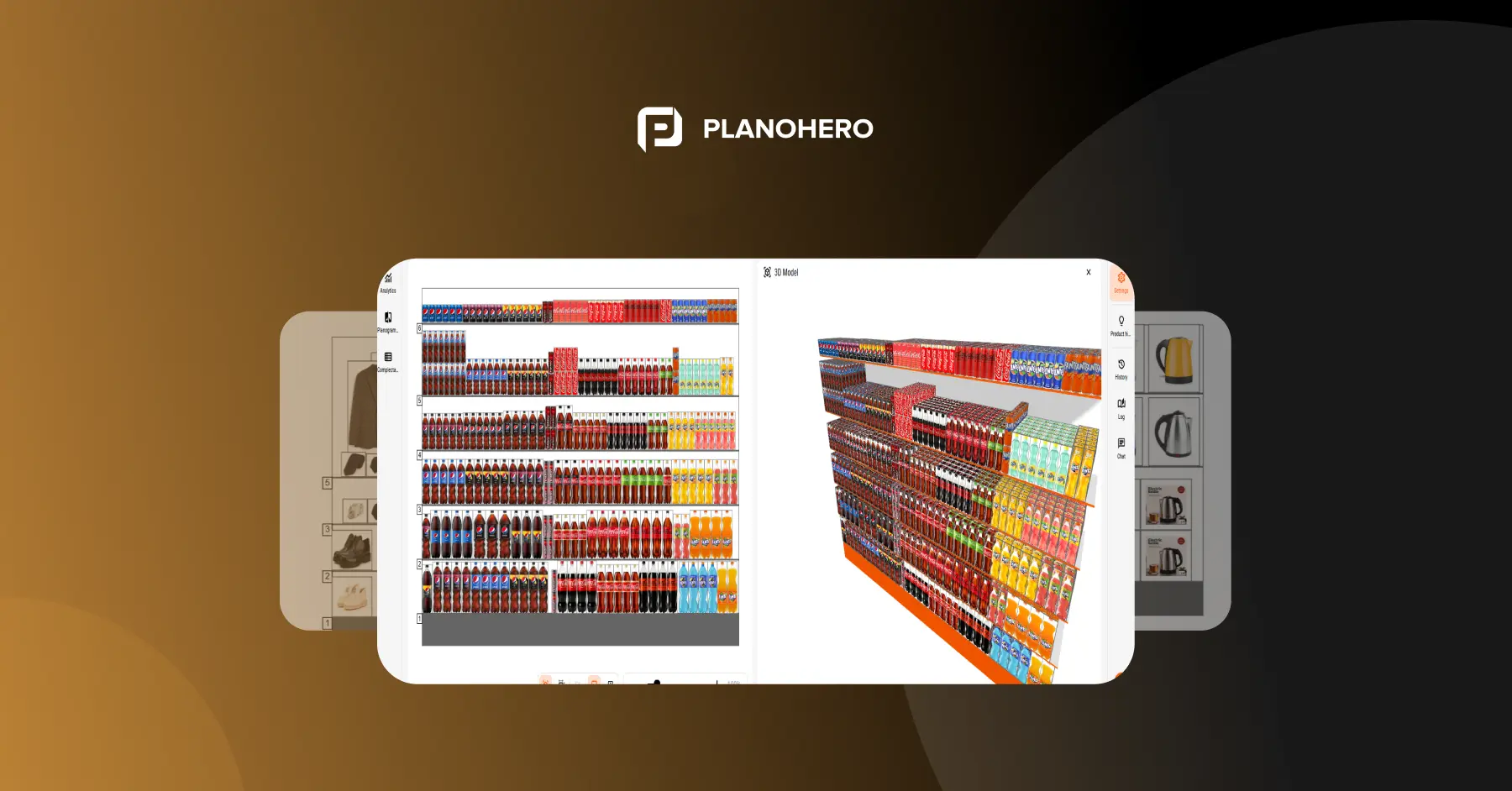
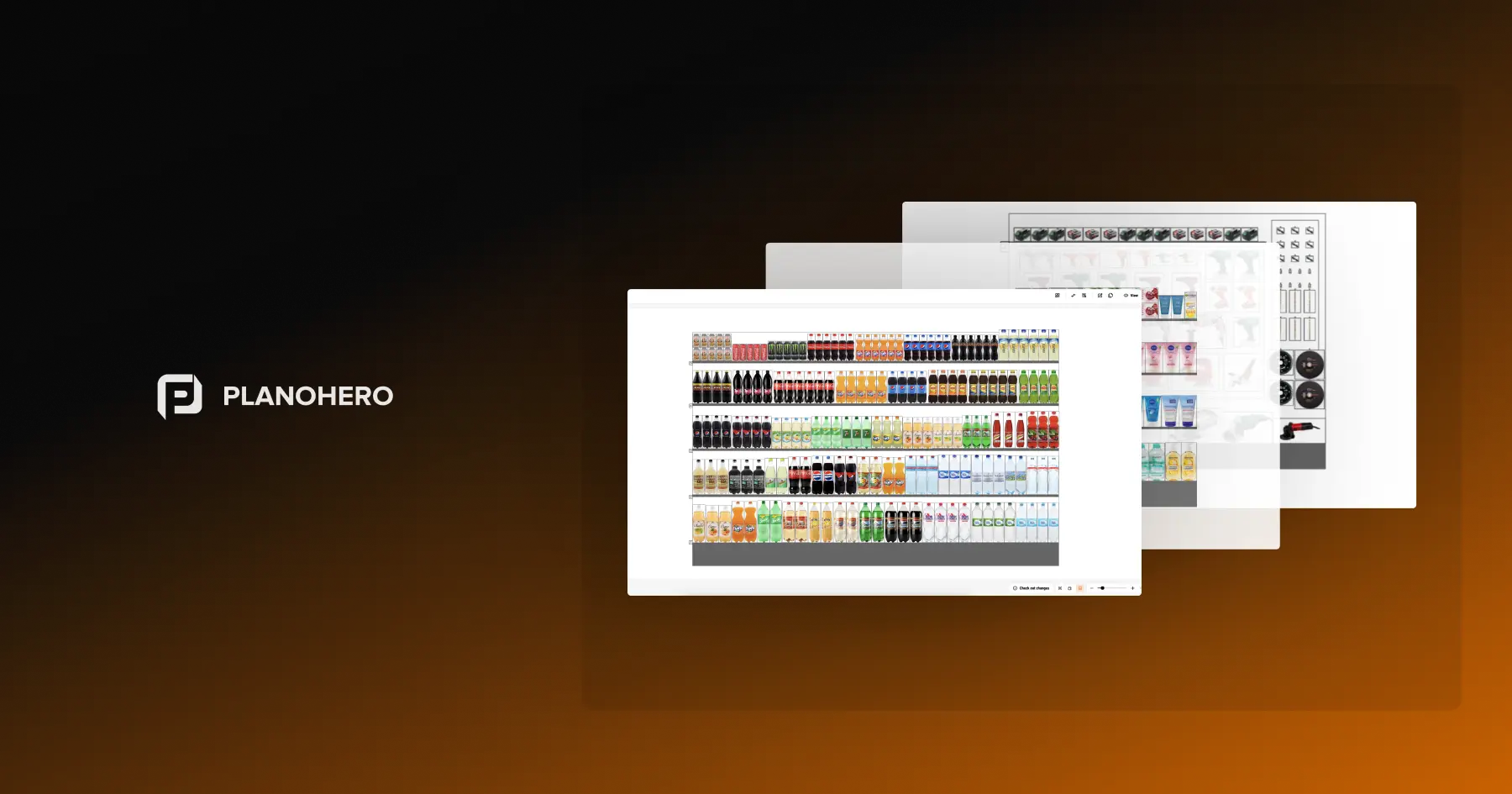
PlanoHero is cloud retail merchandising software built around planograms. It covers the full shelf cycle: store floor plan, fixtures, planogram creation, distribution to stores and execution control. Store teams receive planograms in the PlanoHero Layout mobile app, and AI Photo Report Recognition checks each shelf photo against the plan.
Best for: grocery, DIY, pet, beauty and specialty chains that own their store layouts and need planning and in-store execution in one platform.
Pricing: Lite $199/month (up to 5,000 SKUs and 100 planograms); Enterprise priced individually. 14-day free trial, no credit card.
Strengths:
- Store plans built from scratch or imported in .dxf or DWG format, plus a fixture builder for shelves, gondolas and coolers
- AI layout rules generate planograms from sales data; the Wizora AI assistant (paid add-on) analyzes shelf performance and suggests changes
- Execution loop: mobile app with AR placement guide, photo reports and automatic compliance checks
- ERP and POS sync via PlanoHero Connector (SAP, Microsoft Dynamics 365, Oracle, NetSuite)
- Developed by Datawiz since 2017 and offered by NielsenIQ as part of Business Effectiveness Solutions; used by 100+ retail chains in 35+ countries, including Aeon Thailand and SOCAR; customers report up to 13% fewer lost sales
Limits:
- Not a buying, allocation or open-to-buy planning tool; pair it with an ERP or planning suite
- Mobile execution, unlimited SKUs and AI features are in the Enterprise plan, not Lite
- Built for retailers' own stores, not for routing field reps across third-party accounts
2. DotActiv
DotActiv is category management software for building data-driven planograms, clustering stores and localizing assortments. It runs as a Windows desktop application.
Best for: category-led retailers, suppliers and independent stores that want a low-cost entry into planograms.
Pricing: free plan (40 SKUs, single-drop planogram); Lite from $800/year per license; Pro from $2,000/year; Enterprise higher. 14-day trial on paid editions.
Strengths:
- Lowest entry price in the planogram category, including a permanent free tier
- Planogram automation, store clustering and floor planning in higher editions
- DotActiv Academy training and optional category planning services
Limits:
- Core planogram tool is Windows-only; cloud or mobile viewing needs a separate Viewer license
- Store-level execution and photo compliance are not the core focus
Merchandise planning and inventory
3. RELEX Solutions
RELEX combines demand forecasting, replenishment, assortment optimization and space planning, so shelf decisions reflect forecast demand and inventory position.
Best for: grocery and large chains linking space planning to supply chain.
Pricing: custom quote.
Strengths: strong forecasting and replenishment; space and planogram optimization inside the same platform; deep grocery and CPG experience.
Limits: enterprise implementation effort and budget; more than a mid-size chain usually needs for shelf layouts alone.
4. Blue Yonder
Blue Yonder offers retail planning, category management and space planning connected to its supply chain suite.
Best for: enterprise retailers that want merchandising tied to forecasting and fulfillment.
Pricing: custom quote; industry estimates put deployments at roughly $5,000–15,000+ per month.
Strengths: end-to-end planning from assortment to fulfillment; long track record with large chains (formerly JDA).
Limits: long implementations and high total cost; complex for teams without dedicated IT support.
5. Toolio
Toolio is a cloud platform for merchandise financial planning, assortment planning, allocation and replenishment.
Best for: mid-size and digital-native brands that have outgrown spreadsheets.
Pricing: modular, quote-based.
Strengths: SKU-location forecasting; connects ERP, POS and ecommerce data; self-serve configuration.
Limits: no planogram, fixture or shelf execution tools.
6. Oracle Retail Merchandising
Oracle Retail Merchandising is an enterprise system of record for items, suppliers, purchase orders, inventory, pricing and allocation.
Best for: large multi-channel retailers running the full merchandise lifecycle.
Pricing: custom enterprise quote.
Strengths: most complete merchandise management in the category; multi-country, multi-format support; deep Oracle Retail integration.
Limits: implementations commonly take 12–24 months; does not design shelf layouts.
Fashion and product lifecycle
7. Centric Software
Centric combines product lifecycle management (PLM) with merchandise and assortment planning for seasonal collections.
Best for: fashion, footwear and consumer goods brands.
Pricing: custom subscription.
Strengths: single source of product data from concept to store; workflows built for seasonal assortments.
Limits: vertical-specific; not designed for grocery-style shelf planning.
Retail execution and field merchandising
8. Repsly
Repsly is retail execution software for CPG field teams: store visits, audits, photo capture and ShelfScan image recognition.
Best for: CPG brands and distributors whose reps visit retail stores they do not own.
Pricing: plan-based; check the vendor's pricing page.
Strengths: field team management and territory planning; insights dashboards on in-store execution.
Limits: checks shelves but does not build store plans or planograms.
9. GoSpotCheck by FORM
GoSpotCheck is a mobile execution platform with photo reporting, image recognition for out-of-stocks and voids, and Salesforce sync.
Best for: brands, brokers and agencies auditing displays across many retail accounts.
Pricing: plan-based; free trial available.
Strengths: fast image recognition; task management and analytics built for field teams.
Limits: focused on auditing third-party stores rather than a retailer's own space planning.
How to choose retail merchandising software
Five questions narrow the list quickly.
- Which merchandising job is broken? Wrong buys and overstock point to planning tools. Wrong shelves and inconsistent stores point to planogram tools. Unverified store visits point to execution apps.
- Do you own the stores? Retailers planning their own shelves need planogram and execution tools. Brands and agencies visiting third-party stores need field execution apps first.
- How many stores and SKUs? Under 10 stores, a light tool with fast setup beats an enterprise suite. Past 50 stores, chain-wide rules, compliance tracking and automated reporting stop being optional.
- Does it connect to your ERP and POS? A planogram built on last month's sales export is close to a guess. Ask which systems the vendor connects to natively and who maintains the integration.
- Will store staff use it on a phone? If associates execute planograms daily, test the mobile app in a real store, not only the desktop demo. Desktop-only tools tend to get skipped on the shop floor.
|
If your main problem is… |
Start with |
|---|---|
|
Buying, open-to-buy and allocation |
Toolio (mid-size), Oracle Retail or Blue Yonder (enterprise) |
|
Forecasting and replenishment |
RELEX Solutions |
|
Shelf layouts and planograms on a small budget |
DotActiv |
|
Planograms plus verified execution across a chain |
PlanoHero |
|
Field reps auditing third-party stores |
Repsly, GoSpotCheck by FORM |
|
Seasonal fashion collections |
Centric Software |
What about physical merchandising tools?
Software plans the shelf; someone still has to build it. A basic reset kit is a tape measure for shelf depth and facing width, a price gun or label printer, shelf pushers, box cutters and the planogram on a phone or tablet. Teams without it spend longer on every reset, and shelves drift out of compliance faster.
FAQ
What is the best retail merchandising software?
There is no single best tool, because the term covers different categories. For merchandise planning, Toolio suits mid-size brands and Oracle Retail or Blue Yonder suit large enterprises. For planograms and shelf space, PlanoHero suits chains that need planning and execution together, and DotActiv suits teams starting on a small budget. For field execution, Repsly and GoSpotCheck lead.
What is retail merchandising software?
Retail merchandising software helps retailers decide which products to carry, where they go in the store and on the shelf, and whether stores execute that plan. Depending on the vendor, it covers assortment and inventory planning, planograms and space planning, or in-store execution and audits.
What is the difference between merchandising software and planogram software?
Planogram software is one type of merchandising software. It decides where each product sits on a fixture and how many facings it gets. Broader merchandising suites also plan what to buy, allocate stock and set prices, but usually do not design shelf layouts.
How much does retail merchandising software cost?
Entry-level planogram tools start free (DotActiv, 40 SKUs) or at $199/month (PlanoHero Lite). Enterprise suites from Oracle, Blue Yonder and RELEX are quote-based and often reach six figures a year once implementation is included.
Is there free retail merchandising software?
DotActiv offers a permanent free plan limited to 40 SKUs on a single-drop planogram. PlanoHero offers a 14-day free trial with no credit card. Most enterprise platforms offer demos rather than free plans.
Can retail merchandising software check planogram compliance?
Yes, in two ways. Execution apps like Repsly and GoSpotCheck use image recognition on photos taken by field reps visiting third-party stores. Planogram platforms like PlanoHero use image recognition on store staff’s shelf photos and compare them directly with the planogram that was sent: PlanoHero’s AI Photo Report Recognition flags product gaps, extra products, placement errors and wrong facings counts.
Does merchandising software integrate with ERP and POS systems?
Most do, with different depth. PlanoHero connects to SAP, Microsoft Dynamics 365, Oracle and NetSuite through PlanoHero Connector. Enterprise suites integrate natively within their own product family and use APIs for third-party systems.
Looking for a service to create planograms?
Try a free demo version of PlanoHero