
Enterprise planogram software should support cloud-based deployment, role-based access control, chain-wide rule consistency, multi-language interfaces, an end-to-end workflow that connects planogram creation to shelf analytics, and integration with ERP, POS, and BI systems. These are the criteria worth checking when evaluating platforms built for large retail chains, whether that's PlanoHero or alternatives such as Blue Yonder, DotActiv, RELEX, LEAFIO.
This checklist walks through each criterion in detail, using PlanoHero as a working example of its implementation in practice. For a side-by-side comparison across all six platforms, see our Planogram Software Comparison Guide.
Cloud-Based vs. Desktop Deployment
Cloud-based planogram software allows category managers, field merchandisers, and store teams to access the same planogram data from any location, without the version-control issues that come from emailing files back and forth. PlanoHero is built as cloud-based software, so planogram updates are available to all connected users as soon as they are published. Desktop tools still exist in the market, but they typically require manual file distribution and make it harder to keep store-level planograms synchronized with head-office changes.
Role-Based Access and Permissions
PlanoHero supports distinct user roles with separate permission levels — Owner, Analyst, Marketer, IT, Category Manager, Regional Manager, Store Manager, and Planogrammer — so each team works within access rights suited to their function. This matters for large retail organizations, where category managers, regional merchandisers, store staff, and sometimes external suppliers each need a different level of access to planogram data.
Chain-Wide Rule Consistency
PlanoHero applies layout rules chain-wide through a feature called Master Rule: a rule set once — a brand block, a facing minimum, a safety constraint — propagates automatically across all relevant planograms, instead of requiring manual updates to each one individually.
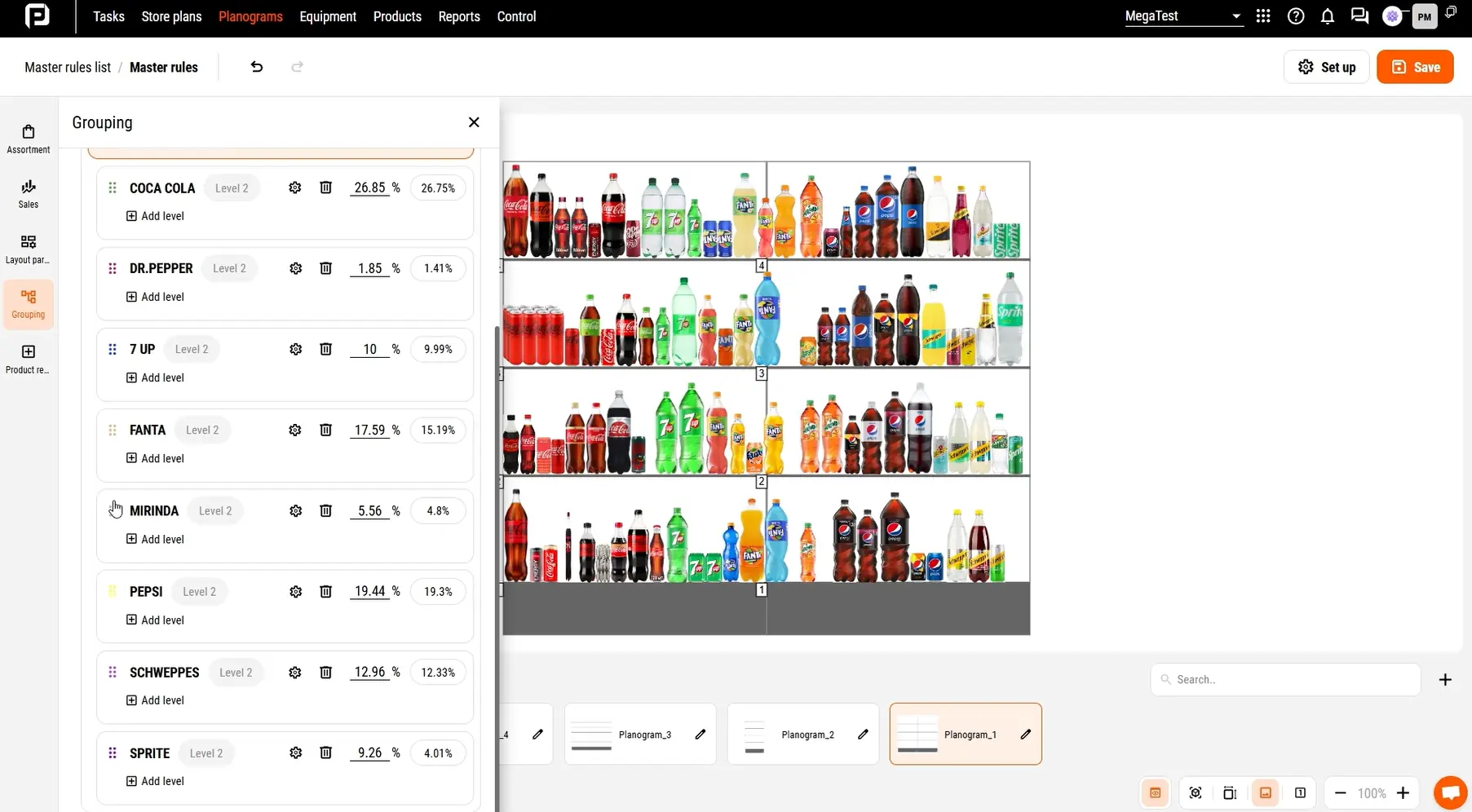
This directly addresses one of the biggest sources of manual error in planogram rollout: applying the same rule separately to hundreds of individual planograms. A detailed walkthrough of Master Rule is available in Product demo video.
Multi-Language Interface Support
PlanoHero supports multiple languages, including English. This matters for retail chains operating across multiple countries, since head-office staff building planograms and store teams executing instructions locally both need software in the languages they actually work in.
Integration Options
PlanoHero integrates with ERP, POS, and accounting systems — including SAP, Microsoft Dynamics 365, Oracle, NetSuite, 1C, BAS, IT-Enterprise, and custom systems. Data is exchanged via a secure intermediary database or FTP server: clients load data from their POS or accounting systems into this database, and PlanoHero draws on it to build planograms, analyze shelf performance, and track out-of-stocks. Direct API integration is also supported.
Integration is carried out by the retailer's own IT department, or with support from the PlanoHero team, and timelines range from 1-8 weeks, depending on data complexity and internal resources. When the retailer's IT department handles it themselves, they can independently load their POS or accounting system data using Connector. Once connected, data refreshes a configured schedule, with no limits on data volume such as SKU count, number of stores, or daily receipts, and an automated alert system flags the responsible person if a scheduled data load fails.
End-to-End Platform: From Planogram Creation to Shelf Analytics
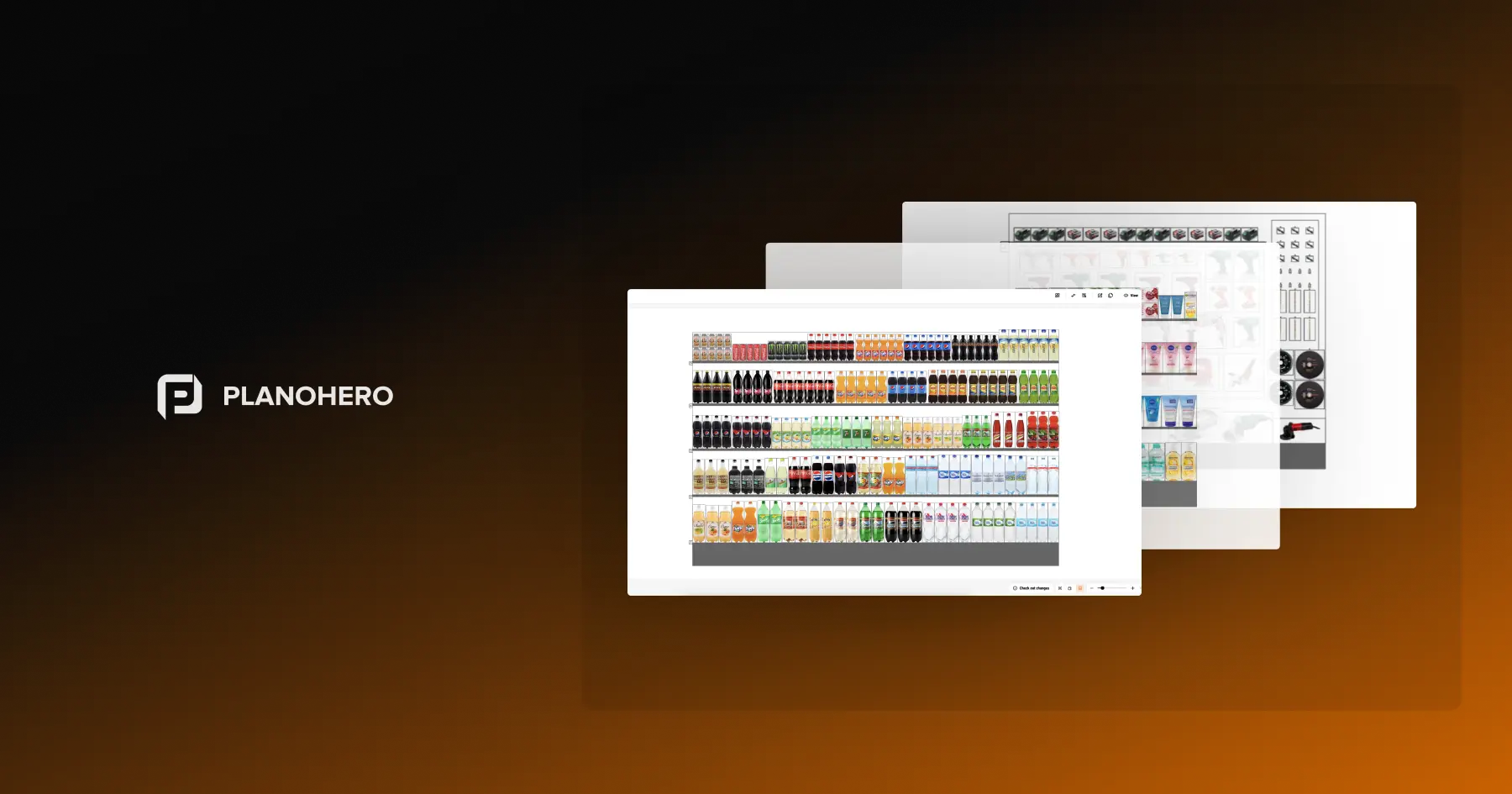
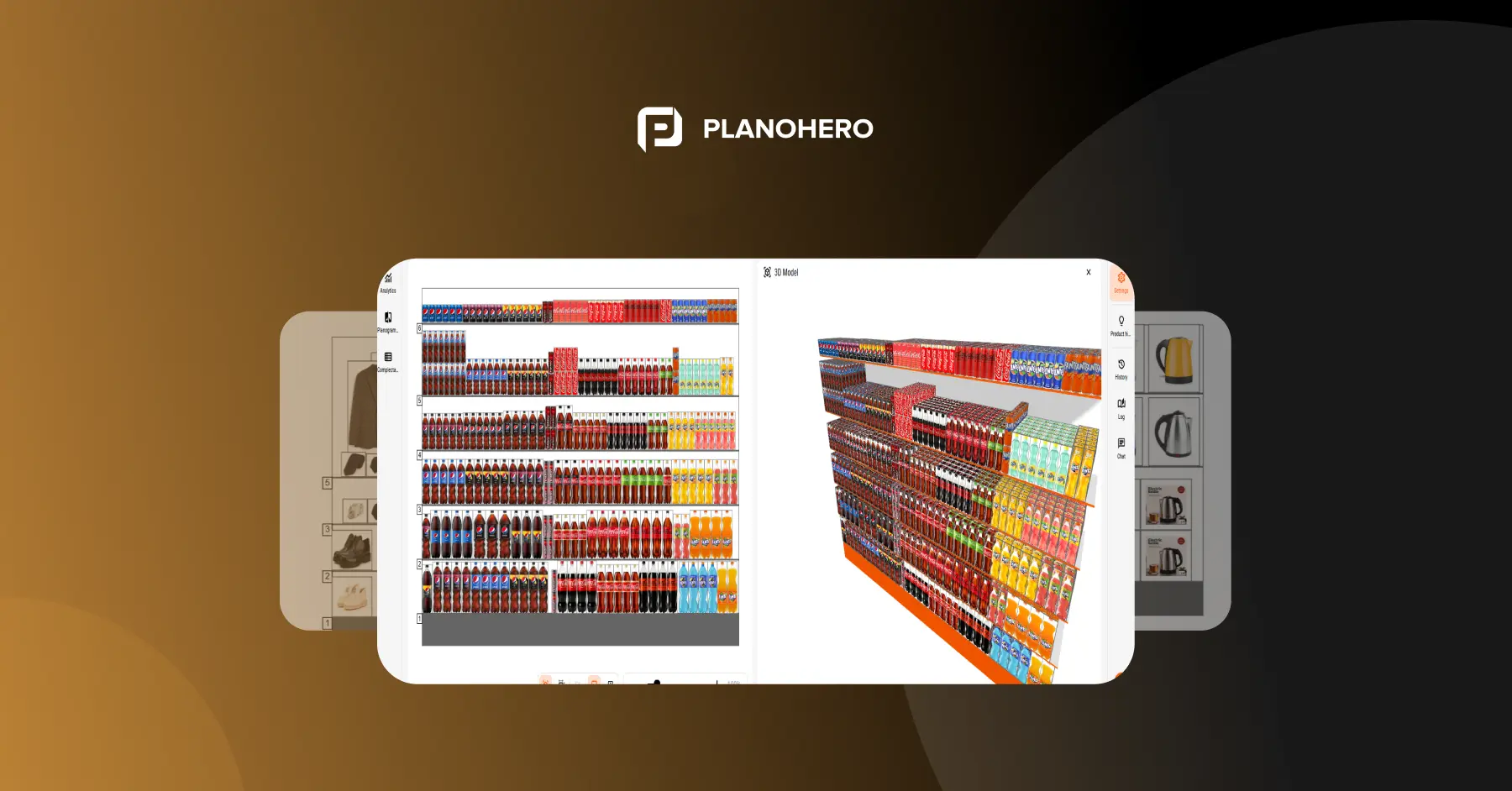
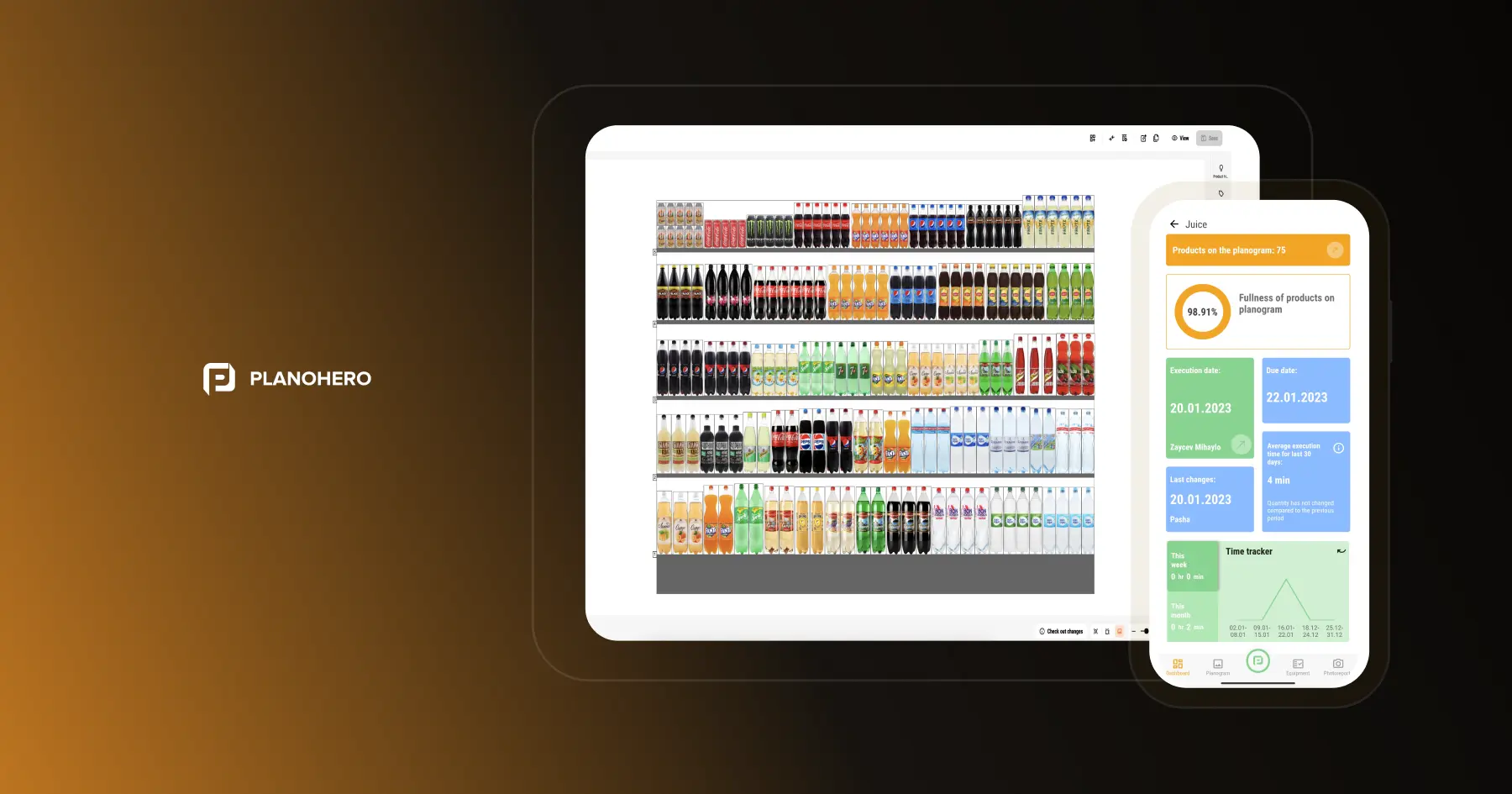
A single system that covers planogram creation, chain-wide rollout, in-store execution, and shelf performance analysis — rather than separate tools stitched together — reduces the number of integrations a retail chain needs to maintain and keeps office and store teams working from the same data. PlanoHero covers this cycle in one platform: planograms and rules are built in the web application, store teams execute and report through the mobile app, and the same underlying data feeds shelf performance analysis and out-of-stock tracking, without requiring separate systems for each stage.
How PlanoHero Compares
PlanoHero is a cloud-based planogram platform built for retail chains, with chain-wide rule management through Master Rule, multi-language support, and modules covering layout creation, execution tracking, and store-level compliance reporting.
A full side-by-side comparison against Blue Yonder, DotActiv, RELEX, LEAFIO across 22 evaluation criteria is available in our Planogram Software Comparison.
FAQ
What features distinguish enterprise-grade planogram software from basic tools?
The difference becomes clear not in a single-store demo, but once a chain actually grows. A basic tool handles creating one planogram just fine, but starts to fail once the platform needs to stay just as reliable with far more stores or SKUs — and once planogram creation, in-store execution, and shelf results need to connect to each other instead of existing separately in three different tools and spreadsheets. Enterprise-grade software is built from the start for that scale and that process continuity, rather than adding it later as a patchwork of fixes.
How does PlanoHero compare to Blue Yonder, RELEX, DotActiv, and LEAFIO?
PlanoHero is a single system for the entire planogram lifecycle — creation, chain-wide rollout, in-store execution, and shelf performance analysis — rather than a set of separate tools. It's available as a subscription with two plans, Lite and Enterprise, and includes dedicated functionality for creating planograms, store plans, and fixtures, plus Master Rule for applying the right layout across all stores at once. It also includes Wizora, an AI merchandising assistant, and offers several integration options tailored to each client's needs. For a detailed comparison, see our guides: PlanoHero vs Blue Yonder, PlanoHero vs LEAFIO AI, PlanoHero vs DotActiv, and PlanoHero vs RELEX.
Is cloud-based planogram software better than desktop software for large chains?
When there are many stores and users, the advantage of cloud-based software is clear: an updated planogram reaches everyone who needs it immediately, with no manual file distribution. Desktop software can still make sense for a single store or a small chain.
Does planogram software support role-based access for different teams?
PlanoHero has roles — owner, analyst, marketer, IT, category manager, regional manager, store manager, and planogrammer — and each one grants access to exactly what that function needs.
Does PlanoHero cover the full process from planogram creation to shelf analytics?
Yes. Store plans, fixtures, and planograms are created and configured in the PlanoHero web app, store teams execute planograms and report through the mobile app, and that same data feeds shelf performance analysis and out-of-stock tracking — the full cycle in one platform rather than a set of separate tools.
How does PlanoHero integrate with ERP or POS systems?
PlanoHero Connector supports data exchange via SQL, API, and CSV, making it compatible with leading ERP and POS platforms — whether that's SAP, 1C, BAS, or a custom system. Data is transferred through a secure intermediary database, an FTP server, or an API.
Which specific ERP and POS systems is PlanoHero compatible with?
PlanoHero can integrate with virtually any retail ERP, POS, or accounting system, as long as it holds the required sales, stock, and product data. We most often work with systems like 1C, BAS, and SAP, but there's no restriction on the software used. Data can be imported from systems including SAP, Microsoft Dynamics 365, NetSuite, 1C, and BAS.
Looking for a service to create planograms?
Try a free demo version of PlanoHero