
Migrating to PlanoHero: What You Need to Know
Switching to PlanoHero from another planogram software solution does not require rebuilding all planograms from scratch. The PlanoHero team helps transfer planograms, products, and store fixtures to reduce implementation time and preserve the work you've already completed.
Key Facts About Migrating to PlanoHero
• Planograms can be transferred from other planogramming systems. The PlanoHero team has already completed migrations from Spaceman. If you use another solution, contact us to discuss your migration requirements.
• Planogram conversion and adaptation to the PlanoHero format are handled by the PlanoHero team.
• Products and store fixtures can be imported using ready-made Excel templates or automatically synchronized through PlanoHero Connector.
• Implementation typically starts with a single pilot store. This allows you to validate data, fine-tune processes, and prepare for a broader rollout.
• Once the pilot phase is completed, the system can be deployed across the rest of the store network.
• Migration helps preserve existing planograms and data while reducing the amount of manual work required when moving to a new system.
Why Companies Are Looking for New Approaches to Planograms
The retail industry is changing rapidly. Along with it, expectations for merchandising tools are evolving. Retailers now need cloud access, faster analytics, and real-time team collaboration.
Tools that worked well in the past - Excel, Shelf Logic, PlanogramBuilder, Spaceman, and Blue Yonder -were built for a different retail environment and a different pace of work.
Today, retailers face similar challenges regardless of which planogram software they use:
Team synchronization - When multiple people work on planograms, versions can become inconsistent, making it difficult to identify the most up-to-date one.
Speed of change - Updating a planogram and distributing it to all stores often takes longer than expected.
Accessibility - Store managers do not always have access to planograms when they need them.
Scalability - As a retail network grows, the amount of manual work grows as well.
This is why more retail teams are moving toward cloud-based solutions. It is not because older tools are bad, but because retailers face new challenges that require new approaches. Centralized access, real-time updates, and fewer manual processes are no longer advantages; they are becoming standard requirements.
What Is PlanoHero?
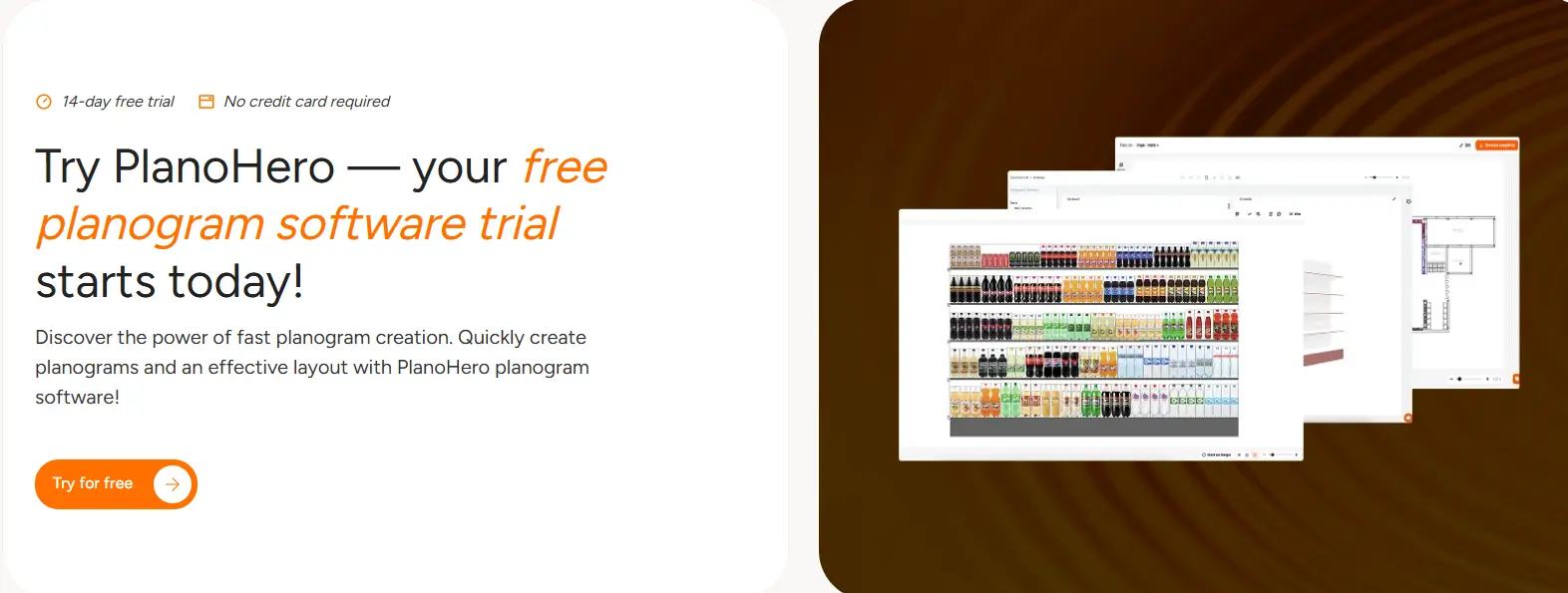
PlanoHero is a cloud-based platform that manages the entire planogram process in a single system. It allows teams to create planograms, distribute them to stores, monitor execution, and analyze shelf performance within a single environment.
Why Retailers Switch to PlanoHero
Faster Planogram Creation
Create and update planograms more efficiently, freeing up your team's time for category analysis and growth initiatives.
Store Execution Control
Monitor planogram compliance and execution quality across every store without relying on manual audits.
Centralized Merchandising Management
Work in a single connected system rather than multiple disconnected tools.
Easier Scaling for Retail Chains
Standardize processes across the chain while adapting them to different store formats or clusters.
Modern Automation
Leverage smarter workflows, analytics, and scalable operations to support business growth.
A Common Challenge: How to Transfer What You Already Have
The most common concern when switching to a new planogramming solution is: “What happens to the planograms we've already created?”
Every planogram software platform uses its own file format, and this often becomes the biggest barrier to change. In reality, most teams delay migration not because they don't want to switch, but because of uncertainty. They are unsure how long the process will take, what could go wrong, and whether they will have to rebuild everything manually.
If you're planning to move from Spaceman to a modern cloud-based solution, the PlanoHero team has the experience and expertise to handle the migration and handle the technical work for you. If your product and fixture data is stored in Excel, it can be imported using ready-made templates.
Migrating to PlanoHero Means:
• Minimal manual work
• Preservation of your existing data
• Fast onboarding with support at every stage
• Scalable merchandising processes across all stores
In both scenarios, the transition is completed safely and without data loss.
How Long Does Migration Take?
A pilot conversion of a single planogram typically takes between 1 and 3 business days.
The timeline for a full chain migration depends on the volume of data, but the process is scalable: you first approve the pilot results and then proceed with the remaining stores. No surprises.
Two Ways to Migrate to PlanoHero
Option 1 – Migration from a Dedicated Planogram Software Solution
If you are moving from Spaceman to PlanoHero, the PlanoHero team converts the files and transfers the data to the platform. Your team does not need to manage the technical aspects of the migration.
Option 2 – Migration from Excel Spreadsheets
If you have not previously used planogram software and manage your merchandising data in spreadsheets, you can import it yourself using ready-made templates.
Try PlanoHero with a free 14-day demo and evaluate whether a modern cloud-based merchandising platform is the right fit for your business.
Option 1: Migrating from Spaceman
If you're currently using Spaceman, switching to PlanoHero does not mean starting from scratch.
The process is straightforward: you send your .xml planogram files to the PlanoHero team. At the same time, you upload your product database using an Excel template, including product names, dimensions, barcodes, and images. From that point on, the technical work is handled entirely by PlanoHero, and your dedicated support manager is available throughout the process. This migration workflow applies to customers using the Lite plan.
If you choose the Enterprise plan, you still provide your .xml planogram files for conversion. However, your data can be uploaded and synchronized independently through PlanoHero Connector.
Before the full migration begins, the PlanoHero team runs a pilot project converting one planogram. You review the fixtures, products, and dimensions, and only after approval does the migration move forward. This approach helps identify and resolve potential issues before they affect the entire store network.
Once the pilot planogram is approved, the PlanoHero team converts and transfers the remaining planograms.
Option 2: Importing Data with Excel Templates
You can independently upload all required data to the platform:
• Planograms - product layouts organized by shelves and sections
• Store layouts - floor plans showing the placement of fixtures and equipment
• Products - names, dimensions, barcodes, images, and categories
• Fixtures - shelving units, refrigerators, gondolas, and any other fixture types
For each data type, PlanoHero provides a ready-made template with a clear structure. Simply populate the template with your data and upload it to the platform without involving your IT team or requiring technical expertise.
You can start with a single store and expand gradually without migrating everything at once.
How Planogram Migration Works: Step by Step
1. Review of Existing Data
We analyze your current files, including planograms, shelf dimensions, product attributes, and merchandising workflows.
2. Conversion to the PlanoHero Format
Existing layouts and data are converted into fully functional planograms and merchandising processes within PlanoHero.
3. Pre-Launch Validation
Before rollout, we test selected categories or stores to ensure accuracy and readiness for scaling.
4. Deployment and Rollout
Once validation is complete, your team can expand the system across regions, store clusters, or the entire retail network.
What Your Retail Chain Gains After Switching to PlanoHero
After migration, your team gains access to a modern cloud-based platform for managing the entire planogram process.
Cloud Access
Planograms are available online from any device, anywhere.
PlanoHero Layout Mobile App
Merchandisers can submit photo reports of completed planograms directly from stores without additional calls, spreadsheets, or manual follow-ups.
Real-Time Collaboration
Teams can work on planograms and communicate through the built-in chat within PlanoHero. Changes are visible instantly, and revision history is automatically preserved.
AI-Powered Tools
AI merchandising rules and the Wizora AI Assistant help teams make decisions faster and more consistently.
Analytics
Track planogram performance, execution status, and key sales metrics without manual audits or spreadsheet reporting.
Unlimited Users
Unlike many planogram solutions that charge per user license, PlanoHero allows unlimited team members. Add merchandisers, category managers, regional managers, and other stakeholders without additional licensing costs.
Conclusion
Planogram migration is not primarily a technical challenge - it is an organizational decision.
Many teams postpone migration not because the process is difficult, but because they are unsure where to begin and what risks to expect.
The PlanoHero team helps convert planograms from Spaceman, making the transition transparent and predictable: a pilot conversion, validation of results, and only then a broader rollout. No surprises and no disruption to store operations.
Need Help with Your Migration? If your situation is unique or involves a large volume of data, contact our team. Tell us which planogram solution you currently use, and we will recommend the most practical migration path for your business.
FAQ
Can I migrate from another planogram software solution to PlanoHero?
Yes. The PlanoHero team helps retailers transfer planograms and data from other planogram software solutions. PlanoHero has successfully completed migrations from Spaceman. If you use another platform, contact our team to discuss your migration requirements.
Who performs the planogram conversion?
Planogram conversion and adaptation to the PlanoHero format are handled by the PlanoHero team. This reduces implementation time and minimizes the workload on your internal teams.
How can I transfer products and store fixtures to PlanoHero?
There are two options:
- Import data using ready-made Excel templates (Lite plan).
- Upload and synchronize data automatically using PlanoHero Connector (Enterprise plan).
What is the typical migration process?
The migration process usually includes:
- Analysis of the current planogram system.
- Transfer of planograms and merchandising data.
- Import of products and store fixtures.
- Pilot store launch.
- Validation and team training.
- Rollout across the retail network.
Can I migrate from Spaceman to PlanoHero?
Yes. PlanoHero has experience converting Spaceman planograms and transferring them to the PlanoHero platform. The process begins with a pilot conversion to verify accuracy before scaling to the rest of the network.
What data can be imported into PlanoHero?
PlanoHero supports the import of planograms, store layouts, product catalogs, shelf and fixture data, product images, barcodes, categories, and other merchandising information.
Looking for a service to create planograms?
Try a free demo version of PlanoHero