
Last updated: September 18, 2026
A planogram is a schematic visualization of how goods are placed on the shop equipment in a store.
Retailers need a planogram to control the display and understand how, where, and in what quantity the goods are placed in the store. Also, the planogram helps to analyze and predict the sales of each product.
With the help of planograms, any employee of the merchandising or planogramming department can easily find out all the information about the product, control stocks, and prevent lost sales. Assortment management while using planograms also allows you to plan the purchase of goods and analyze sales.
A planogram also helps identify groups of basic and complementary products for future cross-merchandising, and it gives marketing teams a way to track campaigns and plan the placement of new products on the shelf.
How to build a store layout?
First, you need to understand the area and plan of the store itself. If there is no ready-made plan, it can be drawn manually using a graphic editor or some retail solution, e.g., a special planogramming tool: the service PlanoHero.
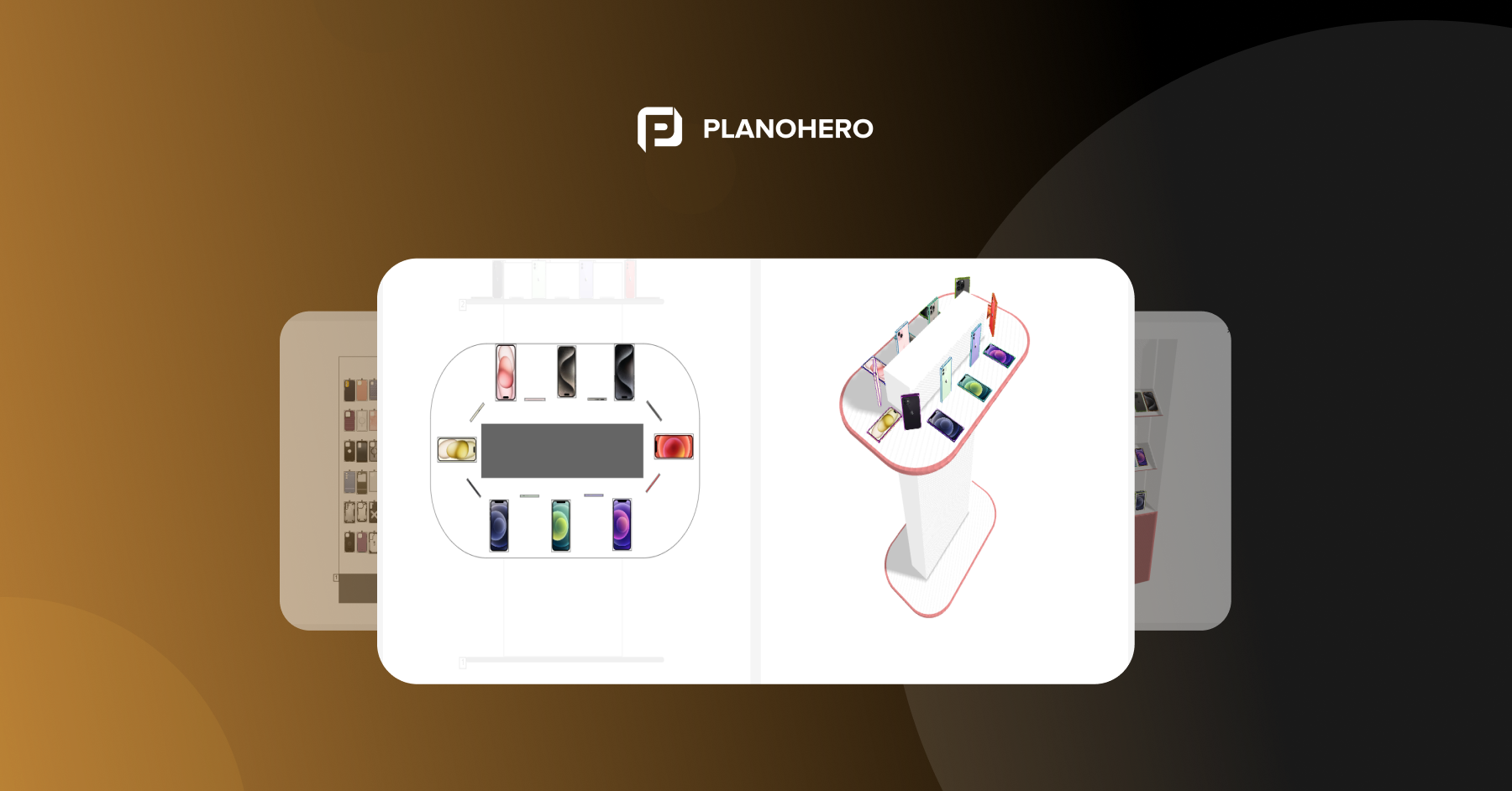
Here you can easily draw all the commercial equipment and virtually place it on the store plan. When the store plan is ready, you can safely take up the layout of the goods on the shelves of racks, showcases, etc. This is the layout of goods on a planogram. Here everything is taken into account to the smallest detail: the dimensions of the racks and goods, the depth of the shelves, and the number of faces.
The Planohero service automatically places products on the planogram, but for this you need to configure the layout, taking into account the parameters of the product, agreements with suppliers, sales figures, basic merchandising rules, and other important characteristics.
Who creates planograms?
Planograms are often the responsibility of the merchandising department or a separate planogramming department. A merchandiser or a planner from the central office of a chain store can create a planogram. After the planogram is created, it is sent to the network stores for execution. The manager in the store receives the layout scheme and places the goods on the shelves according to the planogram.
The planogram helps to manage not only the layout and assortment. It provides an opportunity to establish cooperation with suppliers. Working with the layout scheme, it is convenient for the retail chain and the supplier to coordinate the placement of goods on the shelves.
Why do retail chains need planograms?
With planograms, retailers can determine exactly when and where to apply their merchandise for maximum profit.
1. Analytics.
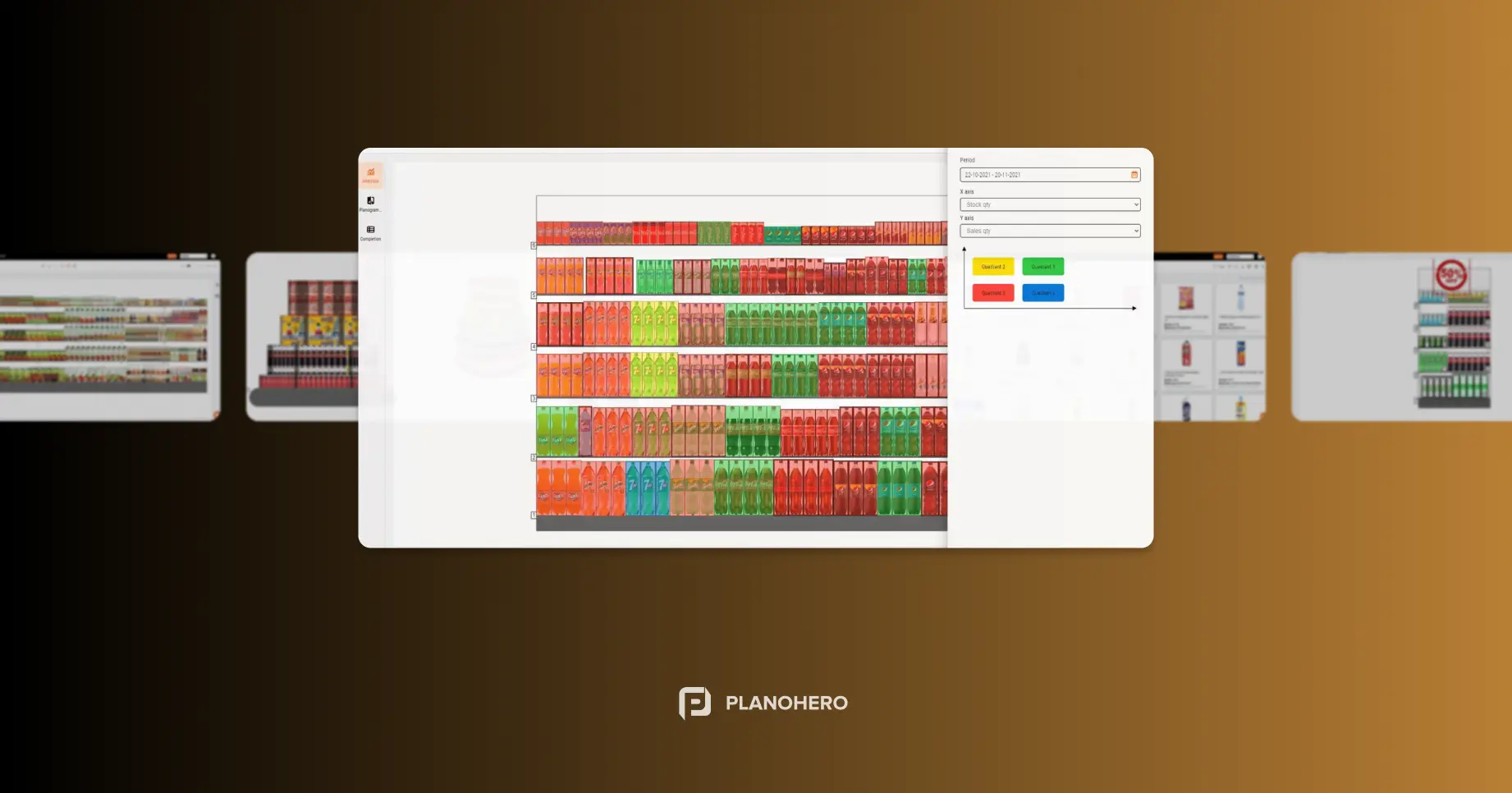
Without planograms, it's hard to get real value from your point-of-sale data. There is a situation when there is data, but it isn't easy to interpret or analyze it. To solve this problem, you need to combine your sales data with sales space, shelf, and product data using planograms. Thus, a planogram is used to predict changes in sales or profits for an individual product, brand, or entire category.
2. Shelf space.
To get the most out of your data, you need to understand the efficiency of your shelf space. Is there an understanding of how a product is sold in relation to the space it occupies on the shelf? Then how does one justify whether to give this product more or less space?
The best way to make products stand out on the shelves is to create a planogram. It is necessary to study data about the efficiency of shelf space. Efficient use of floor space according to the planogram increases the return on investment and makes sure there is room for each product on the shelf.
3. Selling area and buyer behavior.
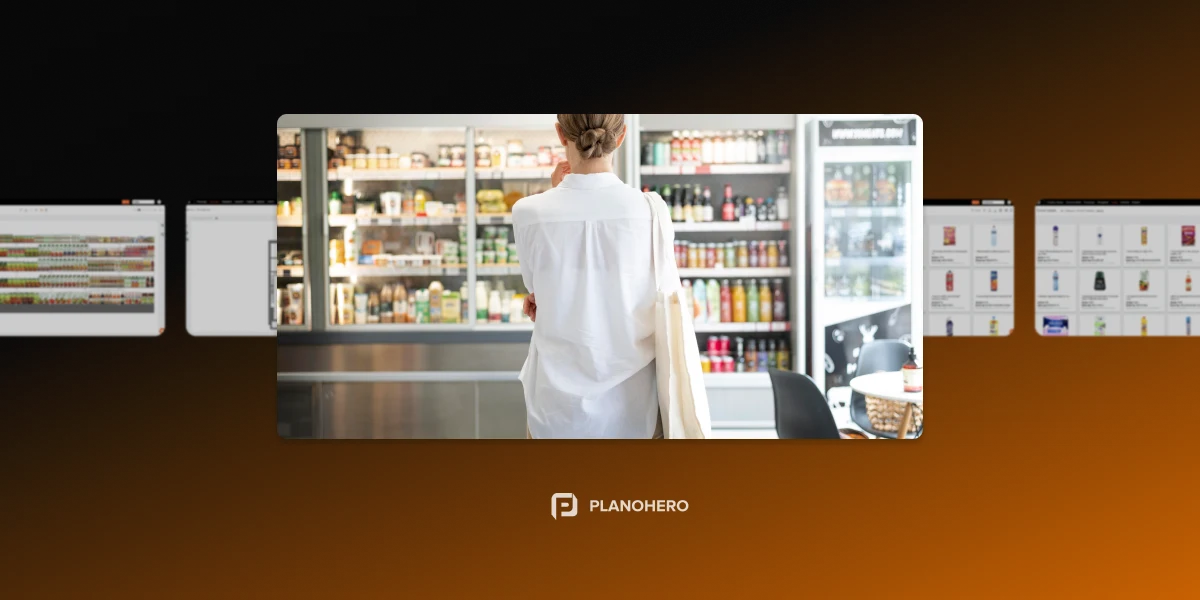
The way the trading floor in the store is organized has a direct impact on the customer and can guide them properly to find and buy goods. How easily can customers move around? Can they quickly find what they're looking for? Understanding buyer journeys and behavior lets retailers place goods on the shelves based on actual shopping patterns, needs, and preferences rather than guesswork. Therefore, planograms are necessary for an organized and logical arrangement of products, one that leads directly to higher sales.
4. Unity of style in a chain of stores.
Layouts in chain stores without planogram software often differ from store to store. And shoppers intuitively expect to find a similar layout, department layout, and display no matter which chain store they go to. Therefore, the corporate identity of the chain stores must be preserved. With the help of planogramming tools, you can centrally manage plans and layouts in all stores of the network.
5. Reducing out-of-stock situations.
A planogram helps prevent products from running out unnoticed. Planogram software lets you track out-of-stock indicators: the PlanoHero automation service, for example, generates automatic out-of-stock reports and warns about items missing from the shelf. This way, managers can reorder in time, keep items available for customers, and grow revenue and repeat-customer loyalty.
6. Controlling the balance between stock and demand.
Planogramming allows you to control the balance between the available goods in the store and the current demand for certain categories of goods. With information about the items that are in stock and on shelves, retailers can control the cost of purchasing goods.
7. Effective marketing.
The use of planograms by the marketing department helps plan and effectively place products on the right shelves, track sales, and analyze marketing campaigns. Working with planograms, marketers can influence the assortment and adjust the availability of goods, and integrate new products into the current layout to optimize sales among similar items.
8. Reducing inventory costs.
In-store shelf space optimization with planograms is based on sales volume, margins, package sizes, and delivery frequency. With these metrics in mind, retailers can prevent lost sales due to errors or late stock replenishment, since each restocking can be placed on the shelf as soon as it arrives.
9. Planning and strategic vision.
Planogramming helps retailers plan processes across the chain. Planograms show which products are in demand, which zones of the trading floor are the most visited, and where problems arise, and which processes need to be improved. A customized planogramming process helps plan sales and determine the opportunities and strategy for the development of the entire chain store.
10. Planogram scaling.
With planogramming automation, retail processes become simpler and faster. Building and sending planograms to chain stores, controlling execution, and running analytics are configured once and can be applied in a few clicks to all stores at once. Processes that used to take a lot of time are now automated, producing results in seconds and helping chains scale without slowing down.
Planograms are used by large chain stores, supermarkets, pharmacies, and gas stations, as well as small-format stores, convenience stores, etc. The planogram of a grocery store, a hardware store, or a pharmacy differs in approach to the layout, but they are united by one goal: an effective layout that will increase sales.
Looking for a service to create planograms?
Try a free demo version of PlanoHero