
Last updated: August 27, 2026
A retail audit is a structured review of how well a store's merchandising, layout, and compliance match what was planned — from shelf execution to shopper flow. Skip it, and the gap between the plan and what's actually on the shelf stays invisible until it shows up in the sales numbers.
A retail store audit is how you actually close that gap: a systematic review of product placement, shopper flow, and shelf performance, checked against what the plan says should be happening. This guide covers what a retail store audit is, how to run one step by step, and how planograms — paired with PlanoHero — make the process faster to run and easier to repeat.
What Is a Retail Audit?
That review typically breaks down into three areas, each looking at the store from a different angle:
- Visual Audit: Evaluates how products are displayed, shelf layout, signage, and branding consistency.
- Spatial (Layout) Audit: Analyzes how the physical space is used, including customer movement and product flow.
- Commercial Audit: Reviews sales data, product performance, pricing, promotional execution and inventory alignment.
Modern audits also include compliance and safety assessments, ensuring adherence to brand standards, layout rules, and legal guidelines.
A full retail audit runs all three areas at once — a shelf can look flawless in the visual audit and still be losing sales if the commercial data behind it says otherwise.
The Retail Audit Process: 4 Steps
Before getting into what to check, it helps to know the order you'll check it in. A retail audit typically runs through four stages:
1. Prepare — Define the audit's scope (a full store review, a single category reset, promotional compliance) and make sure current planograms, layout rules, and benchmarks are on hand before you start.
2. Walk the floor — Move through the store systematically: shelves and displays first, then customer flow and traffic patterns, then signage, fixtures, and safety.
3. Compare to standards — Check what you find against the approved planogram, brand guidelines, and layout rules — this is where most execution gaps surface.
4. Report and follow up — Document findings (ideally with photos), flag underperforming areas, and assign corrective actions with an owner and a deadline.
The checklist below covers what to look for at each stop on that walk.
Retail Audit Checklist: What to Check
Use this checklist during the floor walk. It's grouped by area, so you can run one section at a time instead of working through one long undifferentiated list — that grouping alone tends to keep an audit thorough instead of turning into a rushed skim by item 20.
Shelves
| ✓ | What to check | Why it matters |
|---|---|---|
| ☐ | Planogram compliance — facings, SKU positioning, brand blocking, and display sequencing match the approved planogram | Even minor deviations can significantly impact brand presence and category performance |
| ☐ | Shelf utilization — no underutilized zones, excessive stock depth, or double placements of the same SKU | Balanced shelf usage affects both product availability and shelf aesthetics |
| ☐ | Category adjacency logic — complementary products are grouped logically; cross-merchandising opportunities are used | Poor zoning causes shopper confusion and reduces basket size |
| ☐ | Shelf-edge price accuracy — the price tag under each SKU matches the current, system-listed price | A wrong tag at the shelf edge is one of the fastest ways to lose a customer's trust at checkout |
Displays
| ✓ | What to check | Why it matters |
|---|---|---|
| ☐ | Fixture condition & use — shelving, hooks, endcaps, and modular fixtures are clean, intact, and used per the planogram's specifications | Damaged or misused fixtures compromise both presentation and safety |
| ☐ | Promotional display execution — temporary displays and endcaps use the correct SKUs and POS materials, placed exactly where the planogram indicates | Late or misplaced promo displays mean paid promotional space isn't earning its keep |
| ☐ | Display material currency — no leftover materials from a promotion that already ended | Expired promo material makes the store look unmanaged and can mislead shoppers about current pricing |
Store Layout
| ✓ | What to check | Why it matters |
|---|---|---|
| ☐ | Hot & cold zone alignment — high-margin or promotional SKUs sit in high-traffic zones; cold zones are used strategically (e.g., for impulse items) | Products placed against natural shopper traffic get missed regardless of how good the display looks |
| ☐ | Aisle flow and clearance — no fixture, cart, or overflow stock blocking a main path or sightline | A blocked aisle doesn't just slow shoppers down — it removes an entire section from view |
| ☐ | General store condition — floors, lighting, and cleanliness meet a baseline shoppers won't consciously notice unless it's missing | Presentation problems on the shelf get judged against the state of the store around them |
Inventory
| ✓ | What to check | Why it matters |
|---|---|---|
| ☐ | Inventory visibility — all listed SKUs are present on the shelf and correctly merchandised, with no out-of-stock or misplaced items | Products missing from the planogram cost sales and disrupt category logic |
| ☐ | Replenishment lag — gaps left by sold-through stock get refilled within a reasonable window, not at the next scheduled restock | A shelf that's "technically in stock" in the back room still reads as empty to a shopper |
Signage
| ✓ | What to check | Why it matters |
|---|---|---|
| ☐ | Signage & messaging accuracy — shelf talkers, promotional tags, and navigational signage match current brand guidelines and promotions | Inconsistent or outdated signage disrupts the shopper journey and erodes brand trust |
| ☐ | Wayfinding clarity — category and aisle signage is legible and points to where products actually are | Shoppers who can't orient themselves quickly are more likely to leave without finding what they came for |
Execution
| ✓ | What to check | Why it matters |
|---|---|---|
| ☐ | Staff execution & accountability — planogram instructions are followed consistently, and updates are implemented promptly | Consistent execution is what turns a good plan into good results on the shelf |
| ☐ | Issue follow-through — items flagged in the previous audit were actually resolved, not just noted | An audit that finds the same problem twice in a row is a process failure, not a shelf failure |
How PlanoHero supports specific checks:
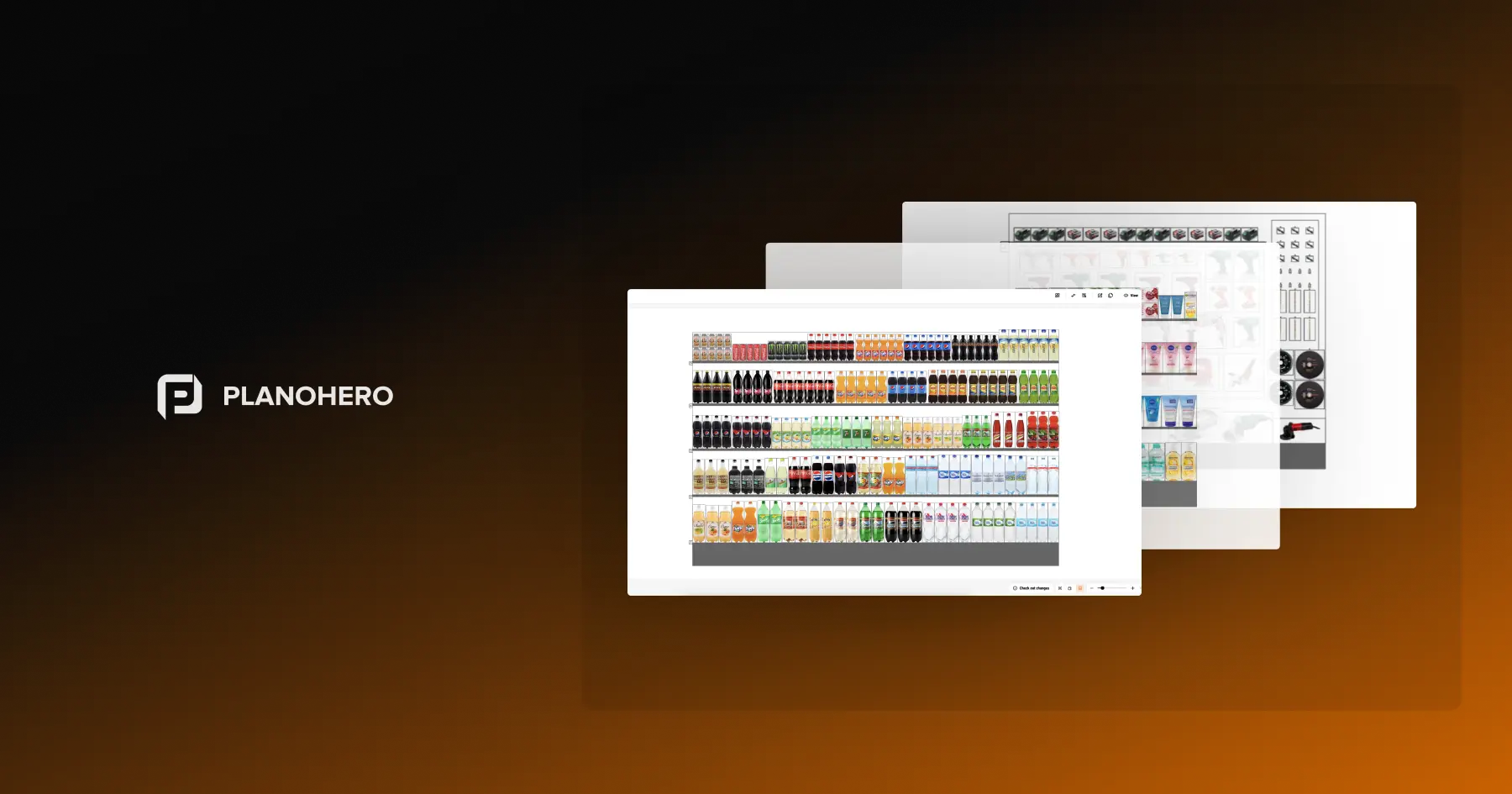
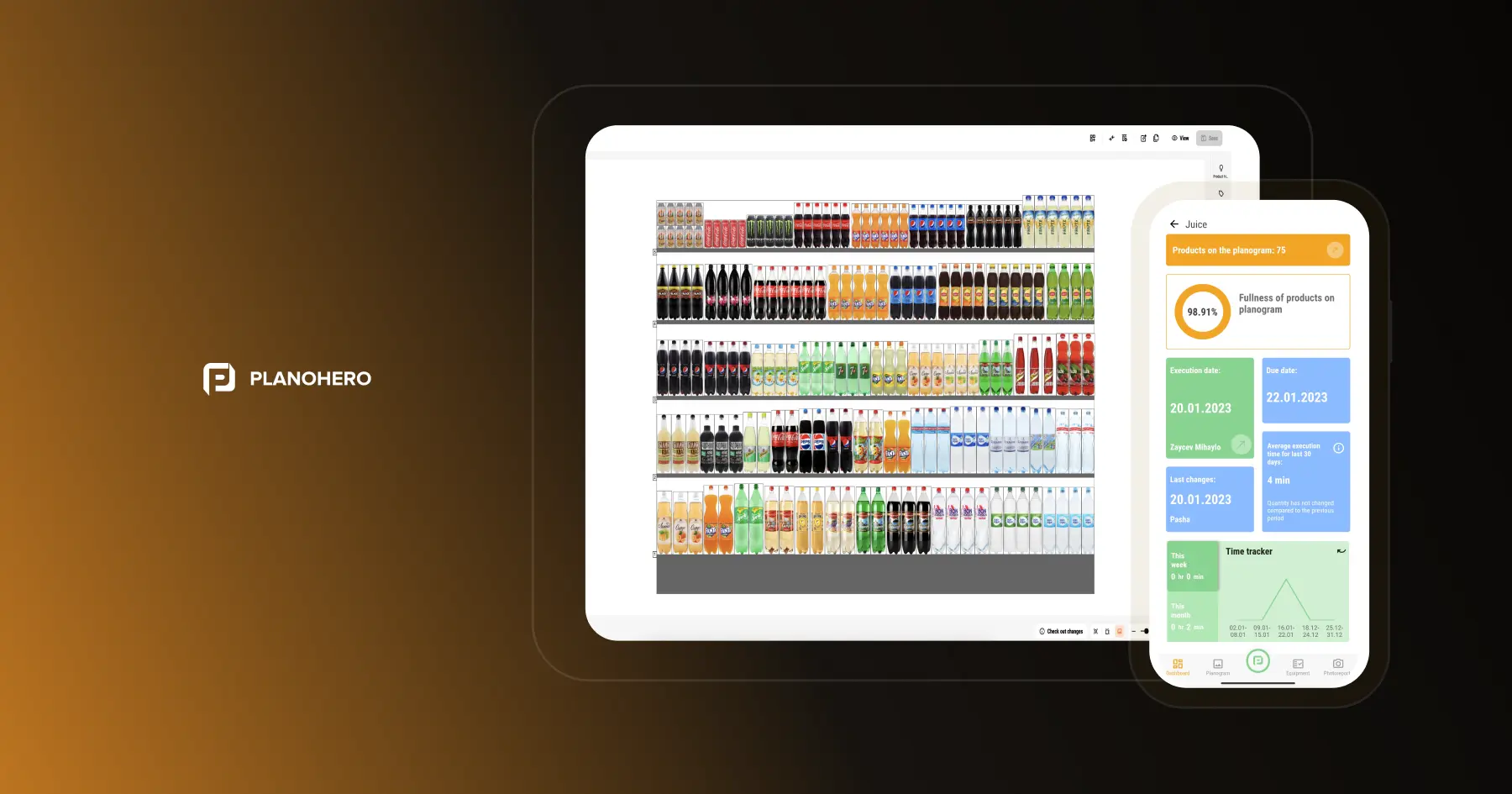
- Planogram compliance & staff execution — assign planograms to each store, and compare real-time execution via photo reports store teams submit through the PlanoHero Layout app, with execution tracked down to the individual user.
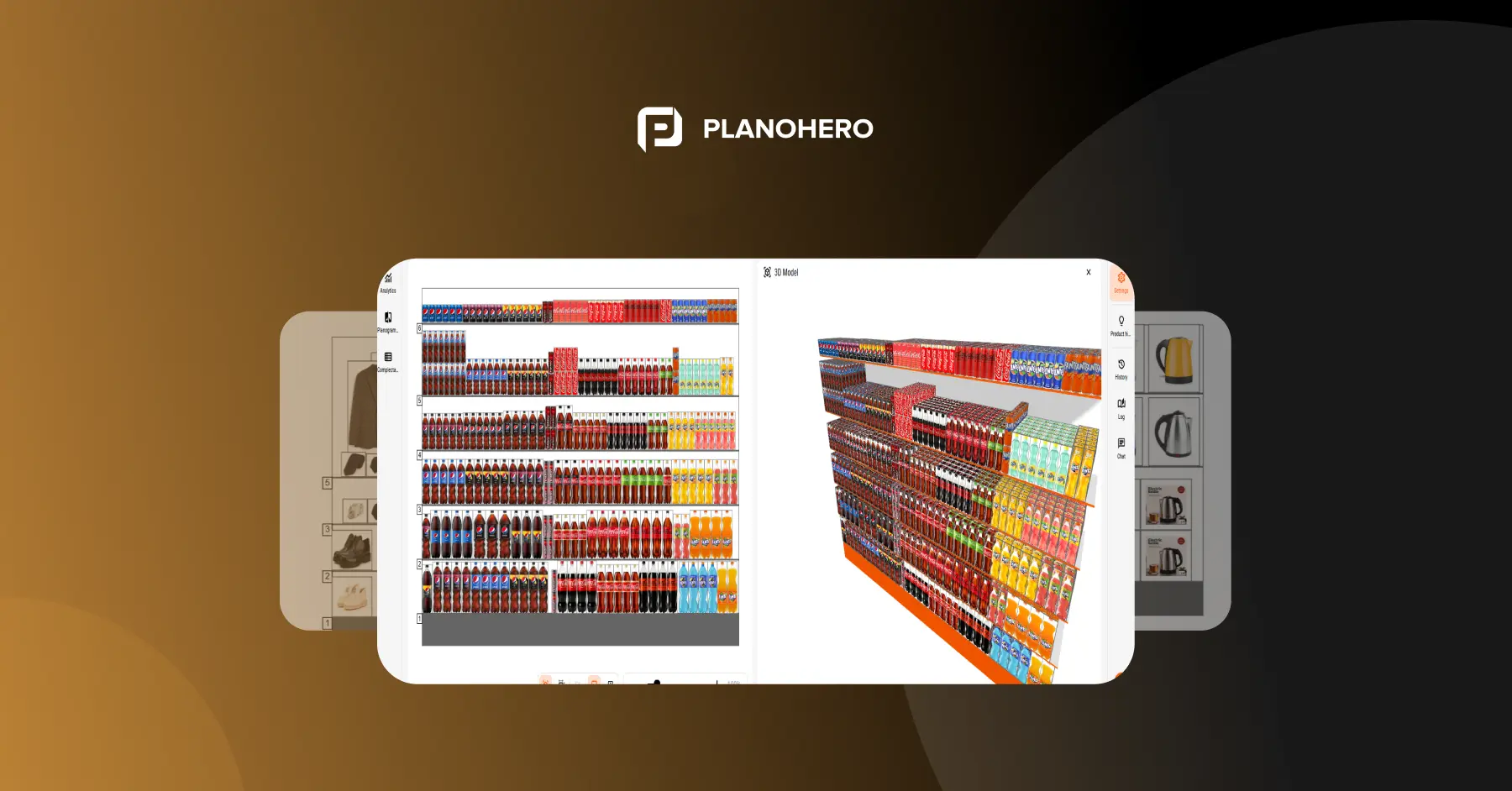
- Hot & cold zone alignment — built-in heatmap analysis highlights traffic patterns so planners can relocate key products for maximum visibility.
- Fixture condition & use — a fixture library standardizes equipment across all stores, so every planogram matches actual in-store capabilities.
- Promotional display execution — schedule, assign, and monitor promo planograms centrally for uniform execution across the chain.
For a narrower, printable version focused specifically on layout efficiency, see A Checklist for Retailers: Evaluating the Layout Efficiency of Your Retail Chain.
How to Improve In-Store Visibility
A few of the checklist items above — hot/cold zone alignment, signage, promotional execution — are really about one underlying goal: making sure shoppers actually notice what's on the shelf. A few things move the needle most:
- Keep sightlines clear. Bulky fixtures or oversized displays near entrances and main aisles can block the natural path a shopper's eyes follow — walk the floor from a customer's perspective, not a merchandiser's, to spot this.
- Put facings first, not just placement. A product can be in the "right" spot on the planogram and still be hard to notice if its facing count is too thin — visibility often comes down to how much of the product a shopper actually sees, not just where it sits.
- Don't let replenishment lag hurt visibility. Products often disappear from view not because of a stockout, but because a gap on the shelf sat unfilled during a busy period — visibility depends on consistent restocking, not just good initial placement.
Benefits Of Using Retail Store Audit Checklist
A checklist turns "we think the store looks fine" into something you can actually verify, store by store. A few concrete payoffs:
Consistent Merchandising & Display Quality
Every store gets checked against the same criteria — facings, SKU sequencing, branding, promotional execution — instead of relying on whichever standard a given store manager happens to remember.
Better Inventory Control
Routine checks catch stock gaps, availability issues, and replenishment lag before they turn into out-of-stocks or shrink — feeding better forecasting along the way.
Stronger Operational Compliance
Pricing accuracy, fixture upkeep, and store readiness get clear, written guidance instead of tribal knowledge, which cuts down on daily operational errors.
Improved Shopper Experience
Clean layouts, accurate signage, and organized shelves add up to a smoother path from entrance to checkout — and a smoother path tends to convert better.
Actionable Insights for Category Managers
Patterns that would otherwise stay anecdotal — which categories drift fastest, which stores execute best — become visible across audits, which is what actually informs the next planogram.
Higher Staff Accountability
When checkpoints are defined in advance, store teams know exactly what "done right" looks like, and managers get measurable proof of execution instead of a verbal assurance.
What to Do After a Retail Store Audit
An audit is only worth the time it took if something changes afterward. Once the walk and the report are done:
- Prioritize recurring issues. A problem that shows up in every audit is a process gap, not a one-off mistake — fix the process, not just the shelf.
- Assign corrective actions. Every flagged item needs an owner and a deadline, or it becomes next audit's repeat finding.
- Update planograms where needed. If the same category keeps drifting from the plan, the plan itself may need to change, not just the shelf.
- Retrain store teams on the specific gaps the audit surfaced, rather than a general refresher.
- Re-audit after implementation to confirm the fix actually held, not just that it was made once.
Use real-time planogram data to spot which zones are underperforming, and consider standardizing shelf compliance checks with software like PlanoHero to cut down on manual tracking.
Boost Store Efficiency with PlanoHero
Whether you manage a single store or an entire chain, PlanoHero simplifies the retail audit process. From generating automated planograms to tracking shelf audit results, the platform gives you full visibility into your retail space.
Try a free demo of PlanoHero today and see how easy it is to manage your store layout, improve compliance, and increase sales.
Final Thoughts
Regular retail store audits do more than catch what's wrong — they surface where the growth is. Following a detailed store audit checklist and focusing on key areas like shelf audit, planogram compliance, and in-store visibility helps retailers make data-driven decisions that lead to measurable improvements.
FAQ
What is a store audit?
A store audit is a strategic process where retailers evaluate how well a store executes its merchandising, layout, compliance, and promotional plans. It's not just about checking shelves—it's about connecting the store's physical reality to the retail strategy. A well-run audit uncovers execution gaps, missed sales opportunities, and ways to optimize store performance using real-time insights.
What is a retail store audit checklist?
A retail store audit checklist is a structured guide used by merchandisers, category managers, or store teams to review all critical touchpoints that impact store execution. Unlike generic checklists, a professional-grade checklist includes advanced areas like planogram compliance, traffic zone analysis, inventory visibility, fixture conditions, and promo accuracy. It's the blueprint for consistent retail standards across all store locations.
Who should conduct a retail store audit?
It depends on what's being verified. Store managers or assistant managers typically run routine, frequent checks since they're already on the floor daily. Category managers or merchandisers get involved for planogram-specific audits, where they're comparing execution against a plan they built. For multi-store chains, a regional or district manager — or a third-party auditor — is common for periodic, standardized checks across locations, since an outside perspective catches things a store's own team can get used to overlooking.
How often should a retail store be audited?
There's no single interval that fits every store — it depends on category turnover and store format. High-turnover categories and high-traffic stores generally need more frequent checks (routine, scheduled audits), while stable, slow-moving categories can be checked less often. Many retailers combine a regular audit cadence with spot checks right after a reset, a new promotion, or a planogram update — that's typically when compliance drifts fastest.
How to prepare for a store audit?
Preparation starts with clarity. Define the audit's purpose—whether it's focused on a category reset, promotional execution, or general compliance. Next, ensure you have updated planograms, fixture guidelines, and execution benchmarks loaded into your audit tool or software. Inform store teams in advance, align expectations, and schedule audit windows that avoid peak foot traffic. Using a platform like PlanoHero streamlines preparation by syncing visual plans, audit criteria, and execution reports in one place, so nothing gets checked against an outdated version on audit day.
Looking for a service to create planograms?
Try a free demo version of PlanoHero