Last updated: August 19, 2026
A store can have great products and still lose the sale at the shelf — if the display doesn't catch attention, doesn't guide the shopper toward what they came for, or looks different from one location to the next. Visual merchandising tools are what close that gap: the fixtures, lighting, signage, and software retailers use to turn a product assortment into a display that actually sells.
Whether managing a flagship store or a national retail chain, visual merchandising tools ensure operational accuracy, faster execution, and measurable results. They turn visual presentation into a standardized and data-supported retail process.
The Importance of Visual Merchandising Tools
Retail has evolved into a highly competitive, multi-format environment. Stores must maintain visual consistency across locations while adapting layouts to changing trends, product rotations, and consumer expectations. Visual merchandising tools enable retailers to plan, test, and manage displays efficiently. They ensure that every element — from fixtures to digital layouts — contributes to a unified in-store experience.
The main functions of modern tools include:
- Standardizing store layouts and fixture arrangements
- Supporting data-based decision-making
- Reducing manual planning time
- Ensuring brand consistency across locations
- Improving collaboration between merchandising and operations teams
By combining digital and physical tools, retailers gain full control over the appearance and functionality of their stores.
Physical Tools Used for Visual Merchandising
Physical tools are the foundation of any store's visual strategy. They create the structure through which products are presented and experienced.
Fixtures and Display Systems
Fixtures are among the most essential tools used for visual merchandising. Shelves, racks, tables, and stands define the layout and determine how customers move through the store. Well-designed fixtures reflect the brand's positioning — minimalist for premium cosmetics, industrial for technology, or wooden for organic and lifestyle goods. Modular systems offer flexibility, allowing stores to adjust configurations for seasonal updates or category resets.
Mannequins and Product Forms
Mannequins are functional display tools that demonstrate how products appear when used or worn. They bring realism to the sales floor and help customers visualize fit and style. Retailers use a variety of mannequins — full-body, torso, or accessory-specific — depending on product type. Consistency in design, posture, and material helps maintain a cohesive visual message across collections.
Lighting and Color Systems
Lighting and color design are technical visual merchandising tools that influence attention and mood. Well-planned lighting zones highlight key items, while balanced color coordination improves product visibility and navigation. Using LED spotlights, color filters, and adjustable fixtures ensures each area receives appropriate visual focus.
Lighting also plays a functional role in maintaining accurate color perception — essential for apparel, beauty, and home décor retail.
Signage and Graphic Displays
Signage acts as a silent communication tool. Wall graphics, banners, and digital screens help customers locate sections, identify promotions, and learn about product features. Each of these elements serves as a visual merchandising tool that communicates information clearly while enhancing the store's overall presentation.
Digital signage systems can connect to centralized platforms, allowing instant updates across stores. Consistent graphics improve wayfinding and reinforce brand recognition.
Display Tables and Tiered Shelving
Tiered displays create hierarchy, helping retailers organize products efficiently. They are particularly effective for small or high-turnover items such as cosmetics, electronics, or accessories. Tiered shelving maximizes space, improves accessibility, and keeps presentation uniform.
Storefront and Window Display Tools
The storefront is where merchandising begins. Window display tools — frames, modular stands, background panels, and lighting rigs — help structure impactful visual setups. Using changeable components allows teams to refresh displays quickly without rebuilding from scratch. Consistency in these elements ensures every store communicates the same brand standards.
Visual Merchandising Software
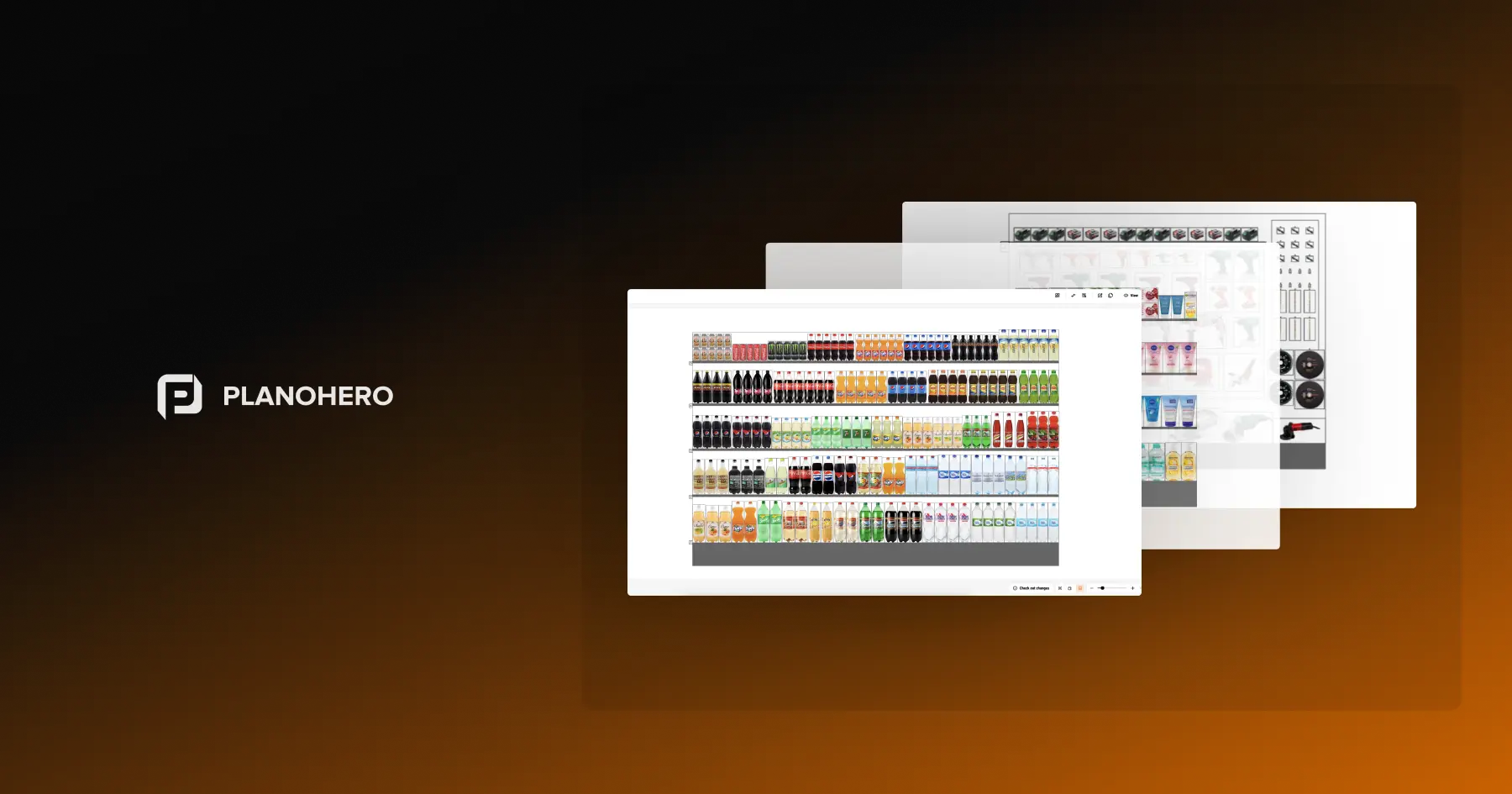
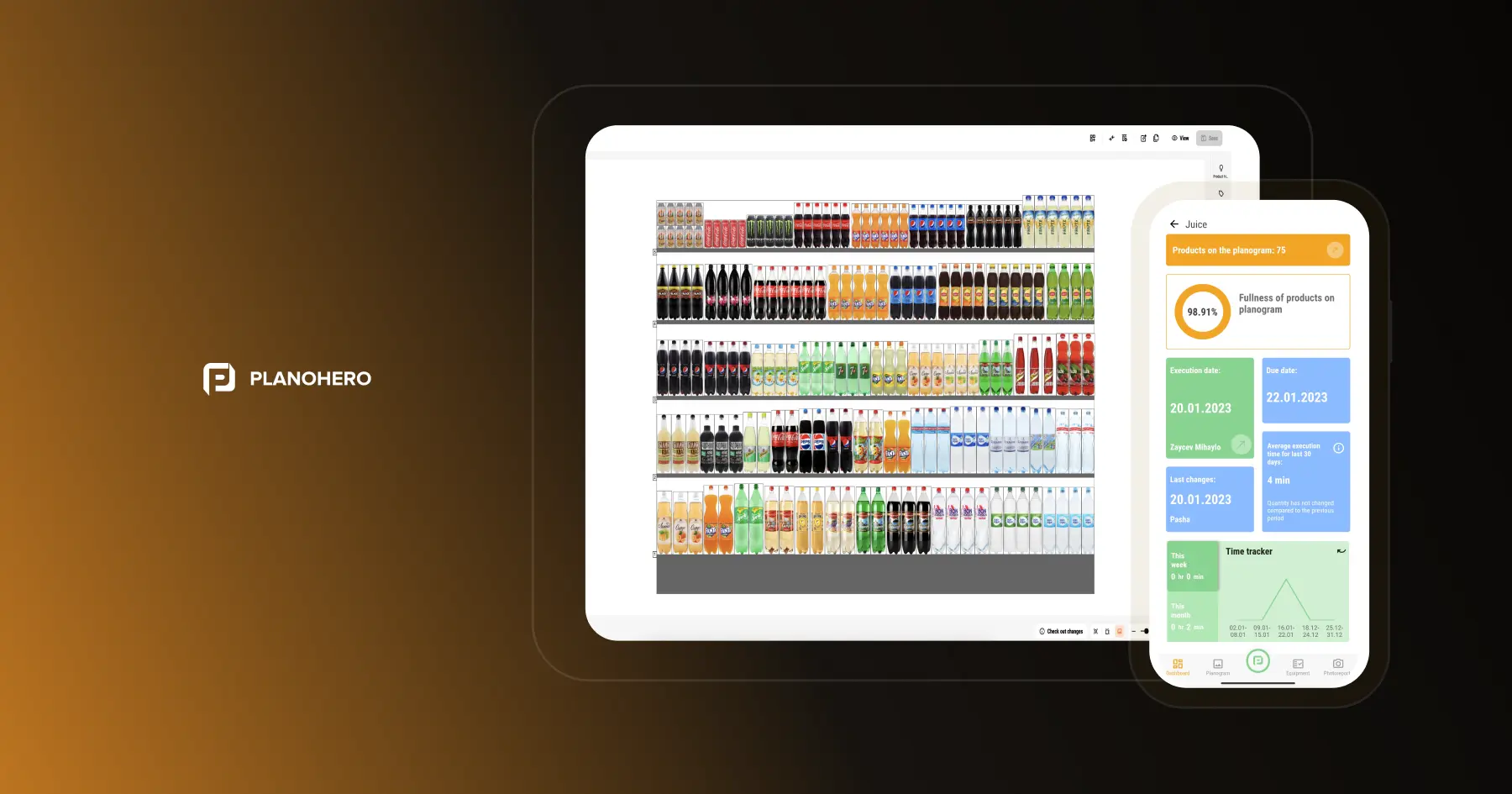
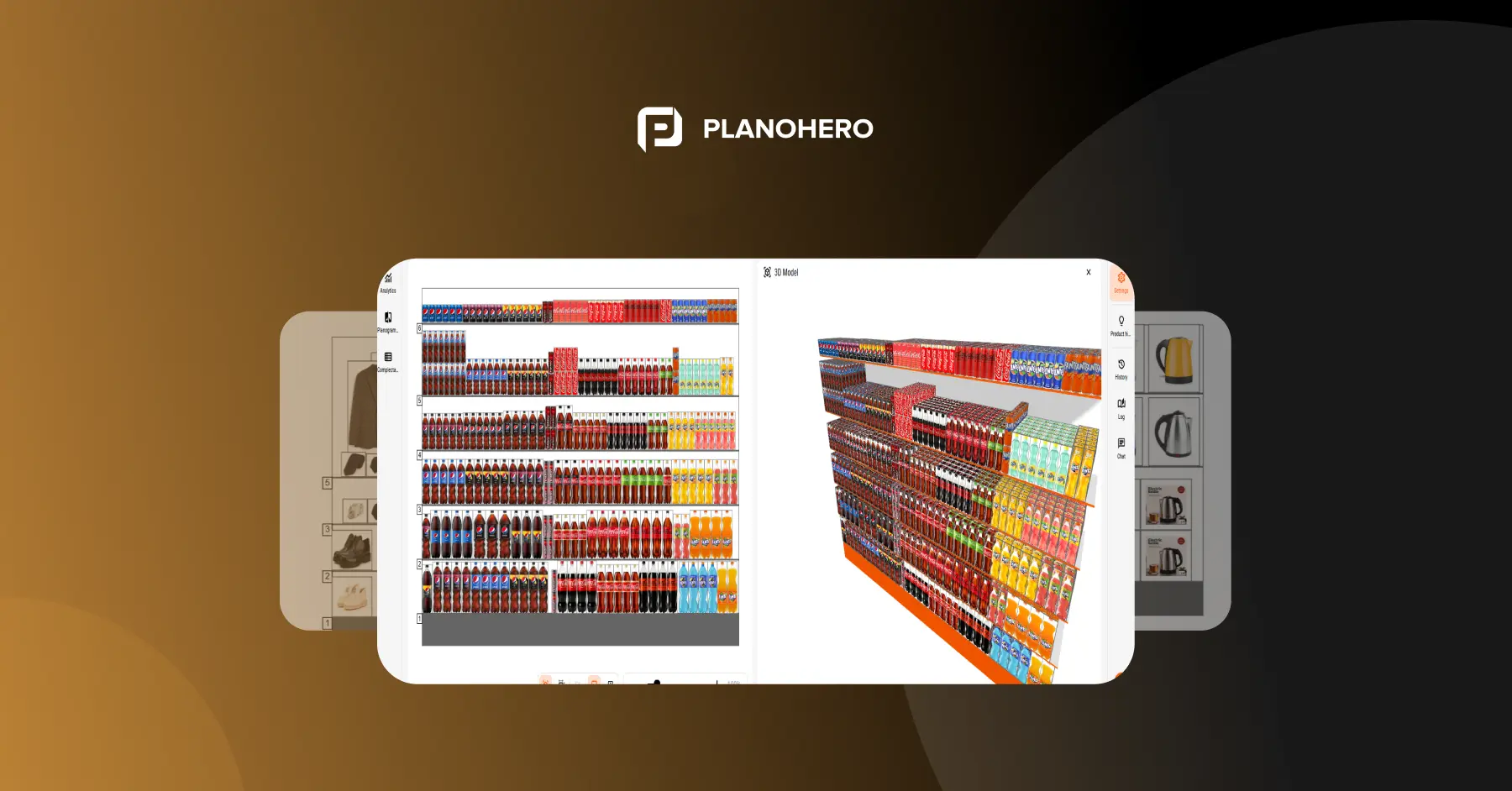
Visual merchandising software goes beyond static layouts. It centralizes display-related processes — planning, collaboration, execution, and compliance auditing — in one system instead of spreadsheets and disconnected files. It complements the physical tools above rather than replacing them: the software plans and tracks what the fixtures, signage, and lighting on the sales floor need to show, and confirms whether that actually happened in-store.
For a closer look at what a dedicated platform in this category looks like, see PlanoHero's visual merchandising software.
Combining Physical and Digital Tools
The most effective retail environments combine physical and digital merchandising tools. Physical tools define the aesthetic and functional aspects of display, while digital tools provide the framework for planning, control, and optimization. This combination ensures that creative concepts are translated accurately into real-world store execution.
Key benefits of this integration include:
- Faster rollout of visual campaigns
- Consistency across markets and store formats
- Real-time feedback on performance
- Streamlined collaboration between merchandising and operations teams
With integrated toolsets, retailers can adapt displays quickly to market trends, seasonal changes, or inventory updates — maintaining both visual quality and operational precision.
Modern visual merchandising is built on data-driven planning and professional tools that ensure precision and visual harmony. From physical tools used for visual merchandising — like mannequins, fixtures, and lighting — to visual merchandising software that ties those elements to data and execution, every component serves one purpose: creating an efficient, consistent, and commercially effective store experience.
Investing in the right toolset allows retailers to manage layouts systematically, reduce costs, and increase conversion rates.
FAQ
What's the difference between visual merchandising tools and visual merchandising software?
"Visual merchandising tools" is the broader term — it covers everything from physical fixtures, mannequins, and lighting to the digital platforms used to plan and manage them. Visual merchandising software is the digital subset specifically: the system that plans layouts, distributes them to stores, and tracks whether they were executed correctly.
What are the most important visual merchandising tools for a small store?
Fixtures and signage tend to matter most at a small scale, since they directly shape how customers move through a limited space and what they notice first. Lighting is the next priority — it's relatively low-cost to adjust and has an outsized effect on how products are perceived. Software becomes more valuable as you add locations; a single store can usually manage without it.
How often should in-store displays and lighting be updated?
Signage and window displays are typically refreshed with each seasonal or promotional cycle — often every 4 to 6 weeks for active retailers. Fixtures and lighting setups are more permanent and usually only change during a category reset or store redesign, though lighting should be checked periodically to make sure it still shows true colors as bulbs age.
Do ecommerce stores need visual merchandising tools too?
Yes, but the toolset is different. Physical tools like fixtures, mannequins, and lighting don't apply online — instead, ecommerce merchandising relies on tools for product photography, category page layout, and search/recommendation ranking (platforms like Nosto or Bloomreach fall into that category). The planning principles are similar; the tools themselves are not interchangeable.
How do I choose the right visual merchandising tools for my store format?
Start with your product category and footprint: apparel and fashion tend to lean on mannequins and window displays, while grocery and electronics rely more on fixtures, signage, and shelf-level layout software. From there, the deciding factor is usually store count — a single location can manage manually, while a multi-location chain typically needs software to keep displays consistent and verify execution.
What are the top visual merchandising software programs?
Commonly cited platforms in this category include PlanoHero, DotActiv, RELEX Solutions, and Pazo, each with a different focus (planogram automation, category management, or field execution). For a closer look at one dedicated platform's feature set, see PlanoHero's visual merchandising software.
Looking for a service to create planograms?
Try a free demo version of PlanoHero